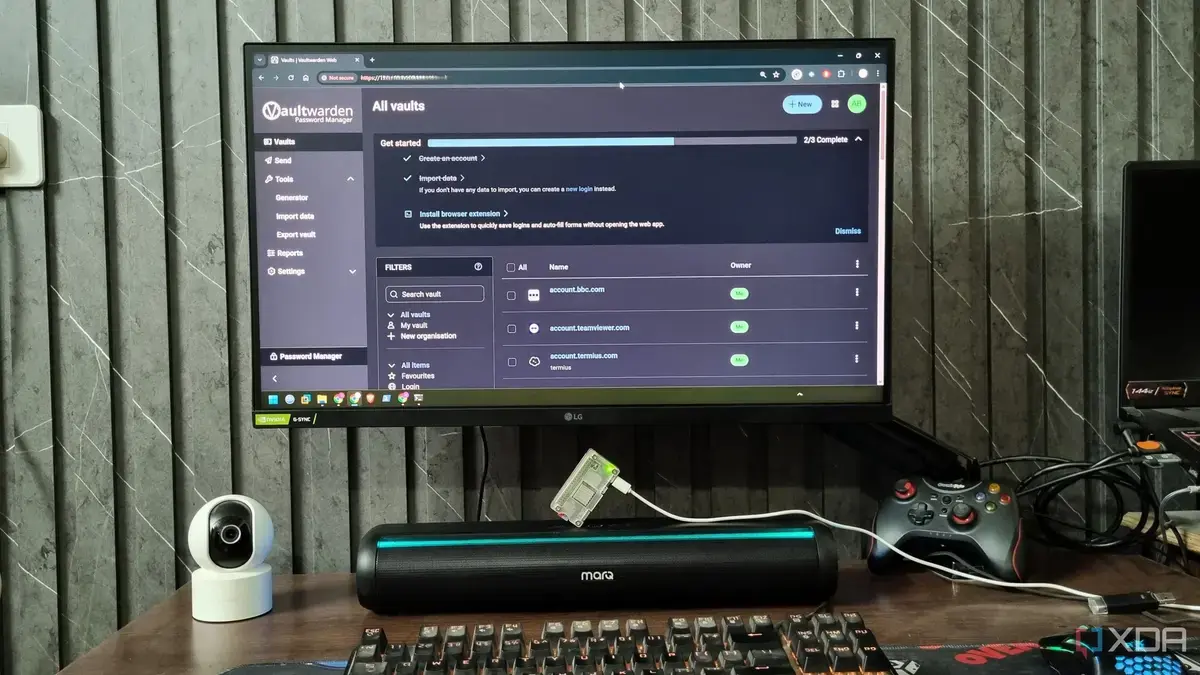
Can a Budget Board Handle Demanding Tasks?
A tech enthusiast recently swapped expensive Raspberry Pi models for a $15 Zero 2W, achieving satisfactory results for most self-hosted projects. The experiment began with a simple question: can a budget-friendly Raspberry Pi model handle various tasks? Abhishek Kumar Mishra, a computing author, made the switch and shared his findings.
Latest news
 Anker Unveils Playful 45W Charger With Animated Face Display
 Google Docs Web Version Still Missing Native Dark Mode
 Anthropic-Linked Vulnerability Exploited From China, Targets US and Japan
 Text‑Based AI Agents: Your New Digital Assistants
Mishra found that while the Zero 2W struggled with resource-intensive tools like NextCloud, it performed well with less demanding applications. The device's limitations became apparent when running multiple tasks simultaneously, but it remained stable for basic projects.
Is the Zero 2W a Viable Alternative to Costlier Models?
For users with modest requirements, the Zero 2W presents a cost-effective solution. Mishra's experience suggests that it can handle most self-hosted projects, making it an attractive option for those on a tight budget.
The success of the Zero 2W has implications for DIY enthusiasts and developers, potentially shifting the focus towards more affordable hardware options. As the demand for self-hosted projects continues to grow, budget-friendly alternatives like the Zero 2W are likely to gain popularity.
What are the limitations of the Raspberry Pi Zero 2W? The Zero 2W struggles with resource-intensive applications and running multiple tasks at once. It's best suited for basic self-hosted projects.
Frequently Asked Questions
Can I use the Zero 2W for NextCloud? No, the Zero 2W is not ideal for running NextCloud due to its resource-intensive nature.
Is the Zero 2W a good option for beginners? Yes, the Zero 2W is a great starting point for those new to self-hosted projects, offering an affordable and relatively simple solution.
Comments
Leave a comment