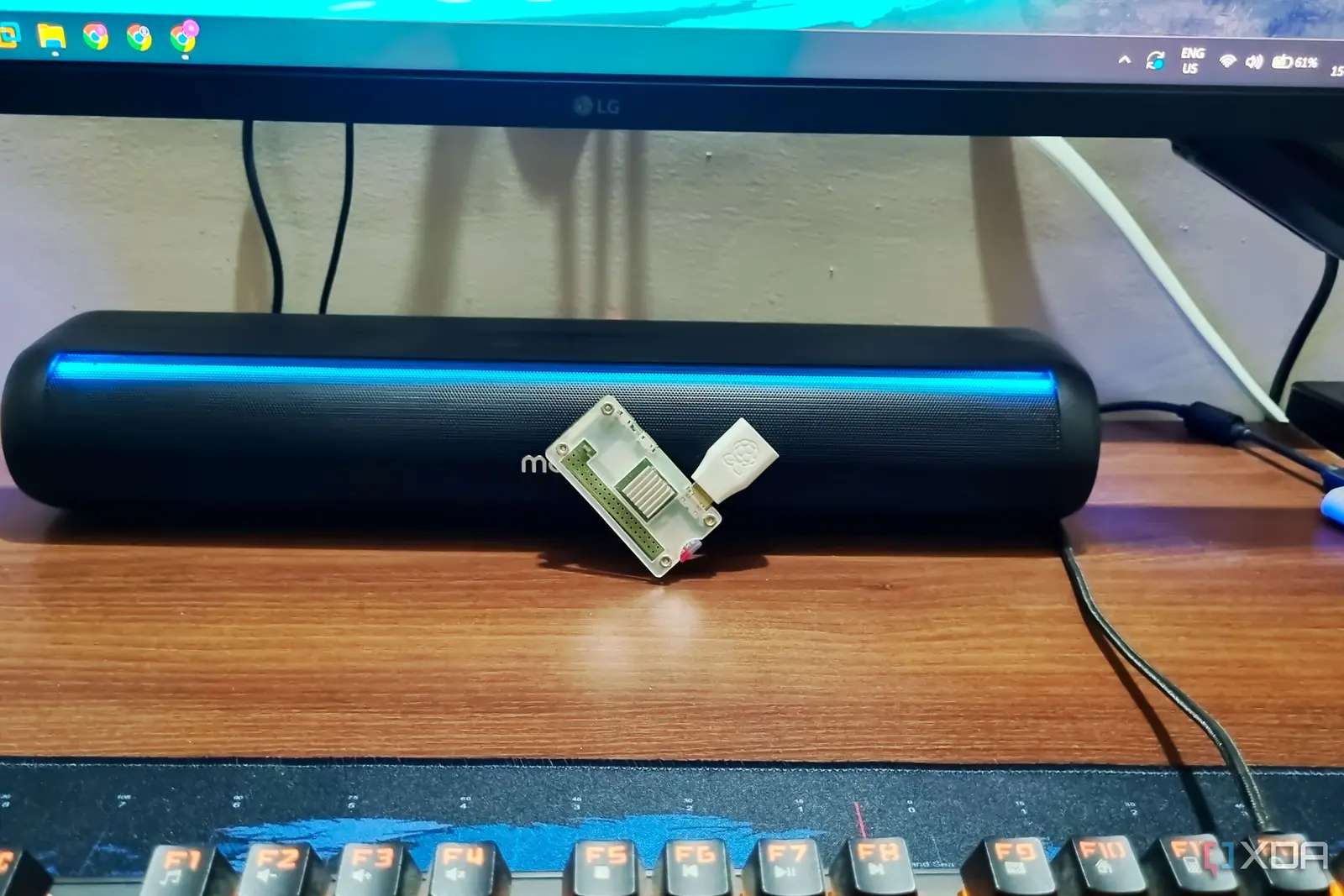
How a Tiny Computer Can Replace a Full‑Featured Home Lab
A single Raspberry Pi 4 sits in a quiet corner of a home network, delivering file storage, password management, and media streaming around the clock. The device consumes only a few watts, and its total cost of ownership is lower than a monthly coffee subscription. The owner, a self‑hoster who values privacy and control, reports that the Pi handles all core services without any noticeable lag or downtime.
Latest news
 Major AI firms recorded peak lobbying expenses last summer
 Apple Magic Keyboards for iPad Drop to Half Price at Woot
 Microsoft Provides Fix for Broken Exchange Online Apps
 Security Breach at AI Aggregator Exposes 18 Million Files and Private Chats
The setup illustrates the appeal of self‑hosting: users can avoid costly, privacy‑intrusive cloud services while keeping costs down. The Pi is powered by a modest 5‑V USB charger and a micro‑SD card, and it runs a lightweight Linux distribution that hosts a document server, a password vault, and a media server. The owner noted that the device’s energy consumption is about 3 watts, translating to roughly $0.02 per day in electricity. Over a year, the running cost is under $10, while a typical coffee shop subscription would exceed $50. The Pi also eliminates the need for a dedicated server rack or expensive hardware, making it an attractive option for hobbyists.
The Raspberry Pi’s performance is sufficient for the owner’s workload because the services are lightweight. The document server uses a low‑memory web application, the password manager runs in a single process, and the media server streams compressed files without heavy transcoding. The owner uses a 32‑GB micro‑SD card for storage, which is adequate for documents and a modest media library. For larger media collections, an external USB drive can be attached. The Pi’s network interface handles multiple concurrent connections, and the owner reports no bottlenecks during peak usage hours.
Is Self‑Hosting Worth the Effort for the Average Home User?
The cost advantage comes from the Pi’s low upfront price—about $55 for the board and accessories—and the absence of ongoing maintenance fees. The owner saves on subscription costs for cloud services, and the device’s longevity means a single purchase can last several years. Furthermore, the system is fully open source, allowing the owner to modify or replace components without vendor lock‑in. The Pi’s small form factor also means it can be placed in a low‑profile location, such as a bookshelf or a wall mount, reducing space and noise concerns.
Many self‑hosters praise the autonomy and privacy benefits, but the initial learning curve can be steep. The owner admits that setting up the Pi required reading documentation and troubleshooting firmware updates. However, once the system is operational, ongoing management is minimal. The owner recommends using community forums and pre‑built images to simplify deployment. For those who prefer a plug‑and‑play experience, commercial home servers exist, but they typically cost more and may still rely on proprietary software.
The long‑term outlook for home self‑hosting is positive. As hardware prices fall and software becomes more user‑friendly, more households may adopt low‑cost devices like the Raspberry Pi. The growing emphasis on data privacy and the desire to avoid subscription models will likely drive further interest. Yet, scalability remains a concern for users who need advanced AI or GPU‑intensive tasks, where the Pi’s limited processing power may fall short.
Frequently Asked Questions
What is the average power consumption of a Raspberry Pi 4? A typical Pi 4 consumes around 3 watts under normal load, which translates to about 0.07 kWh per day.
Can a Raspberry Pi handle a large media library? Yes, but it may require an external USB drive for storage and will perform best with pre‑encoded media to avoid transcoding.
Do I need to pay for software to run on the Pi? No, most self‑hosting software is open source and free. The owner uses a free Linux distribution and community‑supported applications.
Comments
Leave a comment