How Netflix Adjusts Quality Based on Your Device
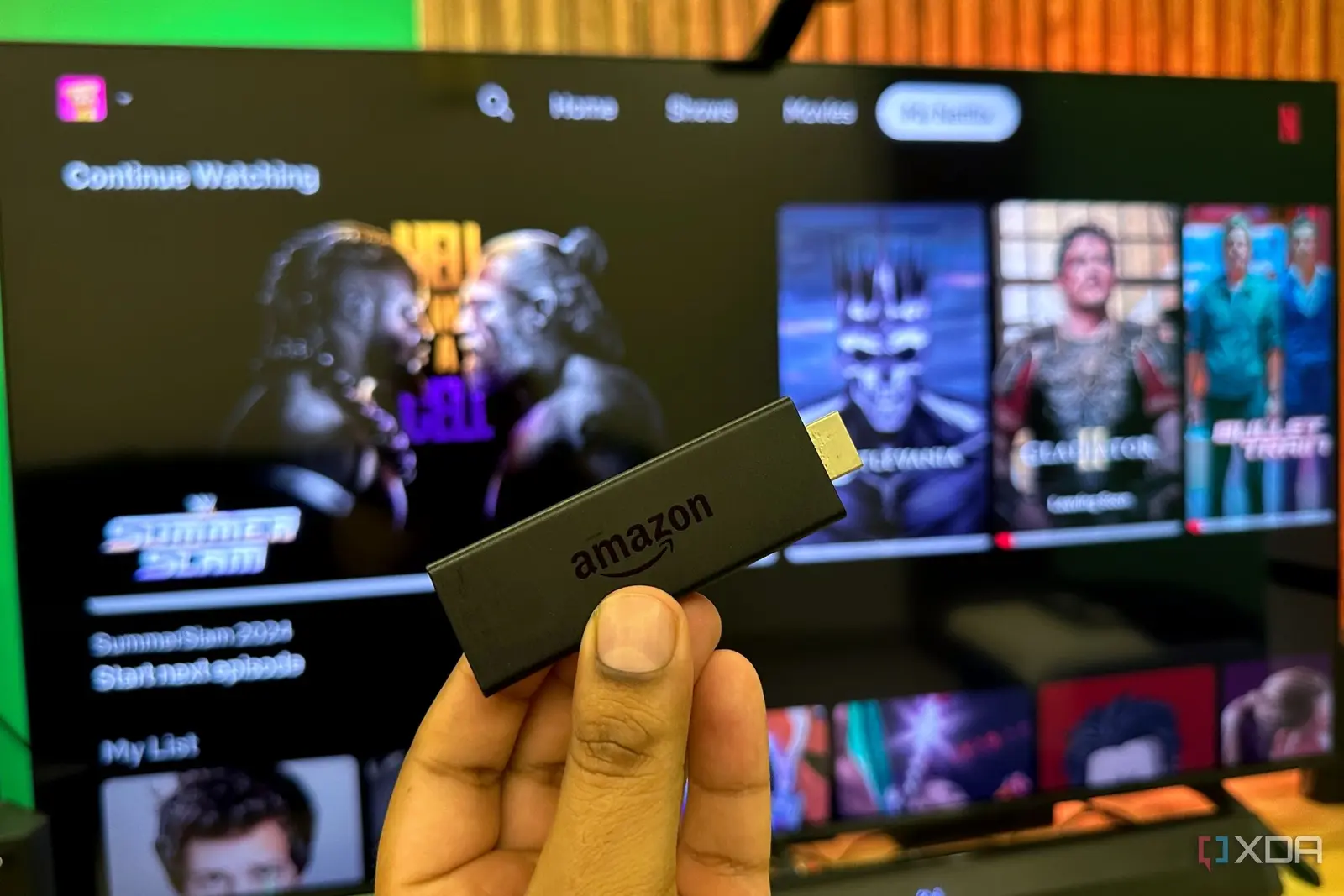
Your budget streaming device may be Netflix’s hidden gatekeeper to lower video quality Many users assume their 4K TV delivers sharp Netflix streams, but the reality depends heavily on the streaming box connected to it. A recent investigation reveals that Netflix applies different encoding standards based on the detected hardware, often downgrading video quality on cheaper or older devices without clear notification. This means even with a premium subscription and a 4K plan, viewers might not receive the full resolution or bitrate their TV is capable of displaying. The process happens silently in the background, leaving consumers unaware that their viewing experience is being limited by their choice of streaming hardware.
Latest news
 Anker Unveils Playful 45W Charger With Animated Face Display
 Google Docs Web Version Still Missing Native Dark Mode
 Anthropic-Linked Vulnerability Exploited From China, Targets US and Japan
 Text‑Based AI Agents: Your New Digital Assistants
Netflix uses adaptive bitrate streaming to match video quality to a device’s capabilities and network conditions. However, internal testing shows that certain budget streaming sticks and boxes trigger more aggressive compression, resulting in lower effective resolution and increased visual artifacts. These devices may lack the processing power or certified codecs Netflix expects for optimal playback, prompting the service to default to safer, lower-quality streams. Unlike overt buffering or resolution drops, this degradation is subtle—often mistaken for normal streaming variance—making it hard for users to identify the root cause. The company does not disclose these device-specific thresholds publicly, leaving consumers to guess why their picture looks soft or noisy despite a strong internet connection.
Why Your Streaming Box Matters More Than You Think
The hardware you use acts as a gatekeeper not just for app access but for the quality ceiling Netflix imposes. Certified devices like recent Apple TV, Nvidia Shield, or select smart TVs receive higher priority encoding profiles, while generic Android boxes or older Roku models may be placed in a lower tier. This isn’t about blocking access—it’s about optimizing delivery across a fragmented ecosystem. Netflix engineers explain that the goal is to prevent playback failures on less capable hardware, but the trade-off is reduced fidelity for users who don’t realize they’re affected. As one industry analyst noted, „You’re paying for 4K, but your wallet’s streaming stick might be deciding you only get 1080p in practice.”
This raises questions about transparency in streaming services. If Netflix adjusts quality behind the scenes based on undisclosed device criteria, how can consumers trust they’re receiving the service advertised? Unlike audio bitrate or subtitle options, video quality tiers aren’t user-selectable in most apps. There’s no setting to force maximum quality regardless of device, leaving viewers at the mercy of automated decisions. Advocacy groups have called for clearer labeling or user controls, arguing that paying for a premium tier should guarantee consistent performance. Until then, experts suggest checking device compatibility lists or upgrading to a Netflix-recommended box to ensure full 4K HDR delivery.
Are You Really Getting What You Pay For?
How can I tell if my streaming box is reducing Netflix quality? Check Netflix’s official list of supported devices and look for your model’s certification status. If it’s not listed as 4K-capable or HDR-ready, you may be receiving a lower-quality stream despite your subscription.
Frequently Asked Questions
Does this affect all streaming services similarly? While other platforms use adaptive streaming, Netflix’s device-based quality adjustments appear more pronounced due to its vast library and strict encoding standards. Some competitors are more transparent about hardware requirements.
Can I improve quality without buying new hardware? Ensure your device firmware is up to date, use a wired Ethernet connection if possible, and disable any power-saving modes that might limit CPU or GPU performance during playback.
Comments
Leave a comment