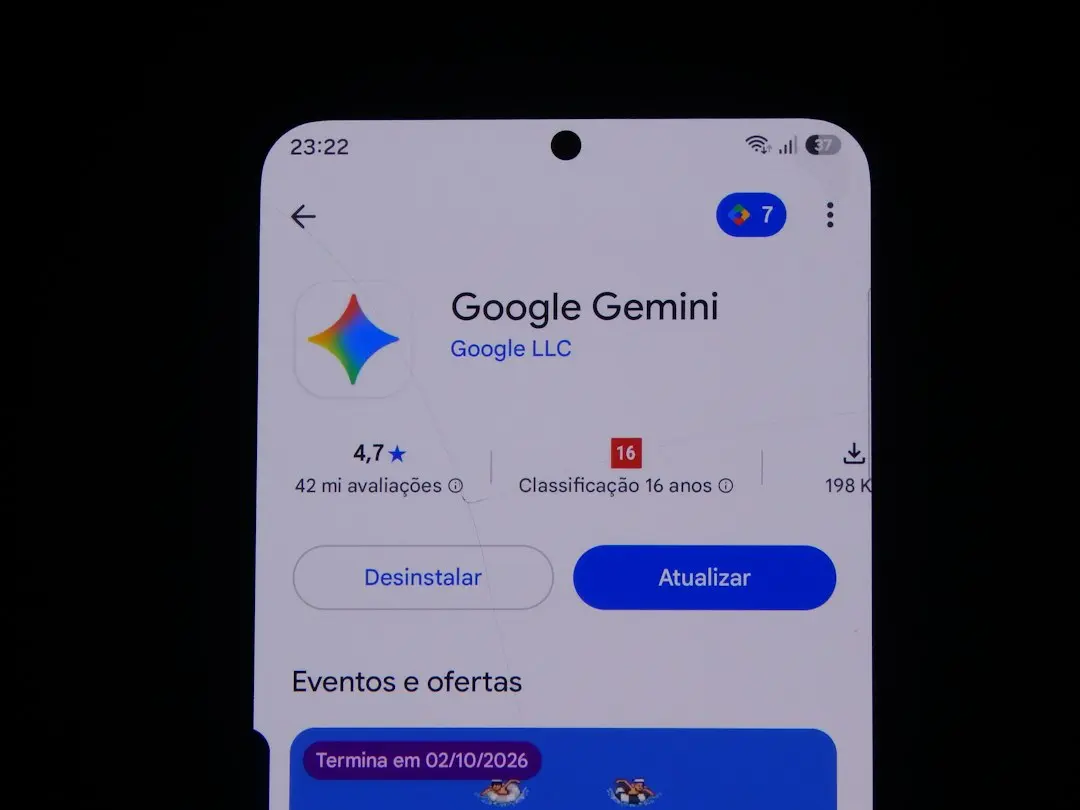
Streamlined Side Panel Prioritizes Quick Access
Google today announced a fresh redesign of the Gemini Android app, focusing on a new side panel layout and updated settings menu. The changes roll out immediately to all Android users, aiming to simplify navigation and reduce clutter in the drawer.
Latest news
 Is Your PlayStation 5 Plugged Into the Wrong HDMI Port?
 Reviving Old Hardware Into a Smart Household Command Center
 RTX 4070 Ti Owners Find New Performance Paths Without Hardware Upgrades
 Acer Predator Helios Neo 16S AI Receives Significant Price Reduction
The update moves the search bar to the top‑right corner. It repositions the ' New chat' option as the first item. The Library now appears directly after it instead of at the bottom. Google says this reorganization prevents the navigation drawer from becoming overloaded. It makes it easier for users to find functions without scrolling through a crowded list.
The side panel now places ' New chat' at the top, followed immediately by Library, eliminating the need to scroll past unrelated items. A manager said, „We aimed to keep the most used tools within a single glance,” noting the redesign reduces daily friction. The change follows the recent Spark-to-Task feature rollout, which also prioritized rapid access to core functions.
Is the New Settings Layout More Intuitive?
Settings have been shifted to the top‑right corner. It replaces the former hidden menu. The layout now groups related options together. Early testers report that the new arrangement shortens the steps needed to adjust preferences, though some users still locate the transition unfamiliar. The redesign aims to align the app’s visual hierarchy with Android’s material design guidelines, enhancing consistency across Google services.
The refreshed interface is expected to boost user engagement by making the app feel more responsive and less cluttered. As Google continues to iterate on Gemini, further tweaks to navigation and settings are likely, potentially influencing how competitors design their own mobile experiences. The rollout also includes minor UI tweaks to improve accessibility.
Frequently Asked Questions
When will the side panel redesign be available to all Android users? The update began rolling out this week and should reach 100% of devices within the next two weeks, depending on regional rollout schedules.
Does the new layout affect existing shortcuts or widgets? No, the redesign only changes the placement of menu items; shortcuts and home screen widgets remain unchanged, ensuring continuity for power users.
Will the settings changes impact app performance? Google confirmed that the visual adjustments are purely cosmetic and do not alter the app’s processing speed or battery consumption.
Comments
Leave a comment