
Are You Leaving Performance on the Table?
In a recent discussion on GPU performance, experts highlight that many users unknowingly restrict their graphics card capabilities by sticking to default power settings. This issue, often overlooked, can significantly impact gaming and rendering experiences. Understanding how to adjust these settings can unlock the full potential of your hardware.
Latest news
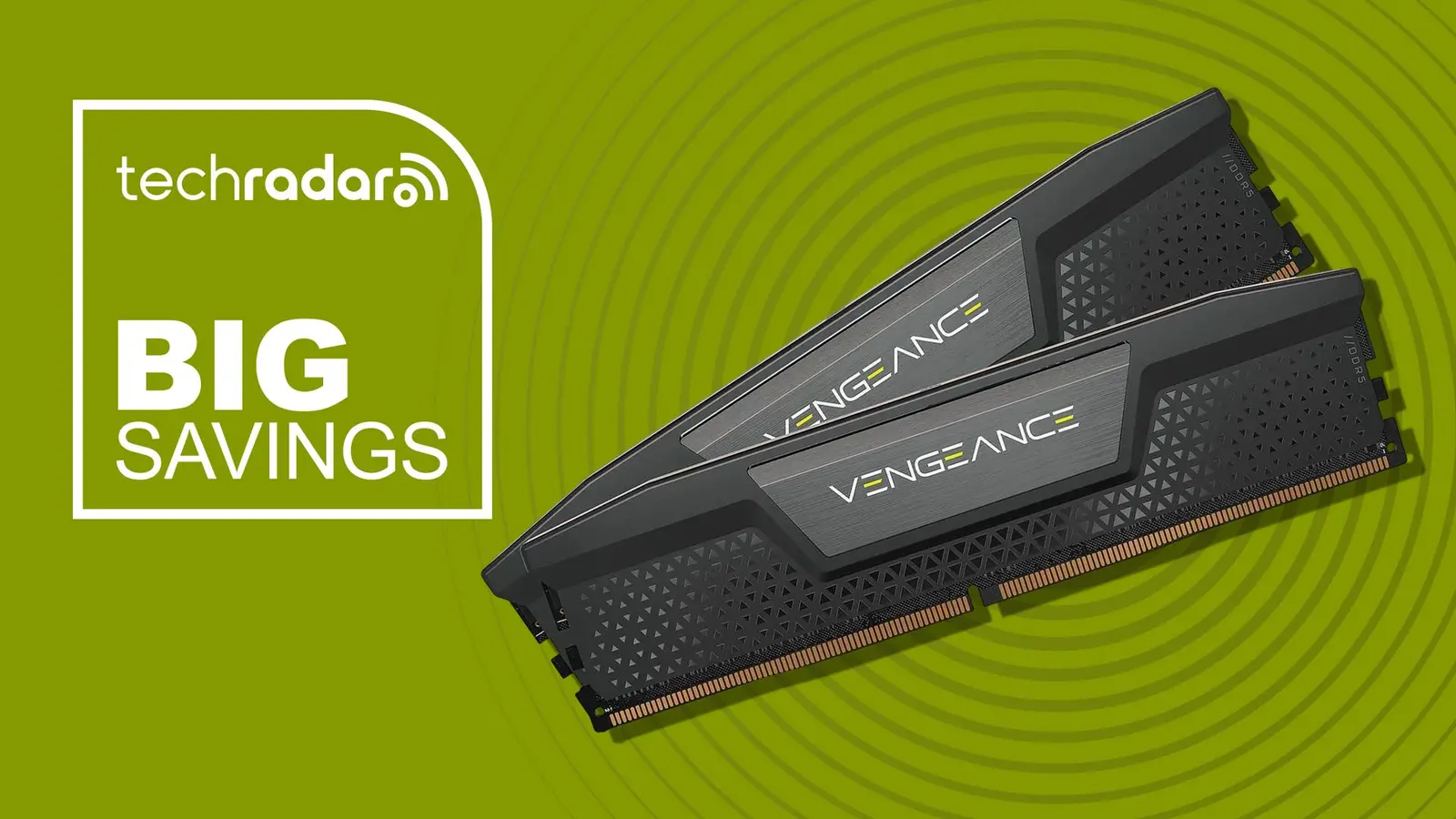 Corsair Vengeance DDR5-6000 Kit Offers Ideal Speed for AMD Builds
 Hide.me VPN releases major Android update
 Hackers launch massive PHP2Shell attack wave
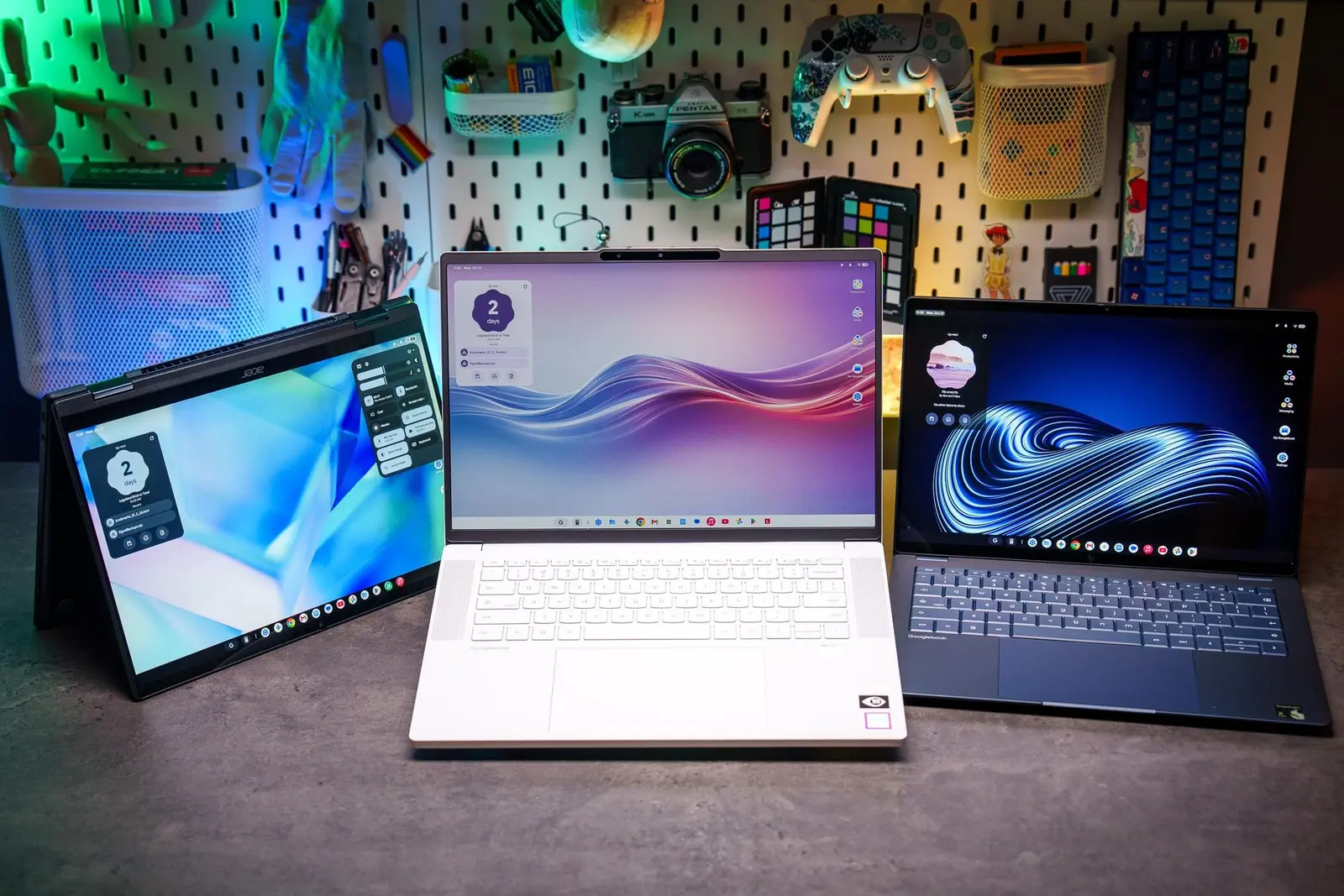 Googlebooks are not yet ready for prime time
Graphics cards are designed to deliver high performance, but they come with default power limits that may not suit every user's needs. When users do not modify these settings, they might experience throttled performance, especially during demanding tasks like gaming or video editing. By adjusting the power limit, users can allow their GPUs to operate at higher performance levels, leading to smoother gameplay and faster rendering times.
Many gamers and tech enthusiasts may not realize that the default power limit can hinder their system's overall performance. This limitation is particularly evident in high-end graphics cards, which are capable of much more than the factory settings permit. Users who want to maximize their hardware's efficiency should consider tweaking these settings to match their specific requirements.
How Can You Optimize Your GPU Settings?
The process of adjusting the power limit is relatively straightforward. Most graphics card manufacturers provide software that allows users to modify settings easily. By increasing the power limit, users can enable their GPUs to draw more power, thus enhancing performance. However, it's essential to monitor temperatures and ensure that the cooling system can handle the increased load to prevent overheating.
For those unfamiliar with GPU settings, the task may seem daunting. However, taking the time to learn about these adjustments can lead to significant improvements in performance. Users should begin by researching their specific graphics card model and understanding the recommended power limits. Many online communities and forums offer guidance on safe settings and best practices.
In addition to adjusting power limits, users should also consider other factors that can impact GPU performance. Keeping drivers updated, optimizing game settings, and ensuring adequate cooling can all contribute to a more efficient system. By taking these steps, users can create an optimal environment for their graphics cards to thrive.
As users continue to explore the capabilities of their GPUs, the importance of understanding and modifying power settings becomes clear. Failing to do so can result in subpar performance, which may frustrate gamers and professionals alike. By taking control of their hardware settings, users can enhance their experience and ensure they are getting the most out of their investment.
Frequently Asked Questions
What is the default power limit for GPUs? The default power limit varies by model but is typically set to balance performance and power efficiency. Users can find specific limits in their graphics card's documentation.
Is increasing the power limit safe? Yes, increasing the power limit can be safe if done carefully. Users should monitor temperatures and ensure their cooling systems are adequate to handle the increased power draw.
How can I check my GPU’s current power settings? Most graphics card manufacturers provide software tools that display current settings and allow users to make adjustments. These tools can often be downloaded from the manufacturer's website.
Comments
Leave a comment