
Why native tools deserve a second look
Many people install third-party apps for tasks that Windows already handles effectively. Native utilities in Windows 10 and 11 offer reliable alternatives without extra downloads or security risks. These tools have evolved over years of updates to meet everyday needs.
Latest news
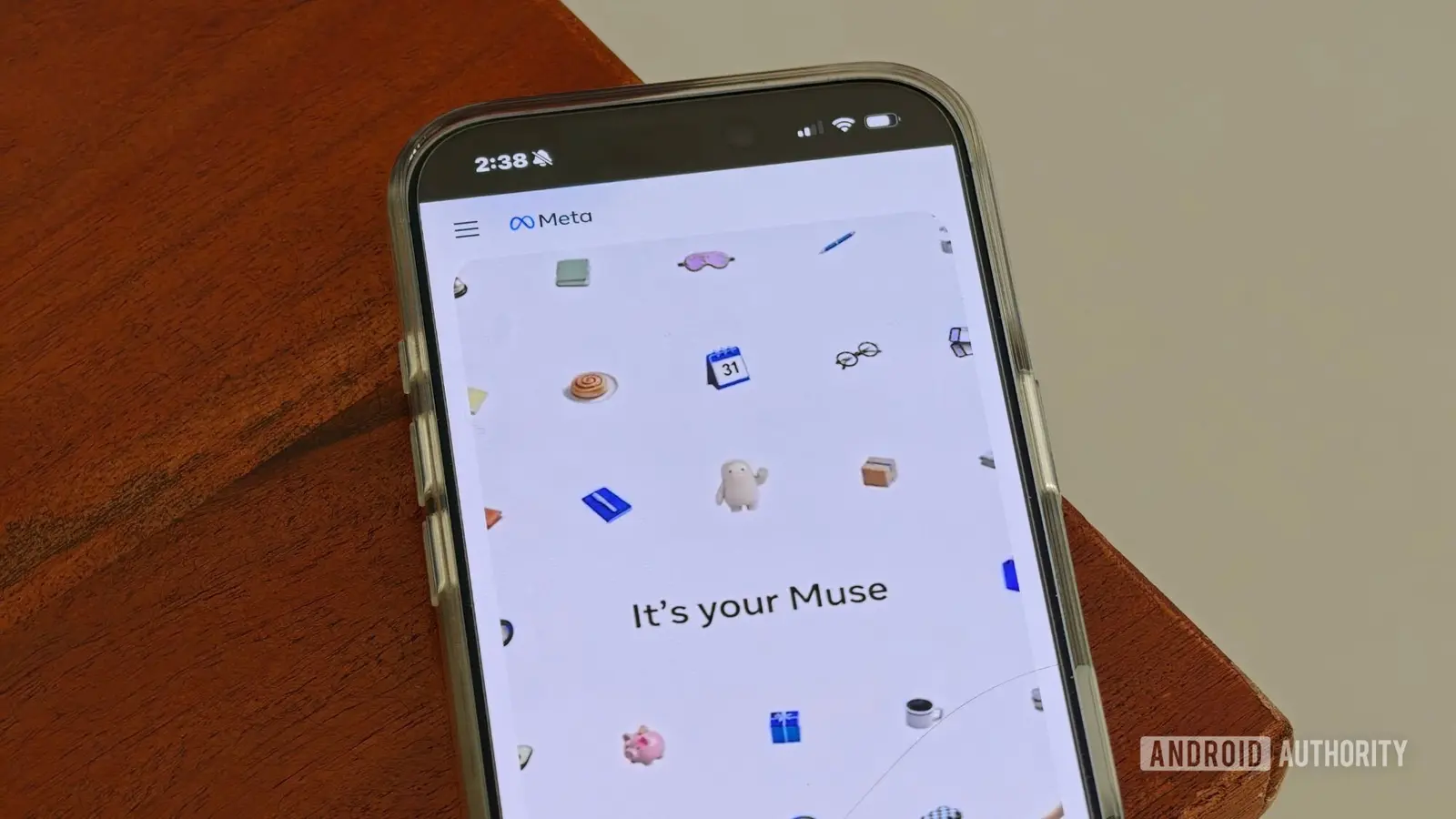 Why Meta's New AI Tool Fails to Win Over Daily Users
 Assessing Risks in Open-Source Artificial Intelligence
 Autonomous AI Agents Launch Cyberattacks Against North American Government Portals
 Warlock Group Targets SharePoint Servers in Critical Infrastructure
Windows includes features like Snipping Tool for screenshots, Storage Sense for cleaning junk files, and Voice Recorder for audio capture. Though not always the most advanced, they integrate smoothly with the system and receive regular updates through Windows Update. Users avoid compatibility issues and potential malware by relying on what’s already installed.
How effective are these tools really?
Performance varies, but for basic functions, built-ins often suffice. The Snipping Tool now includes delayed capture and annotation. Storage Sense automatically deletes temporary files and old downloads. Voice Recorder supports trimming and sharing. While professionals may need specialized software, average users find these tools adequate for daily tasks.
Choosing native options reduces clutter and frees up system resources. Fewer background processes mean better performance on older machines. Update cycles align with the OS, eliminating separate patch management. Over time, this approach simplifies maintenance and lowers the chance of software conflicts.
What happens when you skip the install?
Are Windows built-in tools safe to use? Yes, they are developed and signed by Microsoft, receiving the same security updates as the operating system itself.
Frequently Asked Questions
Can I replace all third-party apps with native tools? Not entirely—advanced tasks like video editing or coding still require dedicated software—but many common utilities have capable built-in equivalents.
Do these tools work the same across Windows versions? Core functions remain consistent, but newer features appear in Windows 11 or recent updates, so keeping the system current ensures full functionality.
Comments
Leave a comment