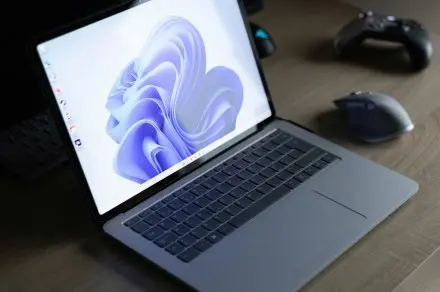
Enhancing System Recovery and Cloud Features
Microsoft has begun rolling out the November 2026 update for Windows 11 globally, introducing several enhancements designed to make everyday computing much smoother for users. The fresh software package, designated as KB5132061, arrives with numerous interface refinements, though some advanced capabilities will appear gradually over the coming weeks.
Latest news
 Smart TVs frequently lose their Wi-Fi connection, leaving viewers staring at a spinning loading icon
 Why Ignoring Car Software Updates Is Risky
 Apple's foldable iPhone Duo introduces dual-display multitasking capabilities
 FCC Weighs Reciprocal Limits on Foreign Satellite Firms
The latest operating system revision focuses heavily on responsiveness and efficiency. Users will immediately notice a speedier right-click context menu alongside significantly quicker launch times for the Microsoft Edge browser.
System maintenance receives a major upgrade through the introduction of Cloud Rebuild. This tool simplifies the recovery process for malfunctioning computers by pulling fresh system files directly from the cloud.
Will Every Computer Receive These Changes Immediately?
Accessibility also takes a step forward with this release. Fresh tools aim to make navigation easier for individuals with disabilities, ensuring a more inclusive digital environment for all desktop users.
Gradual deployments are standard practice for Microsoft updates. Certain PCs might access the new features instantly, while others will wait slightly longer as the phased rollout continues.
Frequently Asked Questions
Users eager to experience the improvements can check for updates manually within the system settings menu. Most changes will install automatically once the software package becomes fully available for their specific hardware configuration.
What is the designation for the November 2026 Windows 11 update? The update is officially identified as KB5132061. It includes various performance tweaks and new accessibility tools.
Why are some features missing after installation? Microsoft is releasing certain elements in phases. These delayed tools will appear automatically on your system in the coming days.
Comments
Leave a comment