Streamlining System Resource Management
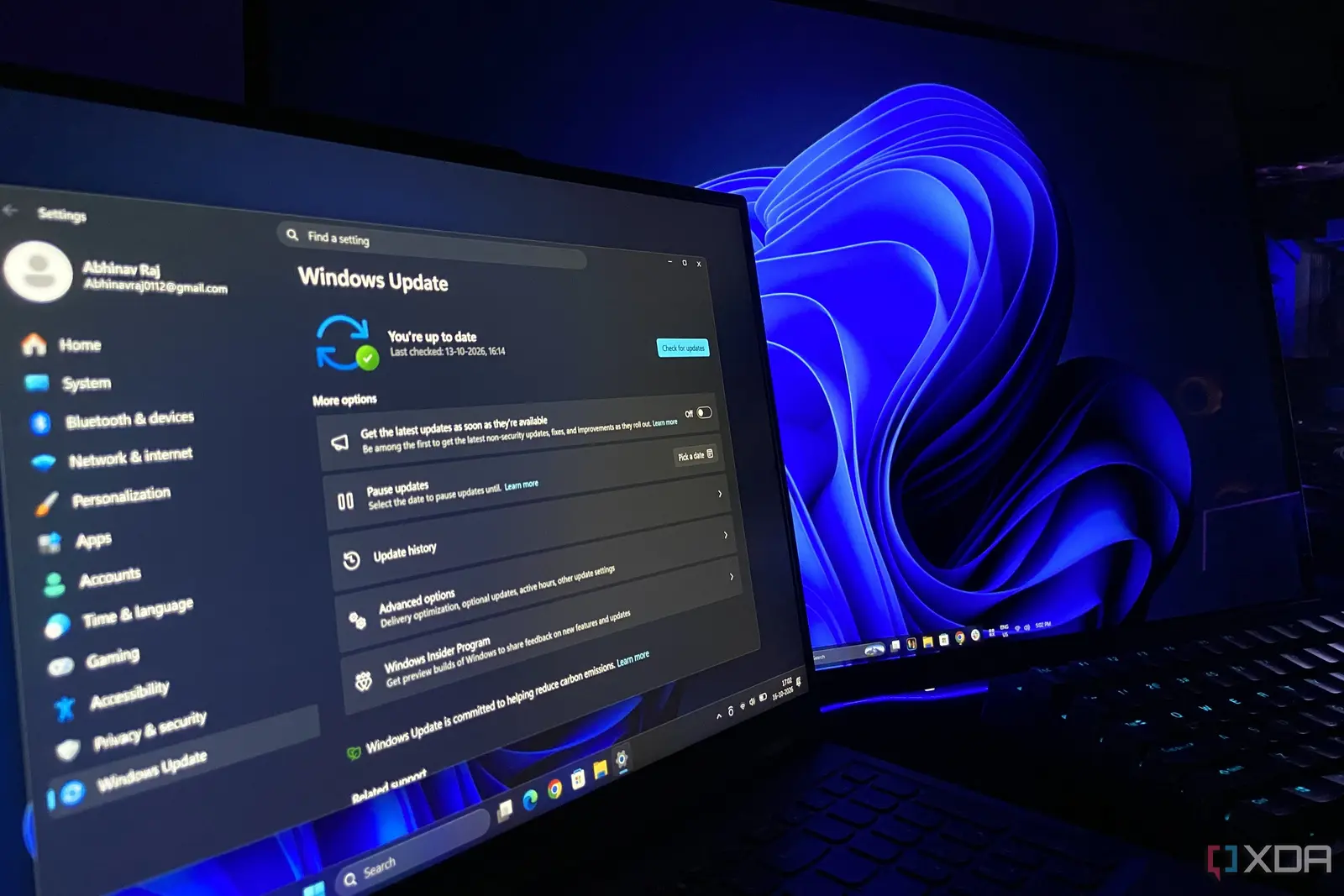
Microsoft has released the 26H2 update for Windows 11, providing a noticeable performance improvement for users worldwide. Unlike previous routine patches that often introduced technical glitches or system instability, this latest release focuses on optimization. Early reports confirm that the update streamlines background processes, leading to faster response times and reduced memory usage.
Latest news
 Major AI firms recorded peak lobbying expenses last summer
 Apple Magic Keyboards for iPad Drop to Half Price at Woot
 Microsoft Provides Fix for Broken Exchange Online Apps
 Security Breach at AI Aggregator Exposes 18 Million Files and Private Chats
The update arrives as a welcome relief for those accustomed to the frequent bugs associated with Patch Tuesday releases. Users report that their machines feel more responsive immediately after installation. By refining how the operating system handles background tasks, Microsoft has managed to lower the overall RAM footprint without requiring manual intervention or complex configuration changes.
The core benefit of the 26H2 update is its efficiency. By optimizing internal processes, the software consumes fewer system resources during standard operation. This allows older hardware to run more smoothly while freeing up memory for demanding applications. Users who previously struggled with sluggish performance have noted a distinct improvement in general navigation and multitasking capabilities.
Is This the Most Stable Windows Release Yet?
The update functions seamlessly in the background. There is no need for users to adjust settings or tweak registry files to see these gains. The improvements appear to be baked into the core architecture of the update, ensuring that the system benefits automatically upon installation. It represents a rare instance where a mandatory update actually improves the user experience.
The shift toward stability marks a potential turning point for Microsoft’s update strategy. By prioritizing performance over intrusive changes, the company has addressed long-standing complaints about system bloat. If this trend continues, future updates may focus more on refinement rather than adding unnecessary features that tax system resources.
Frequently Asked Questions
For now, the 26H2 update serves as a compelling reason to keep Windows 11 systems current. The combination of lower RAM consumption and increased speed makes it a vital installation for anyone seeking a more reliable computing environment. It sets a new standard for what users should expect from routine system maintenance.
Do I need to change any settings to see these performance gains? No, the improvements are automatic. Once the update is installed, the system optimizes its memory usage and background tasks without requiring any manual adjustments.
Will this update fix all previous Windows 11 bugs? While this update focuses on performance and efficiency, it does not guarantee a fix for every existing issue. However, it is widely regarded as a significant step toward better system stability.
Comments
Leave a comment