Background Processes Keep Your TV Current
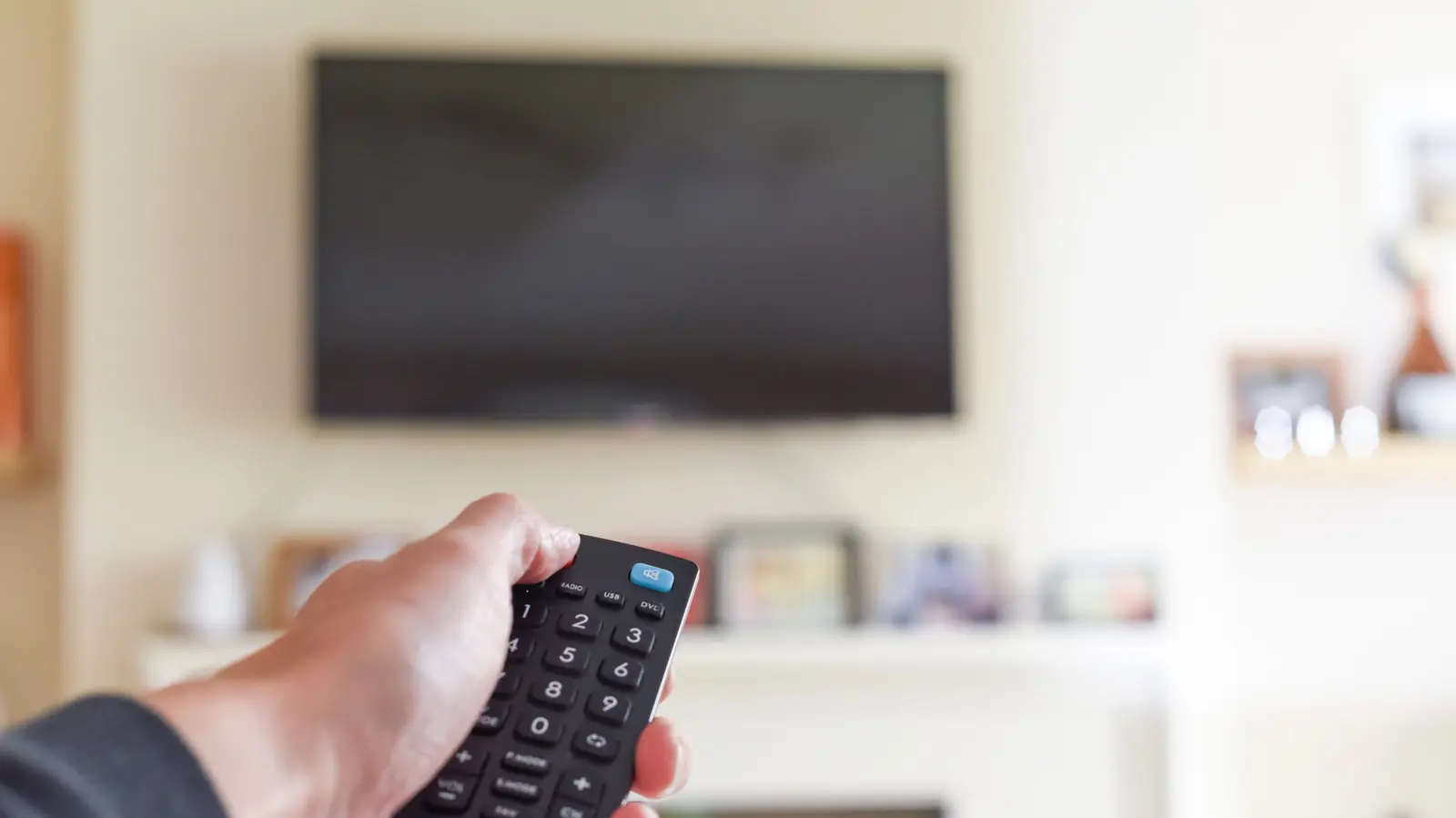
When you press the power button on your smart TV remote, the screen goes dark but the device doesn't fully shut down. Modern smart TVs enter a low-power standby mode that keeps core systems running, allowing for faster startup times and background updates. This behavior affects how quickly you can resume watching content and how much energy your television consumes when not in active use.
Latest news
 Anker Unveils Playful 45W Charger With Animated Face Display
 Google Docs Web Version Still Missing Native Dark Mode
 Anthropic-Linked Vulnerability Exploited From China, Targets US and Japan
 Text‑Based AI Agents: Your New Digital Assistants
The standby mode serves several practical purposes. Your TV can download software updates overnight, sync streaming service accounts, and maintain network connections without requiring a full boot sequence each time you turn it on. This means apps like Netflix or YouTube load almost instantly rather than taking several minutes to initialize. However, keeping these systems active also means your TV continues drawing a small amount of electricity even when seemingly off.
During standby, smart TVs perform maintenance tasks similar to how smartphones update apps in the background. Streaming platforms push new content to your device, system patches install automatically, and user preferences sync across accounts. Some manufacturers report that this constant connectivity reduces startup times by up to 70% compared to older television models that required complete reboots.
Should You Disable Standby Mode Entirely?
The trade-off involves energy consumption. While standby mode uses significantly less power than active viewing—typically around 0.5 to 2 watts—it still contributes to your household's overall electricity usage. Over a year, this adds roughly $2 to $5 to your utility bill, depending on your local rates and how long your TV remains in standby each day.
Turning off your TV completely eliminates background processing but forces longer startup times every time you want to watch something. You'll also miss automatic updates that often include security patches and new features. Most experts recommend keeping standby enabled unless you're concerned about privacy or minimizing energy use during extended periods away from home.
The convenience of instant-on functionality typically outweighs the minimal energy cost for most users. However, if you rarely use your smart TV's advanced features or prefer maximum control over your data, switching to full shutdown mode may align better with your viewing habits.
Frequently Asked Questions
Does standby mode drain my TV's lifespan? No, modern smart TVs are designed for continuous low-power operation and typically last longer with regular use rather than frequent full power cycles.
Can I stop my TV from updating in standby? Yes, most smart TV settings menus include options to disable automatic updates and background app refresh, though this may affect performance and security.
How much electricity does standby mode actually use? Standby mode generally consumes between 0.5 and 2 watts, costing approximately $2 to $5 annually in additional electricity.
Comments
Leave a comment