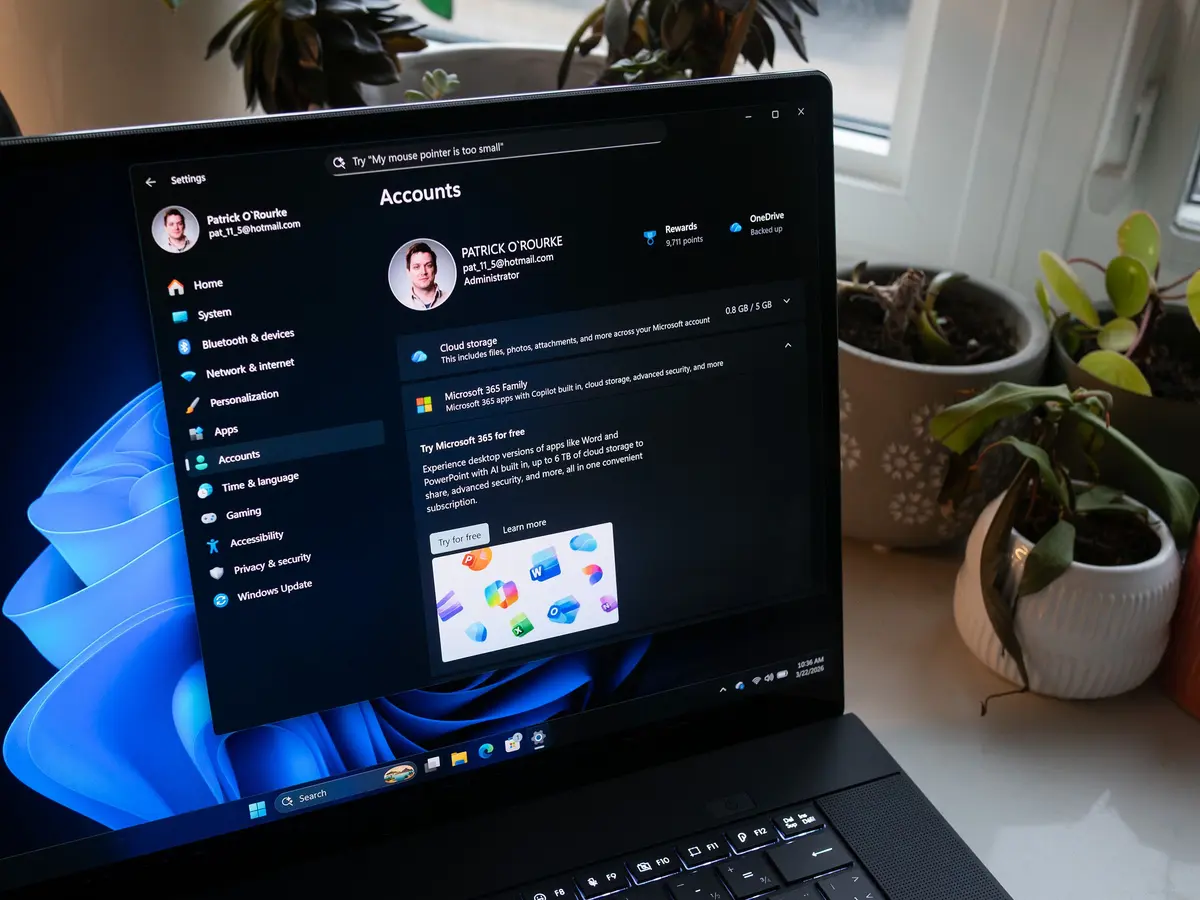
Reviving a Familiar Feature
Microsoft has reinstated the Refresh option in the File Explorer right-click menu. This change was made after a long absence, and users have been eagerly awaiting its return. The update was rolled out on May 10, 2026.
Latest news
 Europe's Multilingual Reality Exposes AI Security Gaps
 Critical Flaw in ChatGPT Agent Fixed by OpenAI
 Dell XPS 13 (2026) Review: A PC Revolution
 Intel Needs to Leapfrog Rivals, Says CEO
The Refresh feature was previously removed, leaving users to rely on alternative methods, such as pressing F5. Microsoft's decision to re-add this functionality is seen as a response to user feedback. By reinstating the Refresh option, the company aims to improve the overall user experience.
The return of the Refresh option in the right-click menu is a welcome change for many Windows users. It provides a more intuitive and convenient way to update the File Explorer display. This move is likely to be appreciated by those who value a seamless and efficient computing experience.
Will This Change Enhance Productivity?
By reinstating the Refresh feature, Microsoft is addressing a long-standing user concern. The update is expected to streamline workflows and reduce frustration for users who rely heavily on File Explorer. With this change, users can now quickly and easily refresh their file listings.
The reintroduction of the Refresh option is likely to have a positive impact on user satisfaction. As Microsoft continues to refine its operating system, it is likely that further enhancements will be made to improve the overall user experience.
Frequently Asked Questions
What prompted Microsoft to re-add the Refresh option? Microsoft re-added the Refresh option in response to user feedback and demand for a more intuitive File Explorer experience.
How do users access the Refresh feature now? Users can access the Refresh feature by right-clicking within File Explorer and selecting the Refresh option.
Will this change affect other File Explorer features? The reintroduction of the Refresh option is a standalone update and is not expected to impact other File Explorer features.
Comments
Leave a comment