Why Did the Coffee Maker Generate Such High Data Volumes?
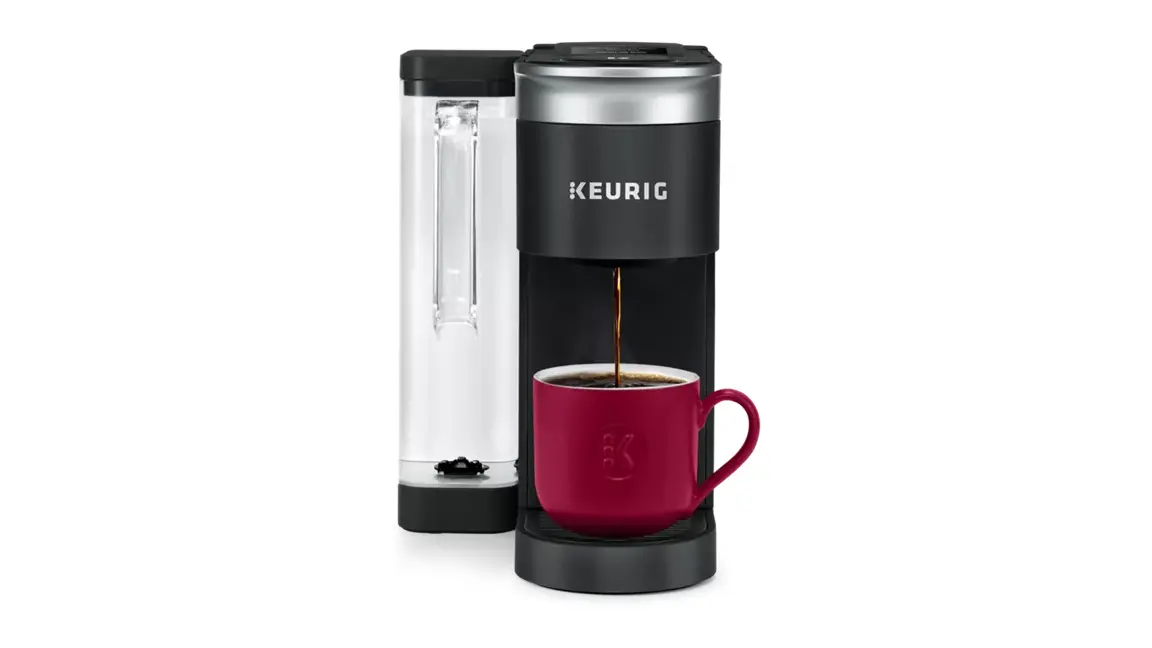
An IT professional observed his parents' Keurig K-Supreme SMART coffee maker transmitting approximately one terabyte of data over their home Wi-Fi network within a span of just ten days. The excessive traffic overwhelmed their wireless access point, causing noticeable network slowdowns despite the data remaining confined to the local network. The issue was traced to the appliance’s internal communication patterns, which generated sustained high-volume exchanges between the device and its associated cloud services, even during idle periods.
Latest news
 Major AI firms recorded peak lobbying expenses last summer
 Apple Magic Keyboards for iPad Drop to Half Price at Woot
 Microsoft Provides Fix for Broken Exchange Online Apps
 Security Breach at AI Aggregator Exposes 18 Million Files and Private Chats
The Keurig K-Supreme SMART model is designed to maintain constant connectivity for features like remote brewing scheduling, firmware updates, and usage analytics. However, in this case, the device appeared to be stuck in a loop of repetitive data exchanges, likely due to a software glitch or misconfigured background process. Network monitoring tools showed sustained upload and download streams that did not correspond to user-initiated actions, suggesting the appliance was continuously syncing or attempting to reconnect to servers without transmitting meaningful user data beyond the local subnet.
Could This Happen With Other Smart Appliances?
This incident highlights a growing concern with Internet of Things devices that prioritize constant connectivity over efficient bandwidth use. While most smart appliances transmit minimal data, firmware bugs or aggressive telemetry settings can lead to unexpected network strain. Experts recommend users monitor router traffic for unusual activity from connected devices and consider isolating IoT gadgets on separate network segments or guest Wi-Fi to prevent disruption to critical home networking equipment.
Was any personal data sent outside the home network? No, the IT professional confirmed that although the volume was high, the traffic did not leave the local network and appeared to be internal communication between the coffee maker and its associated services within the home environment.
Frequently Asked Questions
How was the issue resolved? Simply power cycling the coffee maker—turning it off and on again—stopped the excessive data flow and restored normal network performance, suggesting a temporary software fault rather than a hardware defect.
Should users disable smart features on appliances like this? Disabling Wi-Fi connectivity is an option for those concerned about bandwidth or privacy, but it disables smart functions like remote control and automatic updates. Users should weigh convenience against potential network impact and consult manufacturer guidelines for optimal settings.
Comments
Leave a comment