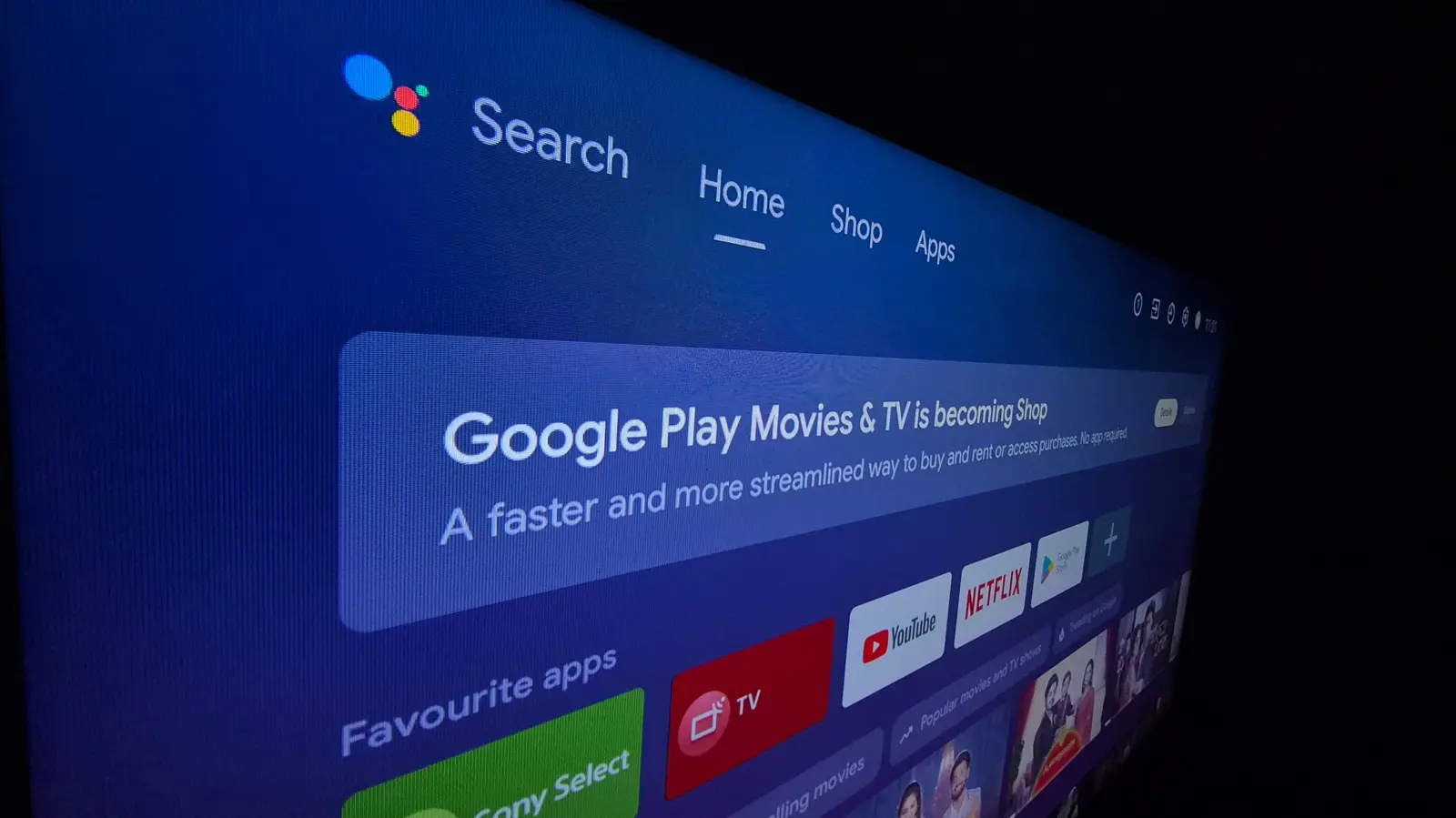
The Hidden Complexity of Smart TV Software
Most new smart TVs arrive with a heavy load of pre-installed apps and services that slow down performance and consume unnecessary storage space. Consumers are increasingly looking for ways to streamline their devices, but letting an AI assistant like Claude handle the cleanup process carries significant risks.
Latest news
 Why Meta's New AI Tool Fails to Win Over Daily Users
 Assessing Risks in Open-Source Artificial Intelligence
 Autonomous AI Agents Launch Cyberattacks Against North American Government Portals
 Warlock Group Targets SharePoint Servers in Critical Infrastructure
The appeal is understandable. Anthropic's Claude AI has been promoted as a helpful tool for managing smart TV software, with instructions circulating online about how to use it to remove unwanted applications. However, tech experts warn that this approach can destabilize the system. Removing critical software components might cause the TV to crash or become unresponsive, potentially requiring a complete factory reset or professional repair.
Smart TV operating systems are intricate ecosystems where every application serves a specific purpose. What appears to be harmless bloatware might actually be a system-critical component that supports other functions. When Claude attempts to remove apps based on user requests, it lacks the nuanced understanding needed to distinguish between removable and essential software. This could lead to the deletion of core system files that manage display settings, network connectivity, or even basic input device functionality.
Should You Trust Your TV to an AI?
Industry analysts point out that TV manufacturers have become increasingly aggressive with pre-installed software, often prioritizing partnerships over user experience. The average smart TV now contains dozens of apps, many of which users never interact with but which continue to consume resources in the background.
The fundamental question remains: can an AI truly understand the complex interdependencies within a smart TV's software architecture? Unlike human technicians who can assess the broader system implications, AI assistants operate on surface-level analysis. They may recommend removing an app that seems unnecessary but actually supports critical functionality like voice control or automatic updates.
Consumer electronics experts suggest alternative approaches to managing TV bloatware. Manual removal through the settings menu, while more time-consuming, allows users to make informed decisions about each application. Some users prefer waiting for manufacturer updates that address performance issues, though these fixes are not always forthcoming.
Looking ahead, the smart TV industry may need to develop better solutions for software management rather than relying on external AI tools. Until then, caution remains the wiser choice when dealing with system modifications.
Frequently Asked Questions
Can using Claude to remove TV apps void the warranty? Yes, unauthorized system modifications typically void manufacturer warranties. If your TV becomes damaged during the process, you'll likely be responsible for repair costs.
What's the safest way to remove unwanted apps from my smart TV? Navigate to your TV's settings menu and use the built-in app management system. This method allows you to review each application before removal and provides clearer warnings about potential consequences.
Will a factory reset restore all pre-installed apps? Yes, performing a factory reset returns your TV to its original state, reinstalling all manufacturer-provided applications. However, you'll need to set up your TV again from scratch, including re-entering Wi-Fi passwords and account information.
Comments
Leave a comment