
Take Back Control of Your Viewing Experience
Five browser extensions can dramatically improve the YouTube experience, offering users greater control and functionality. These free add-ons work across popular browsers and are designed to remove distractions, boost productivity, and customize video playback.
Latest news
 Corsair Vengeance DDR5-6000 Kit Offers Ideal Speed for AMD Builds
 Hide.me VPN releases major Android update
 Hackers launch massive PHP2Shell attack wave
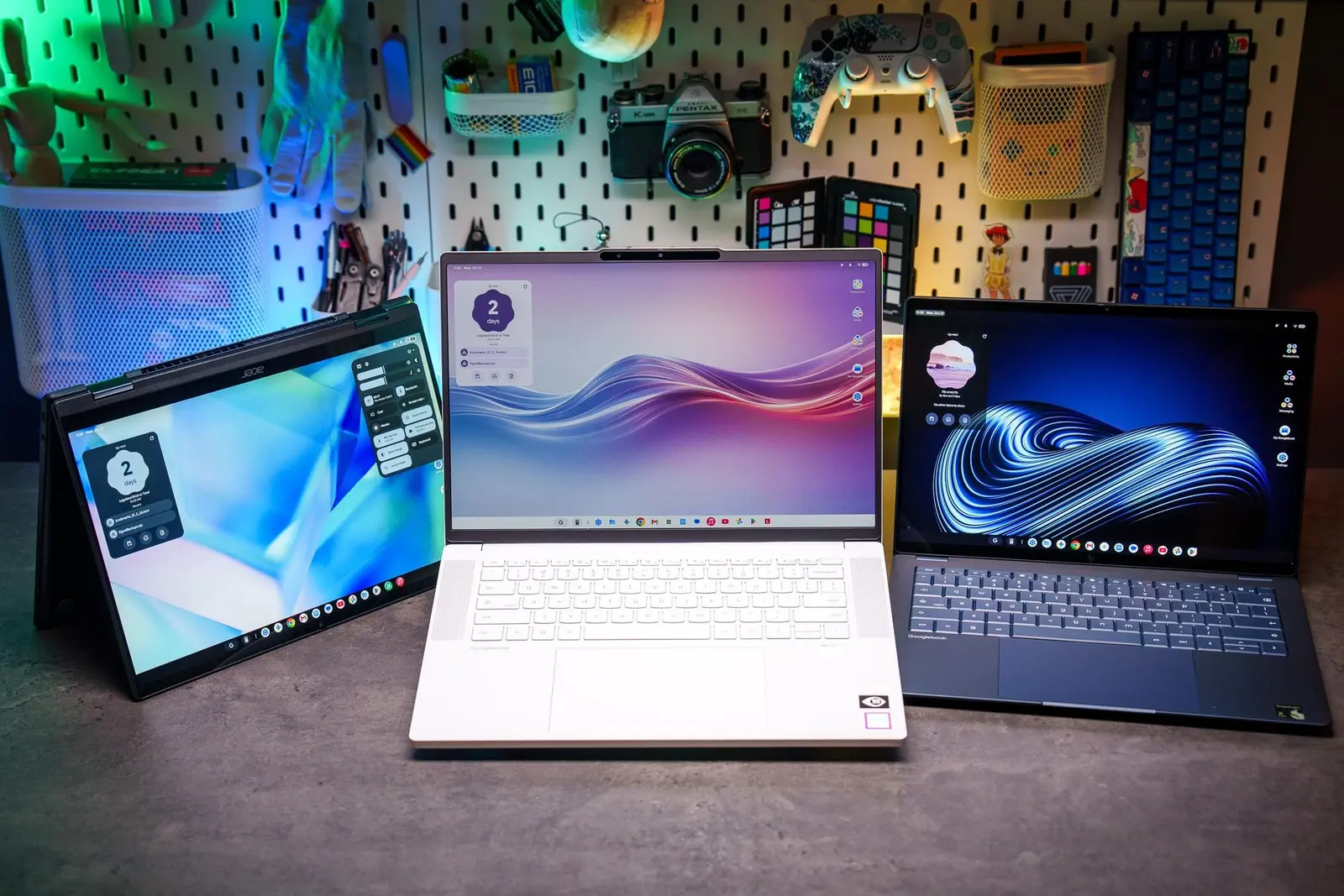 Googlebooks are not yet ready for prime time
These tools help users skip ads, adjust playback speed, block recommendations, and even download videos for offline viewing. Most are compatible with Chrome, Firefox, and Edge, requiring just a few clicks to install. They operate in the background, seamlessly integrating with YouTube’s interface without slowing down performance.
One of the most popular tools is an ad blocker specifically tuned for YouTube. It removes pre-roll and banner ads, cutting down interruptions. Users report faster load times and cleaner video pages. Another essential extension disables autoplay, giving viewers the choice to continue watching instead of being pulled into unwanted content.
Can You Watch YouTube Without the Noise?
Playback enhancers allow precise speed adjustments beyond YouTube’s default limits—useful for students or professionals reviewing tutorials. Some even let users set custom keyboard shortcuts. One widely used tool adds a mini-player mode, letting videos float over other browser tabs. This is ideal for multitaskers who want to watch while browsing or working.
Many users struggle with YouTube’s cluttered layout and endless recommendation loops. Extensions like „Focus Mode” hide sidebars, comments, and suggested videos, creating a minimalist viewing environment. This is especially helpful for educators or parents wanting distraction-free content.
Another tool lets users schedule time limits or set reminders, helping curb binge-watching. It tracks daily watch time and can block access after a set threshold. For content creators, one extension provides real-time analytics, showing estimated revenue, view trends, and audience retention data directly on the video page.
Looking ahead, browser extensions will likely gain deeper integration with YouTube’s API, offering even more customization. As ads and algorithm-driven content grow more pervasive, these tools are becoming essential for users who want autonomy over their online experience.
Frequently Asked Questions
Do these extensions work on mobile devices? Most are designed for desktop browsers and do not work on iOS or Android YouTube apps. Some offer companion apps, but functionality is limited compared to desktop versions.
Are these extensions safe to install? Yes, the top-rated ones come from trusted developers and undergo regular security reviews. Users should only download from official browser stores to avoid malware.
Can extensions affect video quality or loading speed? Generally, they improve performance by blocking ads and background scripts. In rare cases, outdated extensions may cause conflicts, but updates usually resolve these quickly.
Comments
Leave a comment