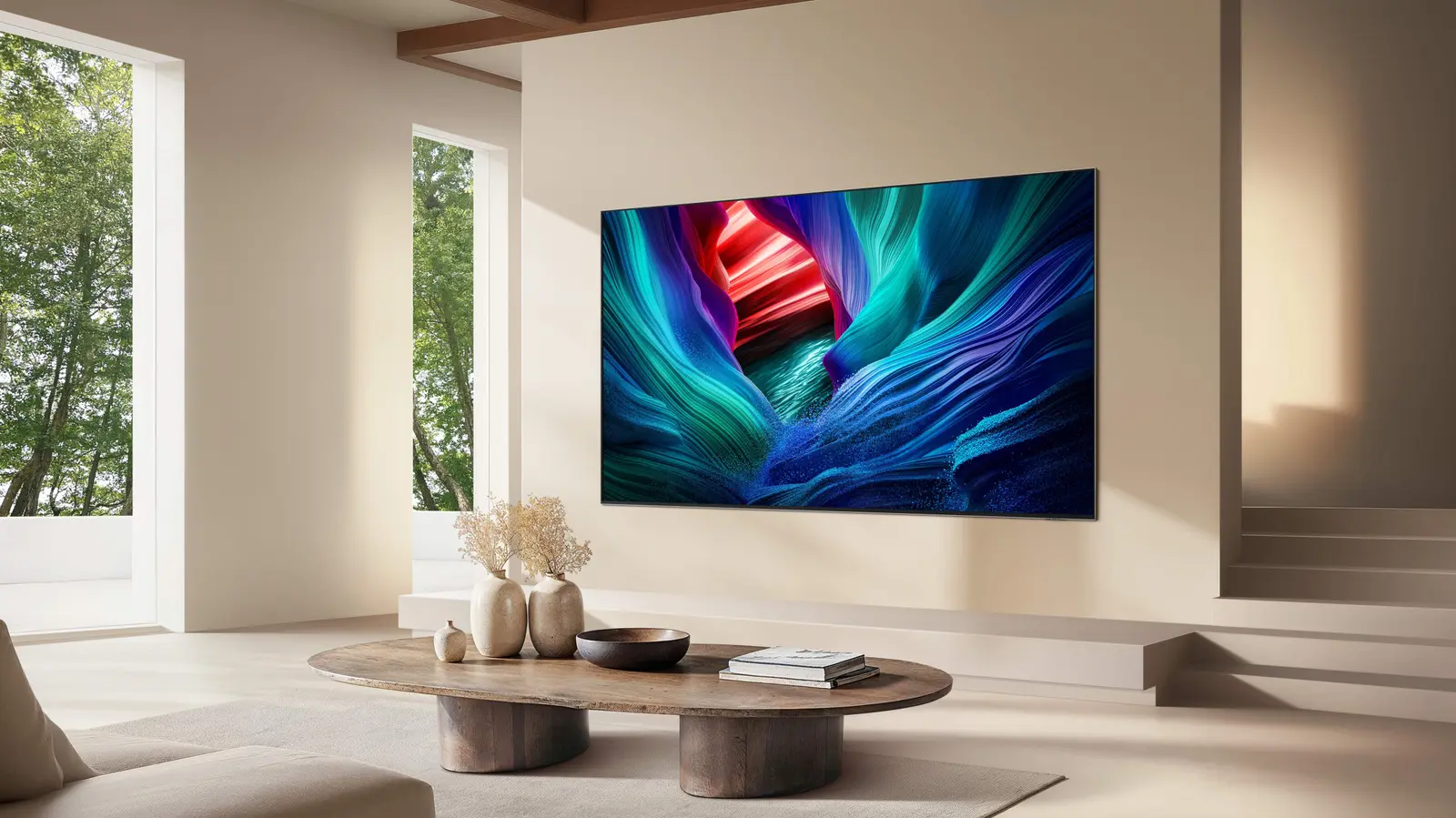
The Reality of Firmware Longevity
Samsung smart TV owners often wonder how long their devices will receive critical software updates. While these televisions typically function for seven to ten years, their digital intelligence relies on consistent firmware support. Understanding these timelines is vital for users who want to keep their streaming apps and security features current.
Latest news
 Corsair Vengeance DDR5-6000 Kit Offers Ideal Speed for AMD Builds
 Hide.me VPN releases major Android update
 Hackers launch massive PHP2Shell attack wave
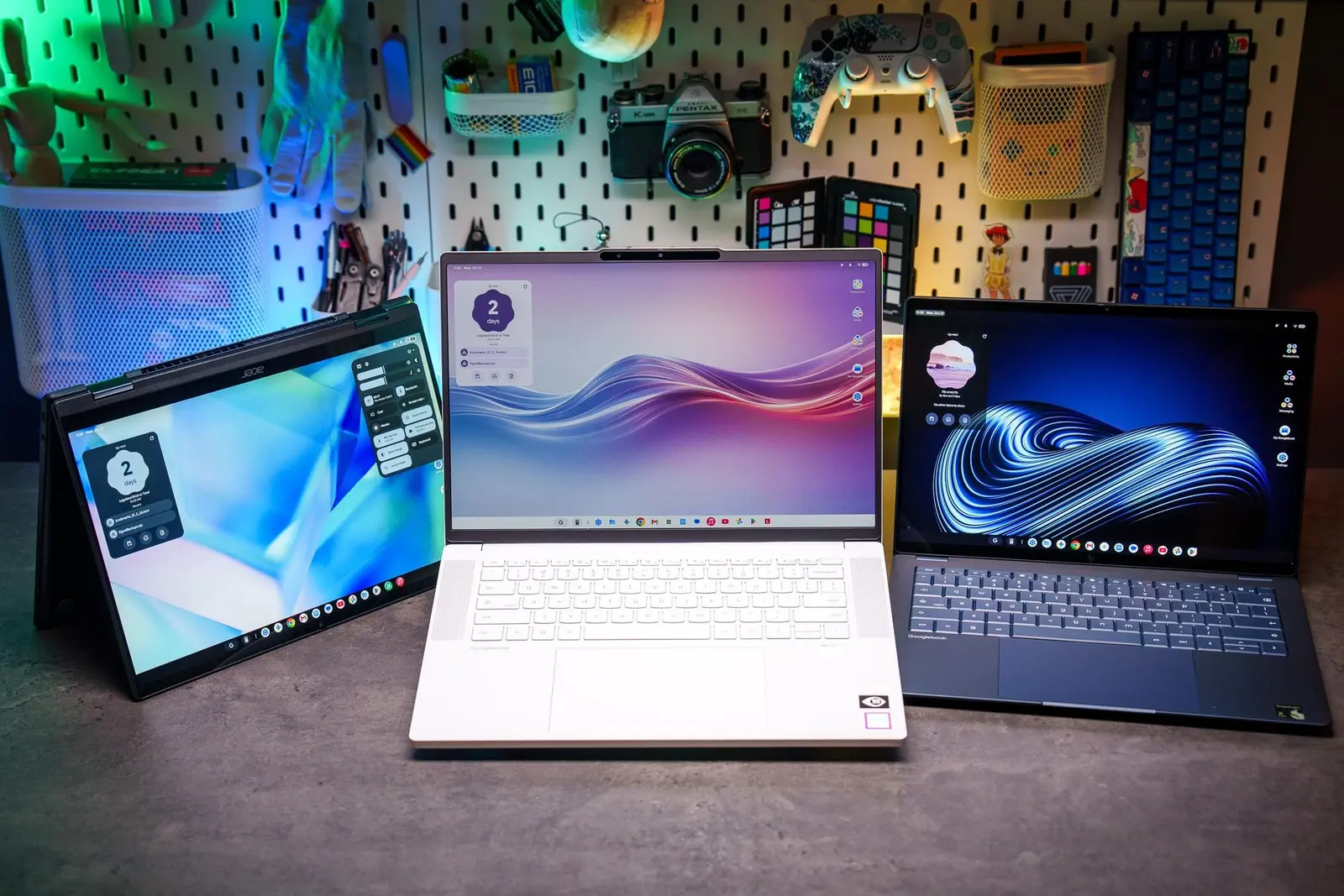 Googlebooks are not yet ready for prime time
Samsung does not provide a universal, fixed duration for software support across all television models. Generally, the company offers firmware updates for several years following a product's initial release. These updates focus on performance improvements, bug fixes, and maintaining compatibility with popular streaming services and external hardware devices.
The frequency of updates tends to decrease as a specific TV model ages. During the first few years, Samsung prioritizes feature enhancements and security patches. As the hardware becomes older, the company shifts its focus toward maintaining core functionality rather than adding new software capabilities.
Will Your TV Eventually Become Obsolete?
Users should note that support is rarely indefinite. Eventually, older hardware reaches a point where it can no longer support modern operating system requirements. When this happens, apps may stop receiving updates, or the interface might become sluggish. Owners should check the settings menu periodically to ensure their device is running the latest available version.
While a TV may physically last for a decade, its smart features often become outdated much sooner. If a television stops receiving firmware updates, it remains functional as a display for external devices like gaming consoles or streaming sticks. These external devices can effectively extend the life of an aging smart TV by providing modern interfaces.
Ultimately, the longevity of your smart TV experience depends on how Samsung manages its legacy software. Keeping your firmware updated is the best way to prolong the useful life of your screen. If your TV no longer receives updates, consider using a dedicated streaming box to maintain access to the latest content.
Frequently Asked Questions
How can I check if my Samsung TV needs an update? Navigate to the settings menu and select the support tab. From there, choose software update to see if a newer version is available for your specific model.
What happens when my TV stops receiving updates? Your television will continue to function as a display, but some smart apps may stop working correctly. You can bypass this by connecting a modern streaming device to an HDMI port.
Do all Samsung TVs receive the same level of support? No, support duration varies by model year and series. Higher-end models often receive updates for a longer period compared to entry-level budget televisions.
Comments
Leave a comment