How the Desktop Experience Works
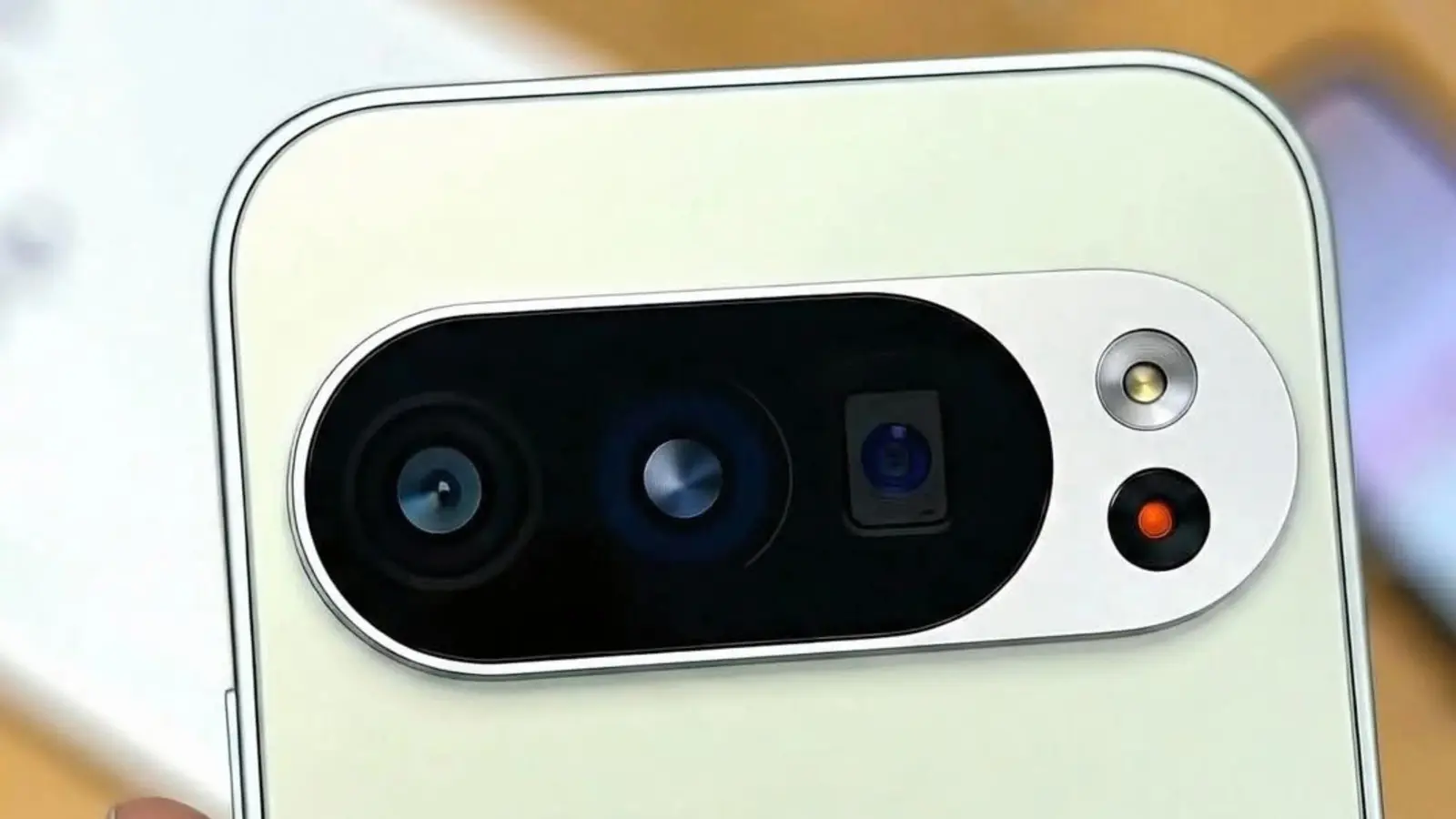
Recent Google Pixel phones offer a hidden feature that transforms them into miniature PCs when connected to an external monitor. This desktop-style interface allows users to experience a more traditional computer workflow directly from their smartphone hardware.
Latest news
 Why the Rumored iPhone Duo Excites Android Foldable Fans
 AMD's Canceled Ryzen 9 5900X3D Leaks Online
 California Subpoenas OpenAI Over Autonomous AI Hacking Risks
 Nvidia-Backed UK Supercomputer Faces Multi-Year Power Delay
The functionality works by plugging compatible Pixel devices into a display via USB-C. Once connected, Android automatically detects the external monitor and switches to a desktop-oriented interface. Users can then navigate through windows, use a mouse and keyboard, and run apps in expanded formats. This feature represents Google's attempt to bridge mobile and desktop computing experiences.
What Hardware Is Required
When a Pixel phone connects to a monitor, the system presents a windowed interface similar to traditional desktop operating systems. Applications can be resized and moved around the screen, while system controls remain accessible at the top. The experience maintains all standard Android functionality while adding productivity-focused elements. Users can drag and drop files between apps, resize windows, and interact with touch-enabled applications using a cursor. The transition happens seamlessly without requiring additional software installations.
Not every Pixel model supports this desktop functionality. Google has confirmed that specific recent models include the necessary hardware and software components. Users should verify their device compatibility before attempting to use the feature. The external monitor must support USB-C input, and a standard USB-C cable typically suffices for the connection. Some users report better performance with higher-resolution displays, though the feature works across various monitor sizes and specifications.
Will This Replace Traditional Laptops?
While convenient, the desktop mode has inherent limitations compared to full computer systems. Processing power, memory constraints, and application compatibility differ significantly from dedicated laptops or desktops. However, for light productivity tasks, web browsing, and media consumption, this feature provides a viable alternative to carrying additional hardware. As smartphone processors continue advancing, the gap between mobile and traditional computing continues narrowing.
Can any Android phone use desktop mode? Currently, only specific recent Pixel models support this feature. Other manufacturers may develop similar capabilities, but Google's implementation remains exclusive to select devices.
What peripherals work best with desktop mode? Standard USB-C monitors, Bluetooth keyboards, and mice provide the optimal experience. Wired peripherals through USB-C hubs also function effectively.
Frequently Asked Questions
Does desktop mode drain battery quickly? Using the feature while charging connected to a monitor helps maintain battery levels. Without external power, usage may deplete the battery faster than normal phone operation.
The technology represents an evolving approach to mobile productivity that may expand beyond Google's current implementation. As artificial intelligence and cloud computing advance, smartphone-based desktop experiences could become increasingly sophisticated.
Comments
Leave a comment