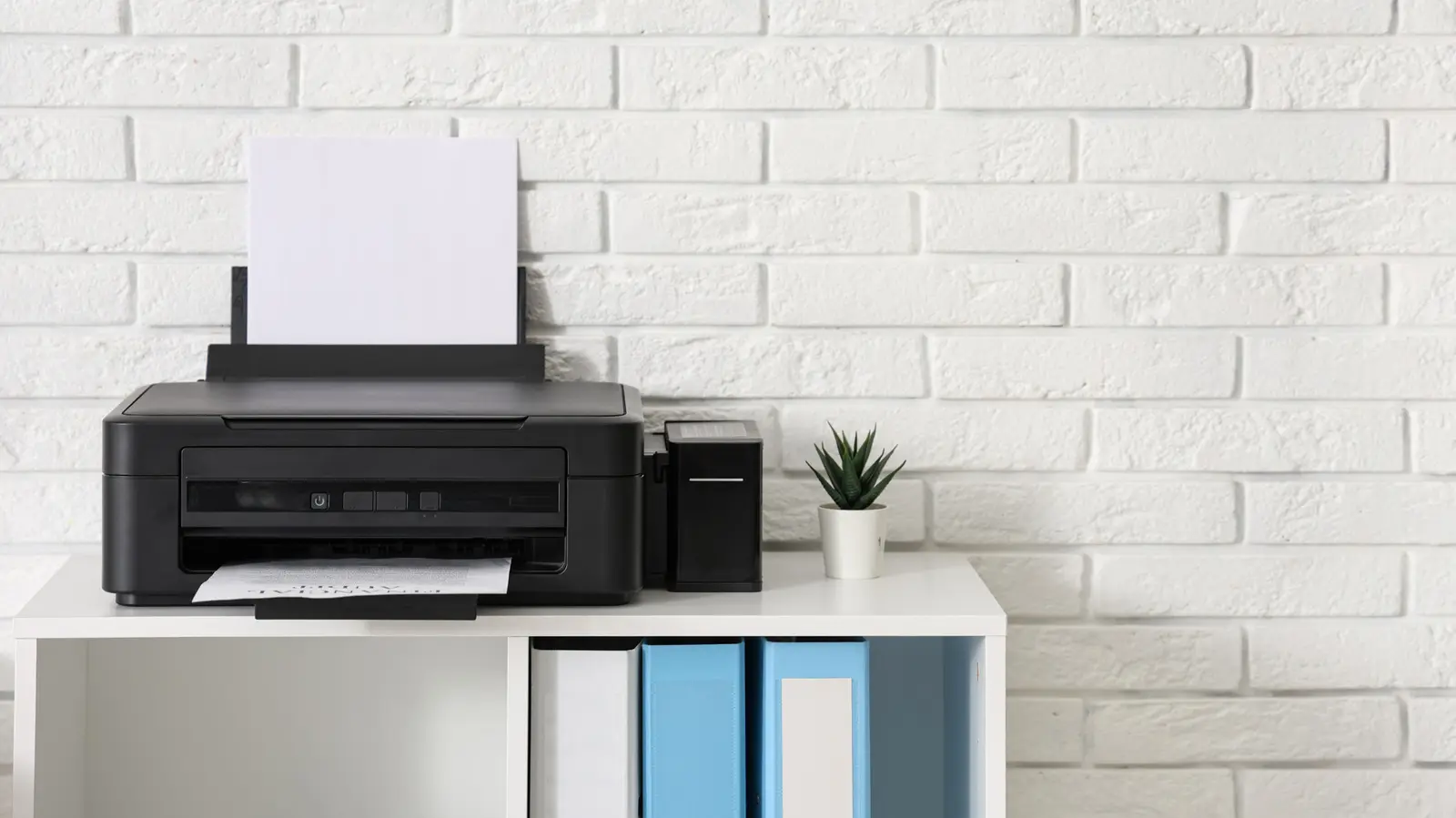
The Shift Toward Networked Printing
Apple designed the i Phone as a mobile-first device that prioritizes wireless connectivity over traditional physical hardware connections. While users often expect a plug-and-play experience with printer cables, the iOS ecosystem lacks native support for wired printing. This design choice pushes users toward modern, streamlined solutions rather than legacy physical setups.
Latest news
 Anker Unveils Playful 45W Charger With Animated Face Display
 Google Docs Web Version Still Missing Native Dark Mode
 Anthropic-Linked Vulnerability Exploited From China, Targets US and Japan
 Text‑Based AI Agents: Your New Digital Assistants
Modern smartphones rely on software protocols to bridge the gap between handheld devices and office hardware. Apple’s AirPrint remains the primary standard for this process, allowing i Phones to detect and communicate with printers over a local network. This wireless approach removes the need for physical adapters or complex driver installations.
The absence of wired printing capabilities is a deliberate architectural decision by Apple. By focusing on wireless standards, the company ensures a consistent user experience across different hardware brands. This approach minimizes the need for specialized cables that vary between printer manufacturers and device generations.
Why Does Apple Avoid Wired Connections?
Third-party applications have emerged to fill the gaps left by the lack of native wired support. These tools often act as intermediaries, translating mobile commands into formats that older or non-AirPrint printers can understand. However, these solutions still largely depend on a stable network connection rather than a direct cable link.
The primary reason involves the simplicity of the user interface and the portability of the device. Managing physical connections for peripherals complicates the mobile experience that Apple strives to maintain. By forcing a transition to wireless protocols, the company encourages users to adopt modern, network-ready office equipment.
Frequently Asked Questions
Relying on wireless protocols also improves security and compatibility across the entire Apple ecosystem. Wired connections would require a complex array of hardware drivers for every printer model ever manufactured. Instead, the current system offloads that complexity to the network, keeping the i Phone interface clean and functional.
Can I use a USB adapter to connect my i Phone to a printer? No, the i Phone operating system does not support direct printing via USB cables. You must use a wireless connection or a network-based printing app to send documents to your printer.
What is the best way to print from an i Phone? The most reliable method is using AirPrint, which is built into most modern printers. Simply ensure your phone and printer are on the same Wi-Fi network to begin printing immediately.
Comments
Leave a comment