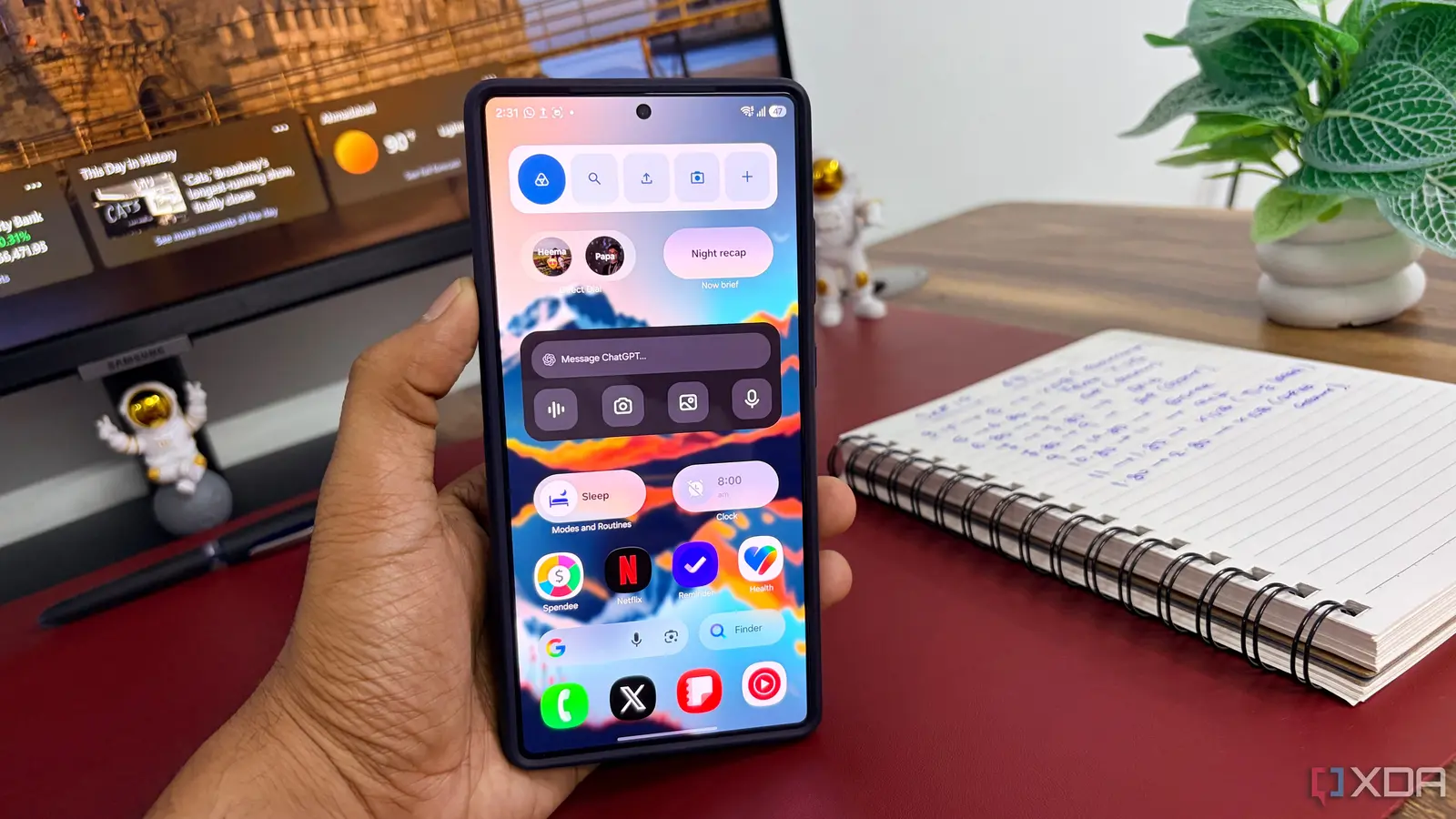
Why the „Optimized Battery” Feature Can Backfire
Parth Shah, a veteran tech journalist, reported on September 12, 2026, that a routine adjustment in his Samsung Galaxy phone’s power settings extended the battery life to cover an entire day of typical use. The discovery came after weeks of frequent charging, prompting Shah to explore the device’s hidden options. His experiment revealed that toggling a single feature could dramatically improve endurance without additional accessories.
Latest news
 Anker Unveils Playful 45W Charger With Animated Face Display
 Google Docs Web Version Still Missing Native Dark Mode
 Anthropic-Linked Vulnerability Exploited From China, Targets US and Japan
 Text‑Based AI Agents: Your New Digital Assistants
The breakthrough occurred when Shah opened the phone’s Settings menu and navigated to the „Battery and device care” section. He disabled the „Optimized battery usage” toggle for a handful of background apps that he rarely used, such as the default news widget and a rarely opened game. By preventing the system from constantly refreshing these apps, the phone reduced unnecessary wake‑ups and cut power draw. After applying the change, Shah’s Galaxy S24 recorded a 30‑percent increase in screen‑on time, allowing him to go from morning commute to evening workout without reaching a low‑battery warning.
Samsung markets the „Optimized battery” option as a way to extend runtime by limiting background activity. In practice, the algorithm sometimes misclassifies apps that rarely need updates, yet still forces them to wake the processor at regular intervals. This behavior drains power, especially on devices with high‑resolution displays and 5G connectivity. By manually exempting select apps, users can fine‑tune the balance between background freshness and energy consumption. Shah noted that after the adjustment, his phone’s average power draw dropped from 1.8 W to 1.3 W during idle periods.
Can Other Users Replicate This Result?
The question many readers ask is whether the same setting works across different Galaxy models and Android versions. Shah tested the tweak on both a Galaxy S24 Ultra and a mid‑range Galaxy A54, observing similar gains of 20‑35 percent in daily battery life. However, he cautioned that results may vary depending on the number of installed apps and personal usage patterns. Users should review the list of apps under „Optimized battery usage” and selectively disable the feature for those that do not require frequent updates.
The broader implication of Shah’s finding is a reminder that software settings often hold untapped potential for performance improvements. As smartphones become more power‑hungry, simple adjustments can offset the need for larger batteries or external chargers. Samsung may eventually refine its optimization algorithm to avoid unnecessary wake‑ups, but until then, savvy users can take control of their device’s stamina with a few taps.
Frequently Asked Questions
What exactly does the „Optimized battery usage” toggle do? It limits background activity for selected apps, aiming to reduce power draw, but can sometimes cause the system to wake those apps unnecessarily.
Will disabling this feature affect app notifications? Yes, apps exempted from optimization may receive notifications more promptly, while those still optimized may experience delayed alerts.
Is the setting change reversible? Absolutely. Users can re‑enable „Optimized battery usage” at any time from the same menu without affecting other phone functions.
Comments
Leave a comment