Lockdown Mode Activated
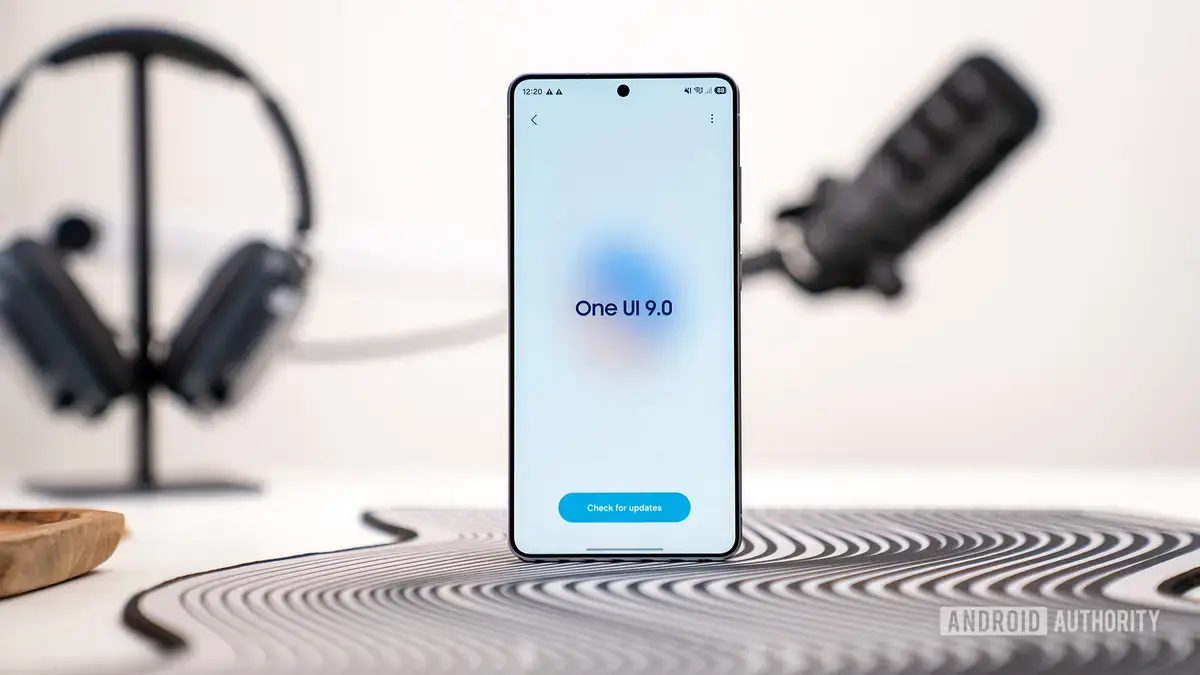
Samsung is testing a new security feature in its One UI 9 beta 2 version, enhancing the power menu with an added layer of protection. The change is part of the company's ongoing efforts to improve device security. This update is currently available in the beta version.
Latest news
 Anker Unveils Playful 45W Charger With Animated Face Display
 Google Docs Web Version Still Missing Native Dark Mode
 Anthropic-Linked Vulnerability Exploited From China, Targets US and Japan
 Text‑Based AI Agents: Your New Digital Assistants
The new feature directly triggers Lockdown mode when the power menu is invoked. Lockdown mode is a security feature that restricts access to certain phone functions, providing an additional layer of protection in situations where the device might be seized or accessed by others.
When Lockdown mode is enabled, users are required to enter their PIN, pattern, or password to access their device's normal functions again. This prevents others from easily accessing sensitive information or making unauthorized changes to the device's settings. By integrating Lockdown mode into the power menu, Samsung is making it easier for users to quickly secure their devices.
Is This a Response to Growing Security Concerns?
The introduction of this feature highlights the growing importance of device security. As smartphones become increasingly integral to daily life, the need to protect sensitive information stored on these devices has become more pressing. Samsung's move is likely a response to these concerns, aiming to provide users with more control over their device's security.
The inclusion of Lockdown mode in the power menu is expected to become a standard feature in future versions of One UI. This change reflects Samsung's ongoing efforts to enhance device security and provide users with more robust protection for their personal data.
Frequently Asked Questions
What is Lockdown mode? Lockdown mode is a security feature that restricts access to certain phone functions, requiring a PIN, pattern, or password to regain normal access.
How do I access normal functions after Lockdown mode is enabled? Users need to enter their PIN, pattern, or password to access their device's normal functions again.
Will this feature be available on all Samsung devices? The feature is currently being tested in the One UI 9 beta 2 version, and its availability on other devices will depend on future software updates.
Comments
Leave a comment