Centralized Dashboard for All Connected Devices
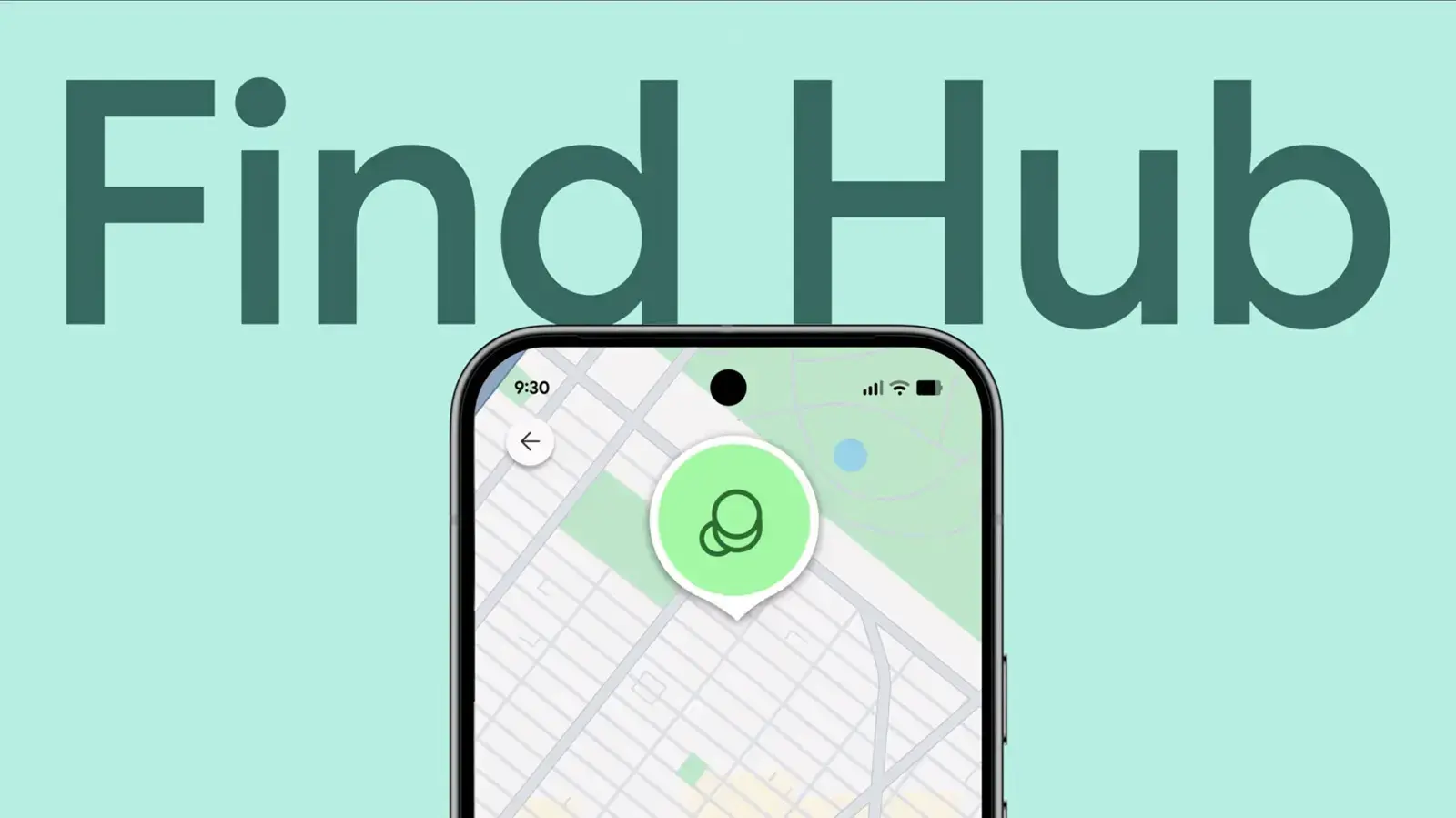
Google has released a new feature called Find Hub that helps users track lost Android devices. The tool works without requiring a second Android phone for access. Users can locate their hardware from any compatible device or computer. This update simplifies the process of finding misplaced gadgets. It offers a centralized dashboard for all connected items. The system is designed for quick and efficient recovery efforts.
Latest news
 YouTube is tightening rules for low-effort Shorts
 Google releases Android 17 QPR 3 Beta 1 for testing
 Samsung Galaxy S26 FE Slashes $40 Off Its Launch Price
 Meta Launches Muse Gadgets to Bring Brain-Sensing Tech to DIY Hardware
The platform integrates seamlessly with existing Google accounts. It tracks location data in real time when possible. Users do not need to install additional apps on the missing device. The service leverages standard internet connectivity to update positions. This makes it accessible even if the phone is offline. The interface displays a map view with precise coordinates. It also shows the last known location if signal drops.
Find Hub consolidates tracking information into one simple view. Previously, users often managed multiple apps for different gadgets. Now, a single window displays phones, tablets, and wearables. This reduces confusion during stressful search scenarios. The design prioritizes clarity over complex settings. Users can toggle between different devices easily. It supports both active and inactive tracking modes. The visual layout highlights battery status and network connections. This helps determine if the device is still powered on.
Does Find Hub Work Without Internet Access?
Yes, the system retains historical location data. If the device loses connection, it stores recent pings. These updates sync once the phone regains network access. Users should check the history tab for older points. The accuracy depends on GPS availability and signal strength. Urban areas typically provide better precision than rural zones. The tool also allows users to play a sound remotely. This feature helps locate devices hidden nearby. It requires the phone to be within earshot range.
Google emphasizes privacy controls within the new hub. Users can manage who sees their location data. Sharing options are temporary and easy to revoke. The company states that location history is encrypted. This protects user data during transmission and storage. Regular backups ensure no critical data is lost. The integration with other Google services remains robust. Updates arrive automatically through standard software channels. No manual configuration is needed for basic usage.
The rollout marks a significant step in device security. It reduces the time spent searching for lost items. Future updates may include advanced alert features. Experts predict wider adoption among casual users. The simplicity of the interface lowers the barrier to entry. As more devices connect to this ecosystem, utility grows. Users should enable location services before losing their phone. Proactive setup ensures the tool functions correctly. This shift toward unified tracking benefits all Android owners.
Frequently Asked Questions
Can I use Find Hub on an i Phone? Yes, the web version works on any browser. You do not need an Android device to log in. Simply visit the portal from your desktop or mobile browser.
How accurate is the location tracking? Accuracy varies based on GPS signal strength. Urban environments usually yield precise results. Rural areas may show a broader search radius.
Do I need to pay for this service? No, the core features are free. It is part of the standard Google account suite. Premium features may appear in future updates.
Comments
Leave a comment