How the Fix Restores Reliable Alert Delivery
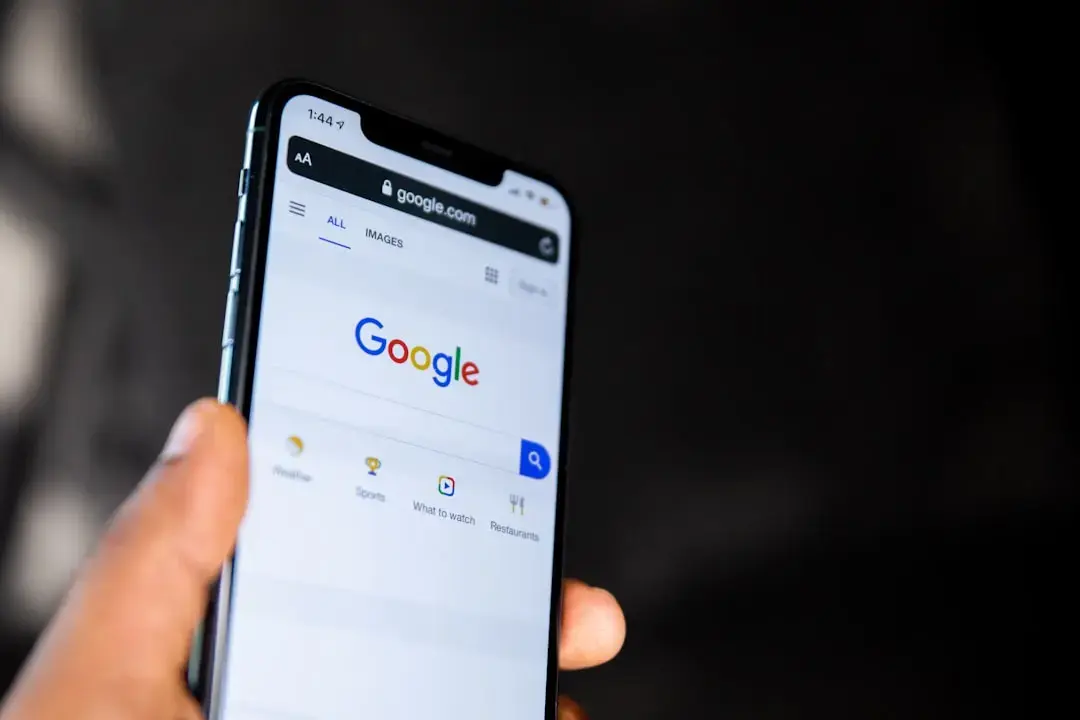
Google has resolved a bug that prevented Nest smart home alerts from appearing on i Phones, restoring timely notifications for security and environmental monitoring. The fix, rolled out in a recent update to the Google Home app, addresses a synchronization issue between Nest devices and Apple’s iOS operating system. Users had reported missing alerts for motion detection, doorbell rings, and smoke alarms, causing concern over delayed responses to potential hazards. The problem primarily affected users who relied on real-time notifications for home safety while away from their properties. Google confirmed the issue stemmed from a background process limitation in iOS that was interfering with push notification delivery for Nest services.
Latest news
 Why the Rumored iPhone Duo Excites Android Foldable Fans
 AMD's Canceled Ryzen 9 5900X3D Leaks Online
 California Subpoenas OpenAI Over Autonomous AI Hacking Risks
 Nvidia-Backed UK Supercomputer Faces Multi-Year Power Delay
The update modifies how the Google Home app handles background refresh and notification permissions on iOS, ensuring Nest alerts are prioritized and delivered without delay. Engineers adjusted the app’s integration with Apple’s Push Notification service to maintain a stable connection even when the app is not actively in use. This change allows critical alerts—such as someone approaching the front door or a sudden temperature spike—to reach users instantly. Google also improved error handling within the app to retry failed notifications automatically. Early user feedback indicates a significant reduction in missed alerts since the update’s release. The company advises users to ensure their Google Home app is updated to the latest version and that notification permissions are enabled for optimal performance.
What Should Users Do If Alerts Are Still Missing?
If notifications continue to fail after updating, Google recommends checking iOS settings to confirm that the Google Home app has permission to send alerts and that background app refresh is enabled. Users should also verify that their Nest devices are online and properly linked to their Google account within the app. For persistent issues, reinstalling the Google Home app or restarting the i Phone may help reset the connection. Google’s support team has documented these steps in its help center and is monitoring user reports for any recurring patterns. The fix applies to all Nest products, including cameras, doorbells, thermostats, and smoke detectors, ensuring comprehensive coverage across the smart home ecosystem. No additional hardware or subscription changes are required to benefit from the update.
Why were Nest alerts missing on i Phones in the first place? The issue was caused by a conflict between the Google Home app’s background processes and iOS’s power management settings, which delayed or blocked push notifications from Nest devices.
Frequently Asked Questions
Do I need to reinstall the Google Home app to get the fix? No, simply updating the app to the latest version should restore normal alert functionality, though reinstalling can help if problems persist after updating.
Will this fix work for all Nest devices connected to my Google Home? Yes, the update resolves alert delivery for all Nest products, including cameras, doorbells, thermostats, and smoke detectors, as long as they are linked to your Google account.
Comments
Leave a comment