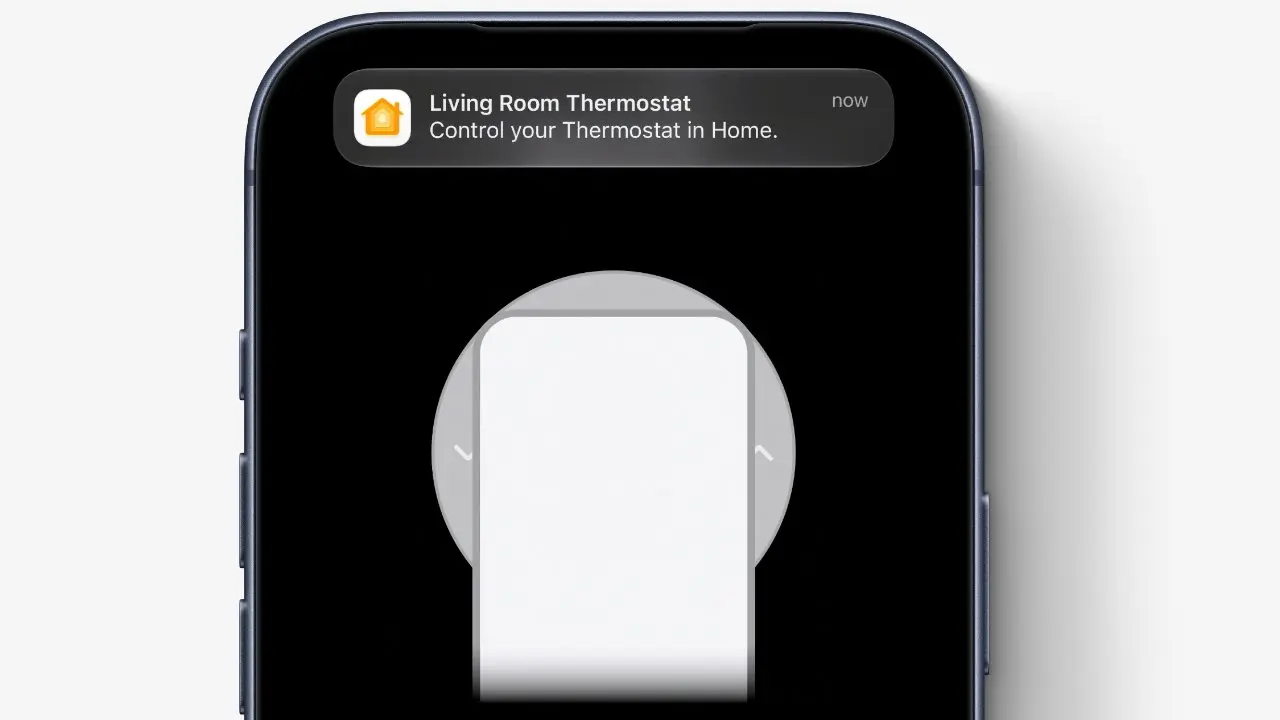
How Proximity Triggers Dynamic Island Guidance
Apple and LG are collaborating to enhance the user experience of LG’s smart home accessories by integrating helpful hints into Apple’s Dynamic Island feature. When an i Phone comes into proximity with compatible LG devices, users will see contextual notifications and setup guidance appear dynamically at the top of the screen. This integration leverages Apple’s ecosystem to streamline interaction with LG’s smart home products, making initial setup and ongoing use more intuitive. The feature is expected to launch with iOS 27 and will be available on select LG accessories designed for home automation.
Latest news
 Corsair Vengeance DDR5-6000 Kit Offers Ideal Speed for AMD Builds
 Hide.me VPN releases major Android update
 Hackers launch massive PHP2Shell attack wave
 Googlebooks are not yet ready for prime time
The system uses Bluetooth and location awareness to detect when an i Phone is near an LG smart home accessory, such as a smart plug, light switch, or thermostat. Upon detection, iOS 27 will display a non-intrusive hint in the Dynamic Island, offering quick access to setup steps, control options, or troubleshooting tips. This reduces the need to open separate apps or search for device information manually. Apple emphasized that the hints are context-aware and disappear when the i Phone moves away, ensuring minimal disruption. LG confirmed that the feature will work with its ThinQ ecosystem and require no additional hardware beyond existing Bluetooth capabilities.
What Happens If Multiple LG Devices Are Nearby?
When several LG accessories are detected in close proximity, the Dynamic Island will prioritize the most recently interacted-with device or the one requiring immediate attention, such as a pending firmware update or setup completion. Users can swipe to access a compact menu showing all nearby LG products, each with a shortcut to its primary function. Apple stated that the system avoids clutter by limiting visible hints to one at a time, with expandable options available through a long press. LG noted that user preferences can be adjusted in the Home app to control which devices trigger hints and how frequently they appear.
Will this feature work with older i Phone models? No, the Dynamic Island hint functionality requires i Phone models that support the Dynamic Island, introduced with the i Phone 14 Pro series, and will only be available on devices running iOS 27 or later.
Frequently Asked Questions
Do LG accessories need a firmware update to enable this feature? Yes, compatible LG smart home accessories will require a firmware update to support the proximity-based hint system, which will be distributed automatically through the ThinQ app when available.
Can users disable the Dynamic Island hints for LG devices? Yes, users can turn off the feature entirely or customize it per device through the Settings app under Privacy & Security, then Proximity Hints, or within the LG ThinQ app’s device management section.
Comments
Leave a comment