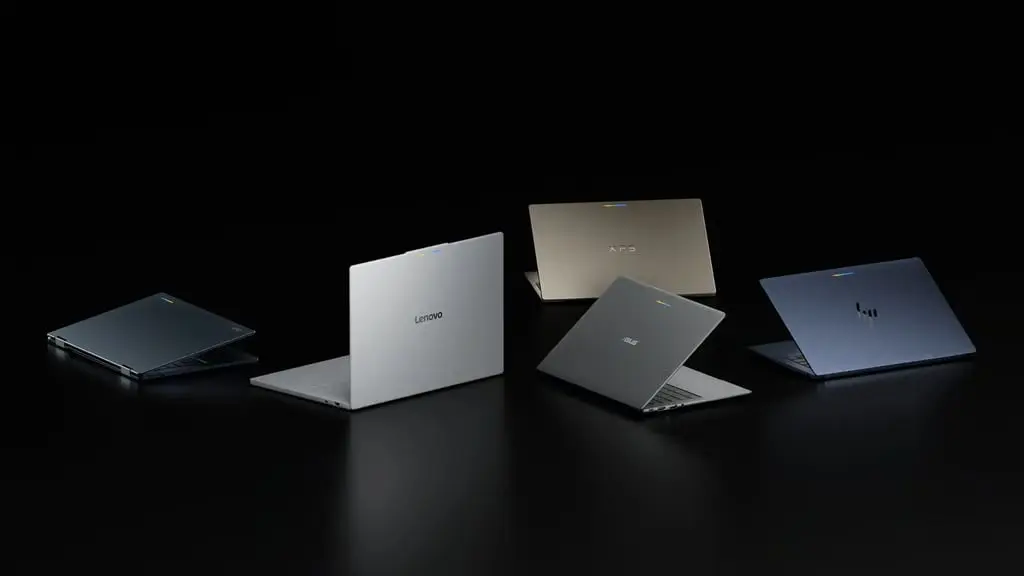
Partnership Expansion: How Galaxy Phones Now Work with Google Book Laptops
After a rocky start, Galaxy users finally gain access to Google Book’s multi‑device connectivity. The earlier barrier—phones not linking to new laptops—was cleared by an official update on October 10. Google confirmed that the „Better Together” suite now works on Galaxy devices with One UI 9.0, based on Android 17. This extension removes a launch‑time limitation that kept Samsung owners outside Google’s Android‑centric ecosystem. For hesitant adopters, the move clears a major hurdle, though some features remain software‑dependent and roll out gradually.
Latest news
 Corsair Vengeance DDR5-6000 Kit Offers Ideal Speed for AMD Builds
 Hide.me VPN releases major Android update
 Hackers launch massive PHP2Shell attack wave
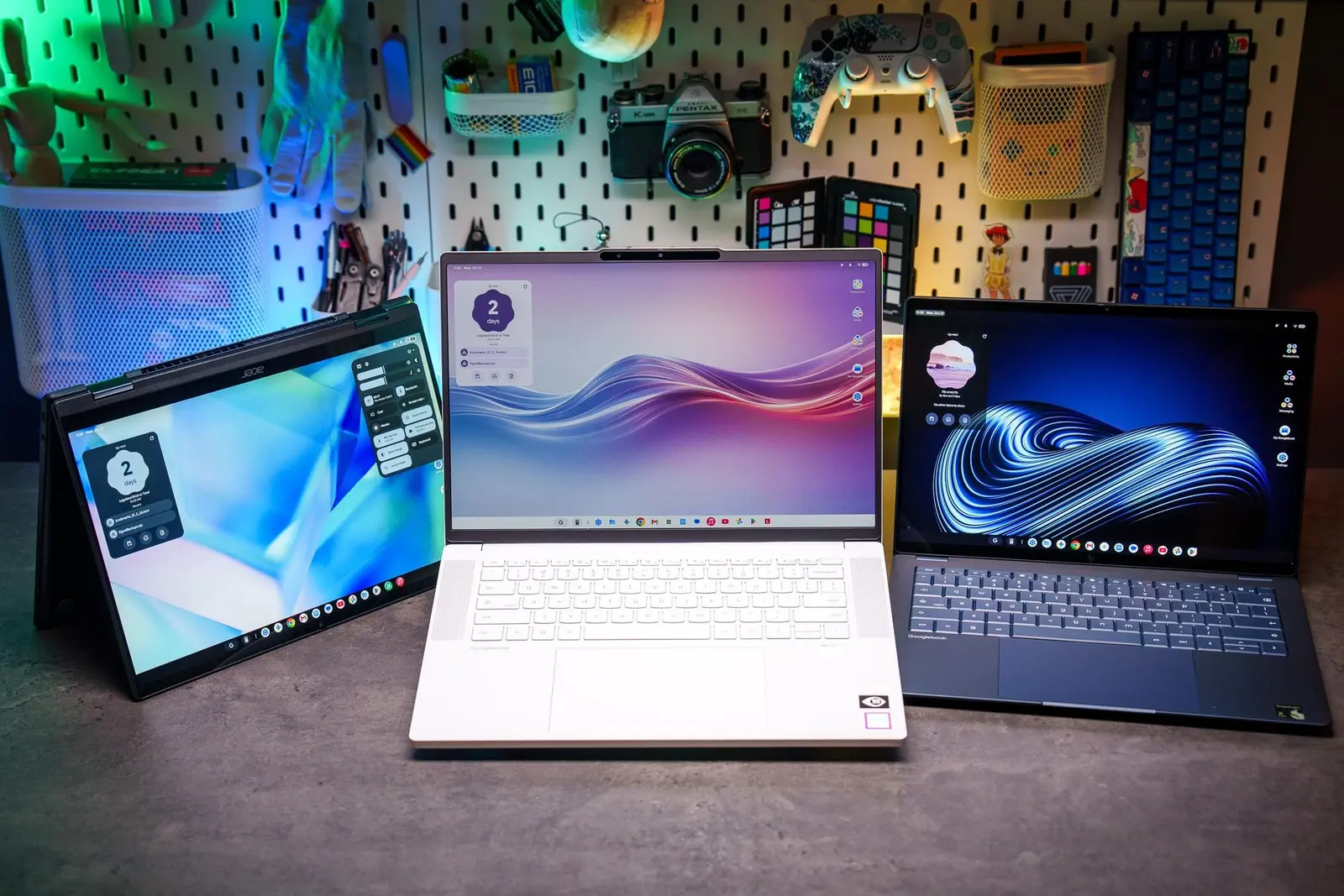 Googlebooks are not yet ready for prime time
The new integration centers on four pillars to create a seamless experience between a compatible Android phone and a Google Book laptop.
Users can pick up tasks started on their phone directly on the laptop. A prompt appears in the taskbar; selecting it may open a local app, a web page, or run the phone app via „Cast My Apps.”
Key Features of the „Better Together” Integration
This feature lets users control compatible Galaxy apps from the laptop. It improves flexibility but excludes apps with sensitive data or DRM protection, and limits the number of simultaneous casts.
Through Google Book’s file app, users can open, copy, transfer, and manage mobile documents. Opening a file from the phone automatically downloads it to the laptop, ensuring local availability.
Users can view and open Galaxy alerts on the laptop. The feature is not enabled by default; it requires manual activation. Not all notifications sync—media controls, silent alerts, and some system notifications are excluded. These capabilities fit into Google’s broader laptop strategy, emphasizing Android app support, Gemini AI assistance, and deep smartphone connectivity.
Optimizing Initial Setup
Google also streamlined the setup process. A Google Play Services update reduces steps for multi‑device configuration and fixes a common bug where the QR code stayed on screen after pairing. Updates began on October 10, delivered automatically via Google Play and background services. Devices on Wi‑Fi and charging receive them fastest.
To use these features, Galaxy owners must meet strict criteria. The laptop must run the latest Google Book OS. Not every Samsung model qualifies; only those with One UI 9.0 on Android 17 meet the technical requirements. Unsupported models cannot access the integration, and eligible ones may need to wait for Samsung’s software update.
Eligibility and Requirements
Pre‑connection checks include:
Both devices must have Wi‑Fi and Bluetooth enabled and share the same Wi‑Fi network or personal hotspot. The network must support Multicast DNS (mDNS) for proper multi‑device operation. Both devices must share at least one Google account, ideally the same primary account. Multi‑device services must be explicitly activated on both units, with Google apps up to date. Minimum versions: Google Play Services 26.37+, multi‑device services 1.0.1346+. A restart of both devices is required after updates.
Google recommends using a private home Wi‑Fi network for pairing, ensuring reliable connectivity and mDNS support.
Comments
Leave a comment