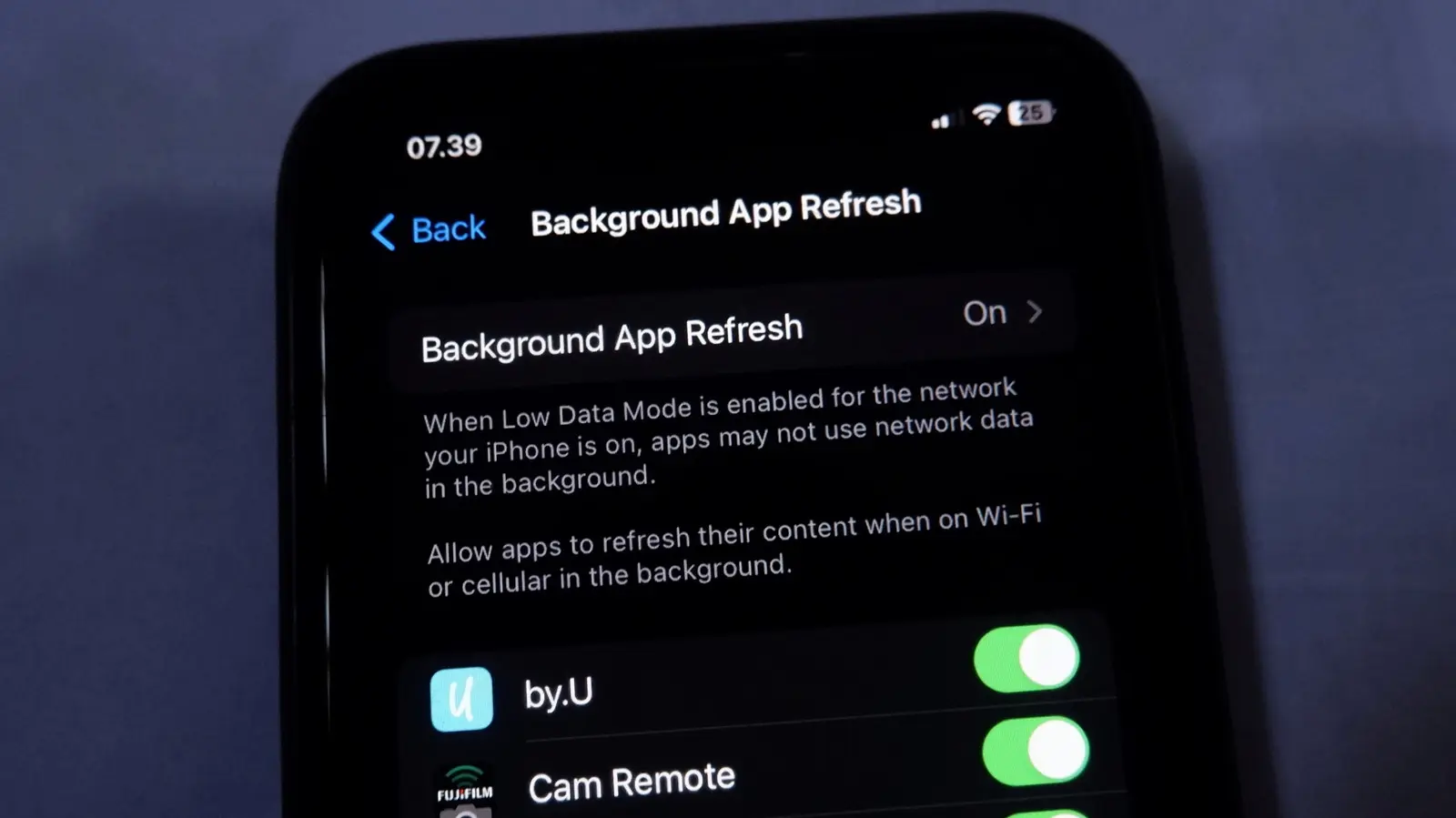
Battery Life and Data Usage Trade-offs
Apple’s Background App Refresh feature allows installed applications to fetch new data while the device is idle or locked. This system runs quietly in the background, ensuring content stays current without user interaction. The setting controls how frequently apps can wake up to check for updates. It balances convenience against battery consumption and data usage. Understanding this mechanism helps users optimize their daily smartphone experience effectively.
Latest news
 Anthropic Unveils Claude Duet For Background AI Tasks
 Eiliko Creator Hires Independent Security Firm After Flawy Robot Charm Exposed
 Musk Compares Optimus Robot Training to Raising a Toddler
 Atari VCS Software Store Closes in February 2027
The primary purpose of this feature is to keep information fresh. News feeds, social media timelines, and email inboxes update automatically. Users see the latest content immediately upon opening an app. However, not every application requires constant background activity. Some tools only need updates when explicitly opened. Disabling the feature stops these automatic checks. The phone relies on manual refreshes instead. This change significantly alters how software interacts with the operating system.
Turning off Background App Refresh reduces power drain. Apps cannot wake the processor to download files silently. This conservation is crucial for devices used heavily throughout the day. Mobile data consumption also drops noticeably. Without background sync, cellular networks handle less traffic. Users on limited data plans benefit greatly from this adjustment. The trade-off is slightly stale content. Messages might arrive with a delay. Notifications may wait until the app opens manually. For most casual users, this minor inconvenience is acceptable. Power-hungry apps like video streaming services or heavy social platforms consume the most resources. Disabling their background access yields the highest efficiency gains.
Which Apps Actually Need Background Updates?
Not all software benefits from continuous background activity. Critical communication apps often require immediate delivery. Messaging tools and email clients function best with refresh enabled. These applications prioritize real-time connectivity over battery savings. Conversely, utility apps rarely need silent updates. Calculators, unit converters, and simple note-taking tools work fine offline. They only process data when the user actively engages with them. Turning off refresh for these low-priority apps saves energy without losing functionality. Users should review their app list carefully. Identify which programs rely on instant synchronization. Keep refresh active for those essential tools. Disable it for everything else to maximize performance.
The decision to manage this setting depends on individual usage habits. Heavy social media users might prefer full automation. They value instant access to new posts and messages. Battery-conscious users gain more from strict control. They accept delayed updates to extend device longevity. There is no single correct configuration for everyone. Experimenting with different settings reveals personal preferences. Monitor battery statistics after changes to see actual impact. Adjust based on what feels right for your routine.
Frequently Asked Questions
Does turning off Background App Refresh stop notifications? No, push notifications still arrive normally. The feature only controls silent data fetching. Alerts remain functional even when background refresh is disabled.
Will my apps lose data if I disable this setting? No, existing data remains safe on the device. Apps simply stop downloading new information automatically. You must open the app manually to see fresh content.
Is this setting available on all i Phone models? Yes, the option exists across modern iOS versions. It is located in the main settings menu under General. Older devices support it as well, though battery impacts vary.
Comments
Leave a comment