How the Android Bug Works
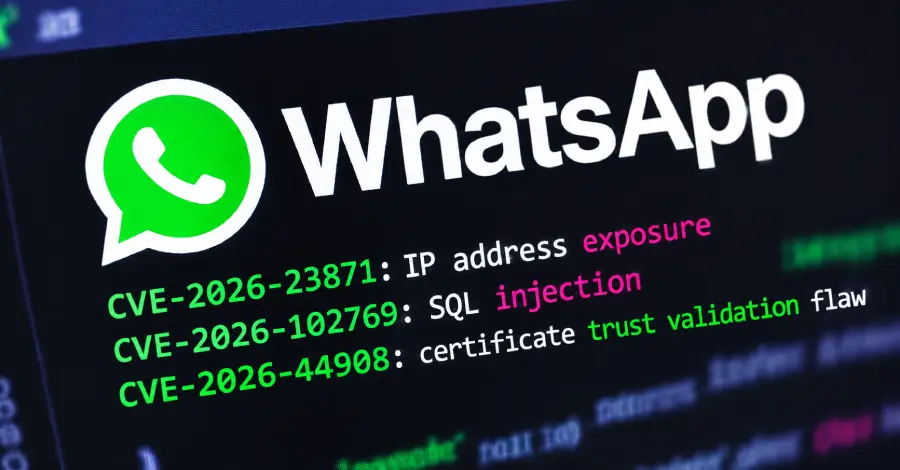
Meta has released updates for WhatsApp, patching three distinct security vulnerabilities. One flaw in the Android app is suspected to have been actively exploited to deliver scam messages. The fix addresses how the app validates external URLs. This move aims to stop attackers from hijacking the message flow. Users should update immediately to stay safe.
Latest news
 Smart TVs frequently lose their Wi-Fi connection, leaving viewers staring at a spinning loading icon
 Why Ignoring Car Software Updates Is Risky
 Apple's foldable iPhone Duo introduces dual-display multitasking capabilities
 FCC Weighs Reciprocal Limits on Foreign Satellite Firms
The core issue involves incomplete validation of external ad-reply URLs. Attackers could craft malicious links that trick users into interacting with fake ads or replies. The vulnerability is tracked as CVE-2026-23871. It affects both standard WhatsApp and WhatsApp Business on Android. Meta describes the bug as a logic error in URL handling.
What Should Users Do Now?
The vulnerability allows attackers to inject external URLs that bypass normal validation checks. When a user taps a crafted link, the app may open an untrusted page. This creates a path for phishing or data leakage. The other two flaws patched are less detailed in public reports. Meta emphasizes that all three issues are now resolved in the latest release. Users on older versions remain exposed until they update.
Update the app to the latest version available in the Play Store. Clear any suspicious messages that contain unexpected links. Avoid tapping unknown URLs in chat threads. Enable two-factor authentication for an extra layer of protection. Meta recommends keeping the app current to prevent similar exploits in the future.
Is the Android bug actively being exploited? Yes, Meta suspects the flaw was used in connection with scam messages. The patch closes this attack vector.
Frequently Asked Questions
Which versions are affected? The bug impacts WhatsApp for Android and WhatsApp Business for Android. Users on older builds should update immediately.
How do I check if I am safe? Open the app store and check for updates. If an update is available, install it right away.
Comments
Leave a comment