Why the Design Persists
A recent look at Microsoft’s built‑in performance monitoring tool reveals that its interface and terminology may be more familiar to older users than to the average modern PC owner. The tool, part of Windows 11, is designed to show real‑time data on CPU, memory, disk, and network usage, but many users find the layout and labels confusing.
Latest news
 Anthropic Unveils Claude Duet For Background AI Tasks
 Eiliko Creator Hires Independent Security Firm After Flawy Robot Charm Exposed
 Musk Compares Optimus Robot Training to Raising a Toddler
 Atari VCS Software Store Closes in February 2027
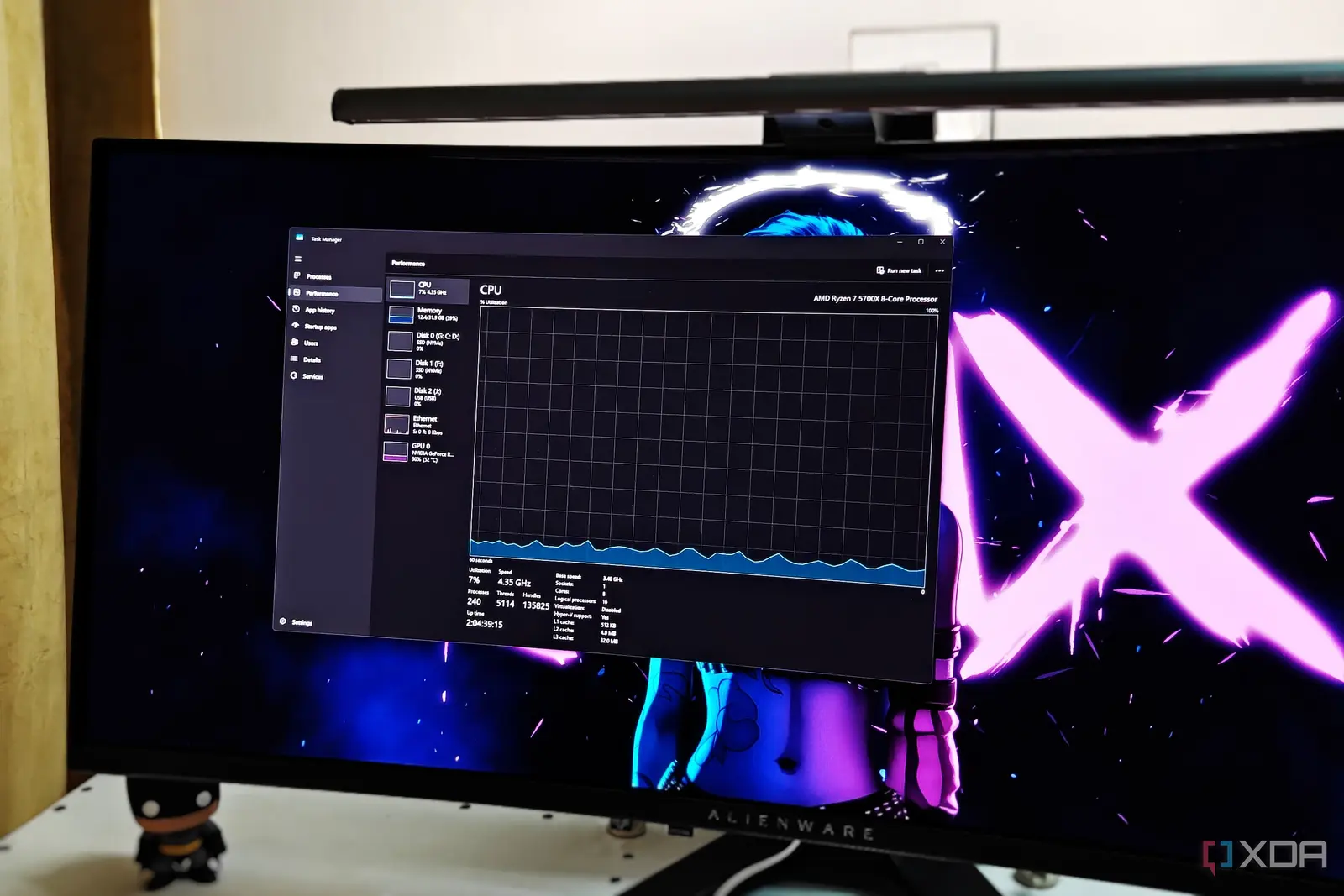
The performance tab displays a series of graphs and numbers that update every few seconds. The labels—such as „CPU Usage,” „Physical Memory,” and „Disk (C:)” – are straightforward, yet the accompanying units and metrics (e.g., „%,” „MB/s”) can be opaque to those who do not regularly monitor system resources. The tool also shows a „Processes” list that lists every running application, but the „CPU Time” column is expressed in seconds, which can be misleading for short‑lived tasks.
Is a Modern Alternative Needed?
Microsoft’s Task Manager was first introduced in Windows 2000, and its core layout has remained largely unchanged. The decision to keep the same interface was driven by the need for consistency across Windows versions and to maintain a lightweight, low‑resource footprint. The tool is built into the operating system, so it cannot rely on third‑party libraries or heavy graphics. This legacy design also ensures that developers can script or automate tasks using PowerShell or the Windows Management Instrumentation (WMI) interface, which depend on the same underlying data structures.
Despite its age, the performance tab offers valuable insights for power users. By monitoring CPU usage spikes, a user can identify background services that consume resources. The memory graph shows how much RAM is allocated versus how much is free, helping to spot memory leaks. Disk activity can reveal whether a hard drive is being overused, which is especially useful for older machines that may be nearing their lifespan.
Could Microsoft update the Task Manager to match contemporary UI standards? The answer is mixed. On one hand, a refreshed interface with clearer icons, tooltips, and a more intuitive layout could lower the learning curve for newcomers. On the other hand, the current design is deliberately minimal to avoid distracting users from their primary tasks. Additionally, any major redesign would require extensive regression testing to ensure that system administrators and developers still have access to the same low‑level metrics.
Frequently Asked Questions
Users who find the default tool insufficient often turn to third‑party applications like Process Explorer or HWMonitor. These alternatives offer more granular data, such as per‑core usage, temperature readings, and detailed process hierarchies. However, they also demand more system resources and can be overwhelming for casual users.
The consequence of sticking with the legacy design is a divide between casual users and power users. While the average person can rely on the basic „Performance” tab for quick checks, those who need deeper diagnostics may feel frustrated by the lack of context and explanatory text. Microsoft’s future roadmap for Windows 11 does not currently include a major overhaul of Task Manager, suggesting that the company prioritizes stability over visual modernization.
Comments
Leave a comment