How Does This Differ From Traditional Overclocking Tools?
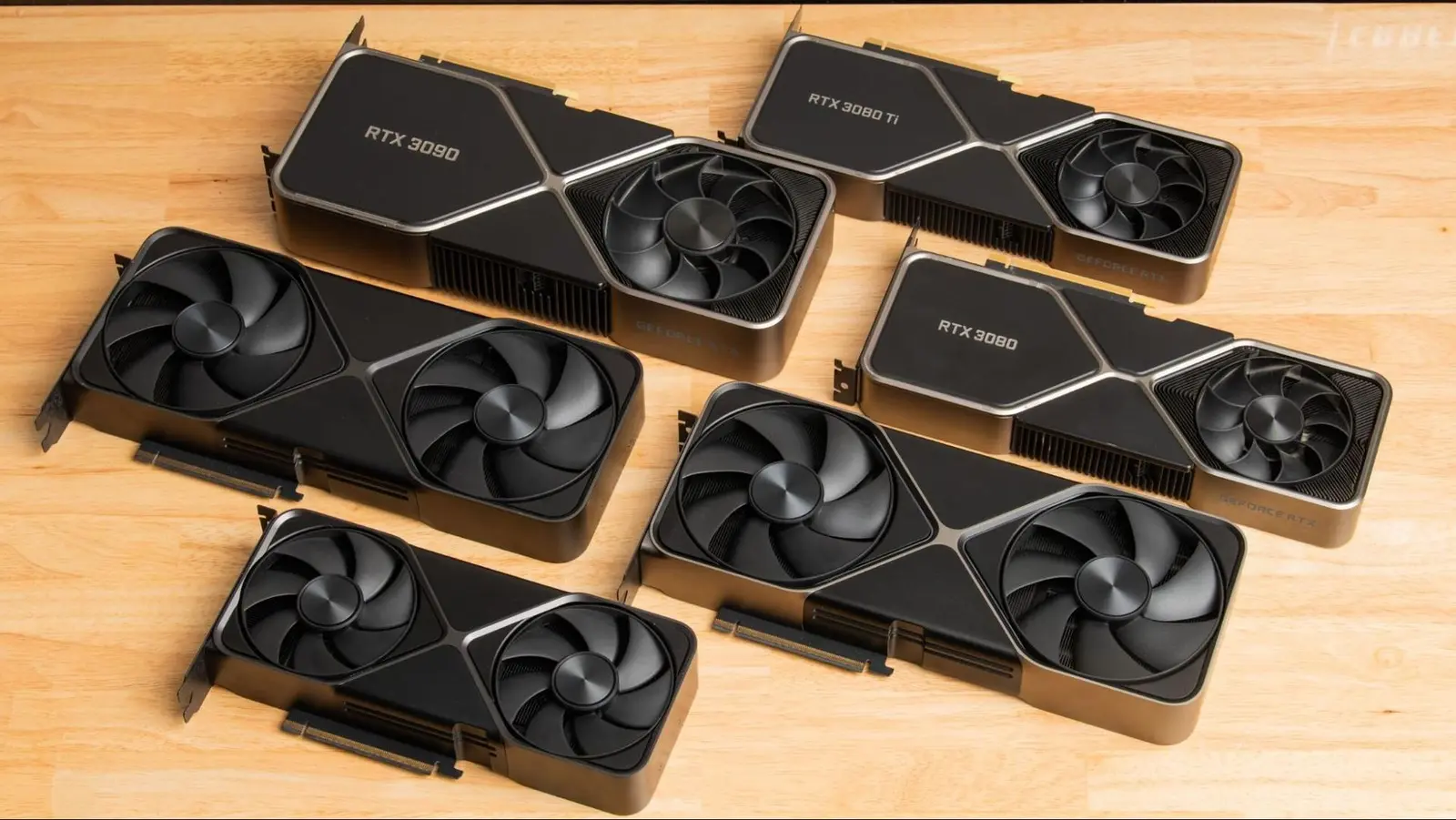
A new tool allows users to modify the VBIOS on Nvidia RTX 30 to 50 series graphics cards without the need for risky flashing procedures. Developed by Panchovix and released on GitHub, the VBIOS configurator provides a graphical interface for adjusting settings directly through Nvidia registers. This innovation reduces the chance of permanently damaging a GPU during tuning, a common concern with traditional BIOS flashing methods. The software is compatible with both Windows and Linux operating systems, broadening its accessibility for enthusiasts and tweakers seeking safer overclocking or power management options.
Latest news
 Anthropic Unveils Claude Duet For Background AI Tasks
 Eiliko Creator Hires Independent Security Firm After Flawy Robot Charm Exposed
 Musk Compares Optimus Robot Training to Raising a Toddler
 Atari VCS Software Store Closes in February 2027
The configurator works by interfacing with low-level Nvidia registers rather than rewriting the GPU’s firmware, which eliminates the need to flash the VBIOS chip—a process that can render a card unusable if interrupted or done incorrectly. By avoiding direct firmware modification, the tool minimizes risks while still enabling adjustments to clock speeds, voltage, and power limits. Early adopters have reported stable performance when using the utility alongside monitoring tools, though developers caution that extreme settings may still trigger instability or thermal throttling. The project builds on community demand for safer alternatives to vendor-specific software like MSI Afterburner or ASUS GPU Tweak, which, while popular, often rely on driver-level overrides rather than direct hardware configuration.
What Are the Risks and Limitations?
Unlike MSI Afterburner or EVGA Precision X1, which adjust GPU behavior through software drivers and driver-level calls, this configurator interacts directly with hardware registers to apply changes at a deeper level. This approach allows settings to persist across reboots without requiring constant software injection, offering a more firmware-like experience without the permanence or danger of flashing. Users report that the tool maintains configurations even after driver updates, a limitation often seen with traditional tweaking utilities. However, the developer emphasizes that the tool does not override hardware safeguards and will respect thermal and power limits enforced by the GPU’s firmware.
While the configurator significantly reduces the risk of bricking a GPU compared to flashing, it is not entirely without consequence. Applying extreme voltage or clock settings can still lead to system crashes, graphical artifacts, or accelerated hardware wear. The tool does not provide real-time monitoring or automatic fail-safes, so users are advised to pair it with hardware monitoring software and proceed conservatively. Additionally, compatibility is limited to RTX 30, 40, and 50 series cards based on Ampere, Ada Lovelace, and Blackwell architectures; older Pascal or Turing cards are not supported due to differences in register access. The developer notes that ongoing testing is focused on expanding stability across various board designs from partners like ASUS, Gigabyte, and Colorful.
Is this tool safe to use on my gaming PC? Yes, when used responsibly, the VBIOS configurator is safer than flashing because it does not modify the GPU’s permanent firmware. However, improper settings can still cause instability, so users should start with conservative changes and test thoroughly.
Frequently Asked Questions
Will this void my GPU warranty? Since the tool does not flash or alter the VBIOS chip, it typically does not trigger hardware-based warranty flags. However, manufacturers may still deny claims if damage is traced to overclocking, regardless of the method used.
Can I revert to default settings easily? Yes, the configurator includes a reset function that restores default register values, allowing users to return to factory specifications without needing to reflash the BIOS or reinstall drivers.
Comments
Leave a comment