The Hidden Battle for Bandwidth
Many people experience slow home internet speeds. A common culprit is your Wi-Fi router's default channel. This setting can cause interference, especially in crowded areas. Changing it could significantly boost your connection.
Latest news
 Anker Unveils Playful 45W Charger With Animated Face Display
 Google Docs Web Version Still Missing Native Dark Mode
 Anthropic-Linked Vulnerability Exploited From China, Targets US and Japan
 Text‑Based AI Agents: Your New Digital Assistants
Most routers automatically select a channel when they are first set up. This initial choice isn't always the best for long-term performance. Over time, other nearby networks can begin using the same channel.
When multiple Wi-Fi networks operate on the same channel, they essentially compete for airwaves. This competition leads to signal degradation and slower speeds for everyone involved. It's like trying to have multiple conversations in a very noisy room. The more networks on one channel, the worse the interference becomes. This problem is particularly noticeable in apartments or densely populated neighborhoods.
How Can You Improve Your Wi-Fi Speed?
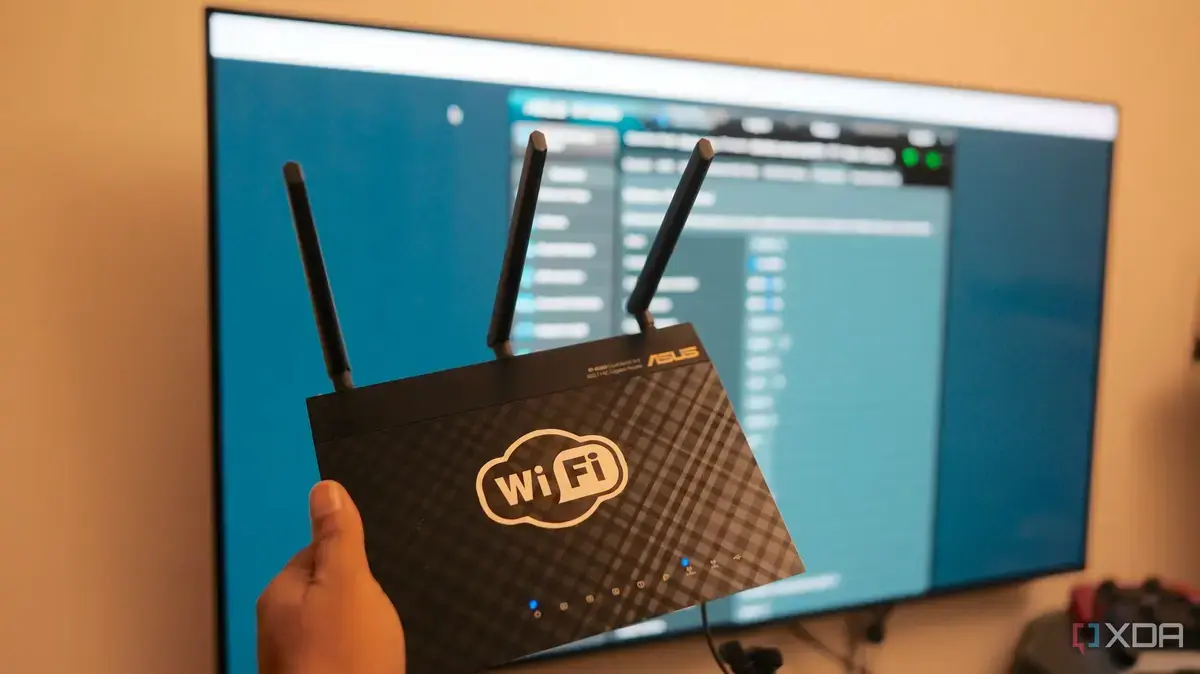
You can manually change your router's Wi-Fi channel. Access your router's administration page through a web browser. Look for wireless settings, often under Advancedor Wi-Fi. There, you'll find an option to select a different channel. Channels 1, 6, and 11 are generally recommended for 2.4 GHz networks because they do not overlap. For 5 GHz networks, more non-overlapping channels are available.
Optimizing your Wi-Fi channel can lead to a more stable and faster internet experience. This simple adjustment can resolve persistent connectivity issues. It helps your network avoid the digital traffic jamscaused by neighboring Wi-Fi signals.
Frequently Asked Questions
What are the best Wi-Fi channels to use? For 2.4 GHz networks, channels 1, 6, and 11 are best as they do not overlap.
How do I access my router's settings? You typically access your router's settings by typing its IP address into a web browser. Common IP addresses include 192.168.1.1 or 192.168.0.1.
Will changing my Wi-Fi channel affect other devices? No, changing the channel only affects how your router broadcasts its signal. Your devices will automatically connect to the new channel without needing reconfiguration.
Comments
Leave a comment