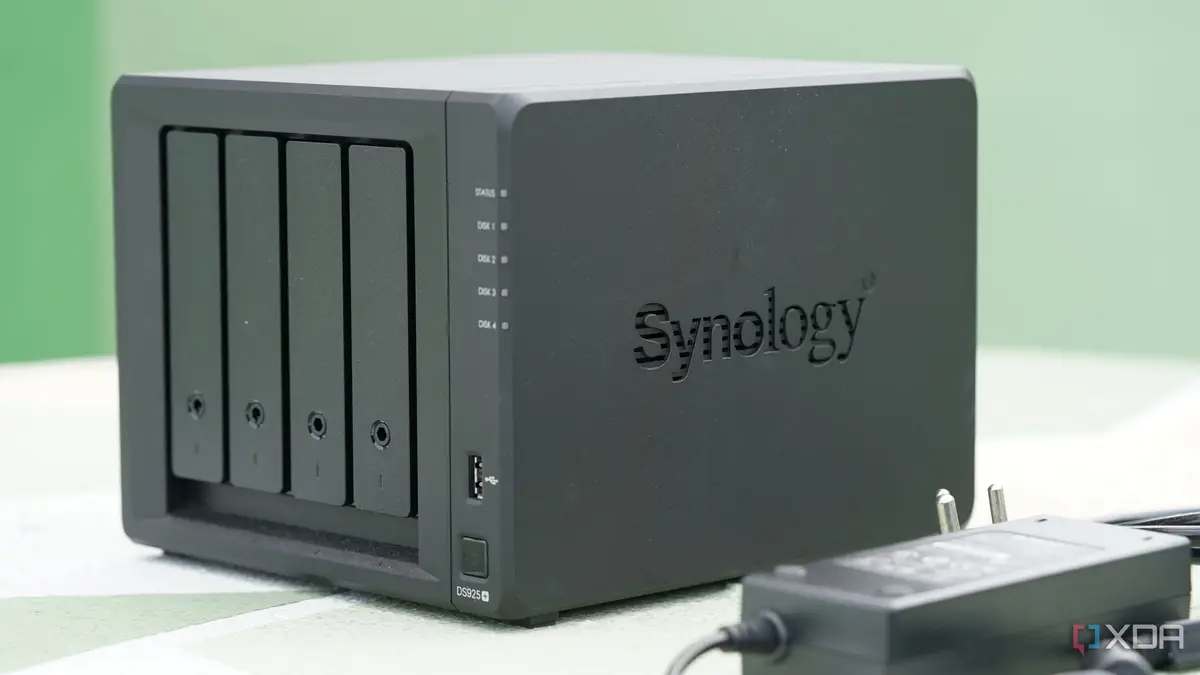
Unlocking the Potential of USB Ports on NAS
Many people own a Network-Attached Storage (NAS) device, often using it solely for storing and sharing files across their network. These devices typically come equipped with USB ports, which are frequently overlooked.
Latest news
 Europe's Multilingual Reality Exposes AI Security Gaps
 Critical Flaw in ChatGPT Agent Fixed by OpenAI
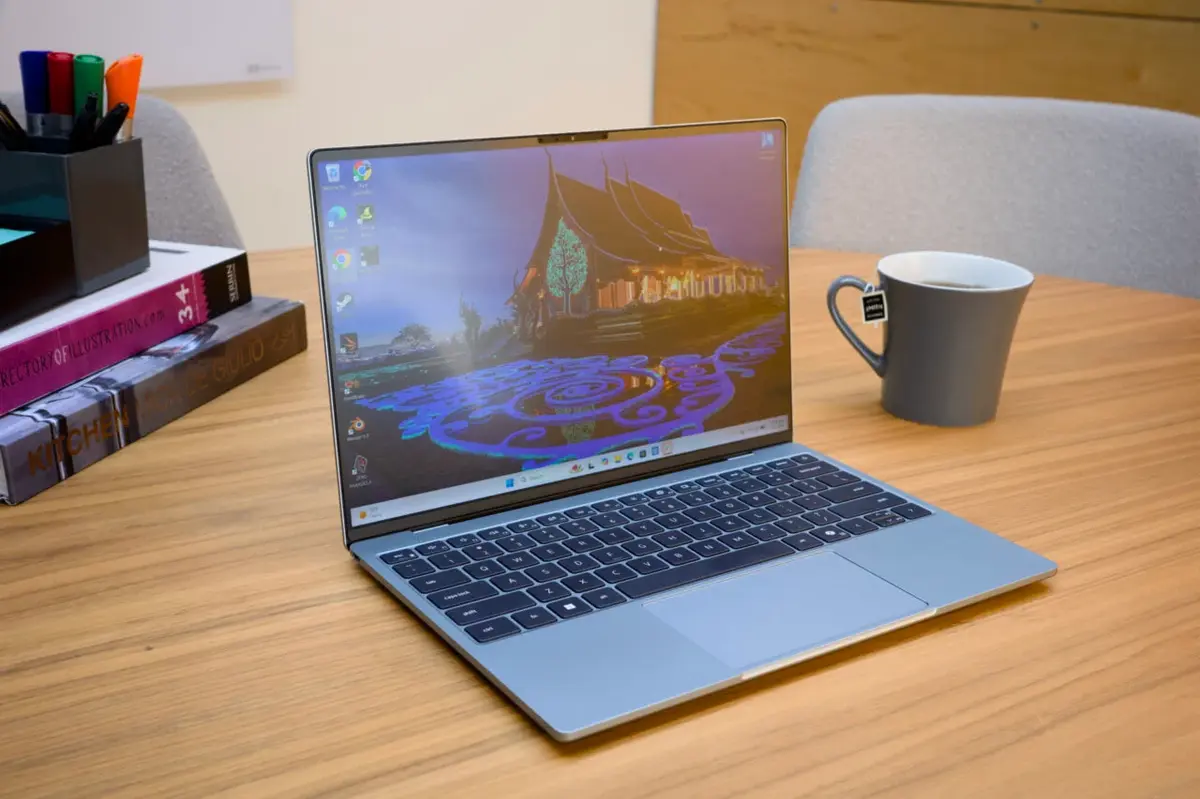 Dell XPS 13 (2026) Review: A PC Revolution
 Intel Needs to Leapfrog Rivals, Says CEO
The USB ports on a NAS device are more than just a means to expand storage capacity. They can be used to connect a variety of peripherals, enhancing the device's functionality.
By connecting devices such as UPS systems, printers, or even a keyboard and mouse, users can significantly expand their NAS's capabilities. For instance, connecting a UPS can ensure the NAS remains operational during a power outage.
Can You Really Make the Most of Your NAS's USB Ports?
The possibilities are vast, and the specific uses will depend on the NAS model and its operating system. Some NAS devices even support connecting a 3D printer or a scanner, effectively turning the NAS into a network-accessible device.
The USB ports on a NAS device can breathe new life into an otherwise static storage solution. As users continue to explore the capabilities of their NAS, they may discover new and innovative ways to utilize these often-overlooked ports.
Frequently Asked Questions
What can I connect to my NAS via USB? You can connect a range of devices, including UPS systems, printers, and input devices like keyboards and mice. The specific options will depend on your NAS model.
Can I use a USB port on my NAS to charge devices? Some NAS devices support charging devices via their USB ports, but this is not a standard feature across all models.
How do I know what USB devices are compatible with my NAS? Check your NAS's documentation or manufacturer's website for a list of supported devices and configurations.
Comments
Leave a comment