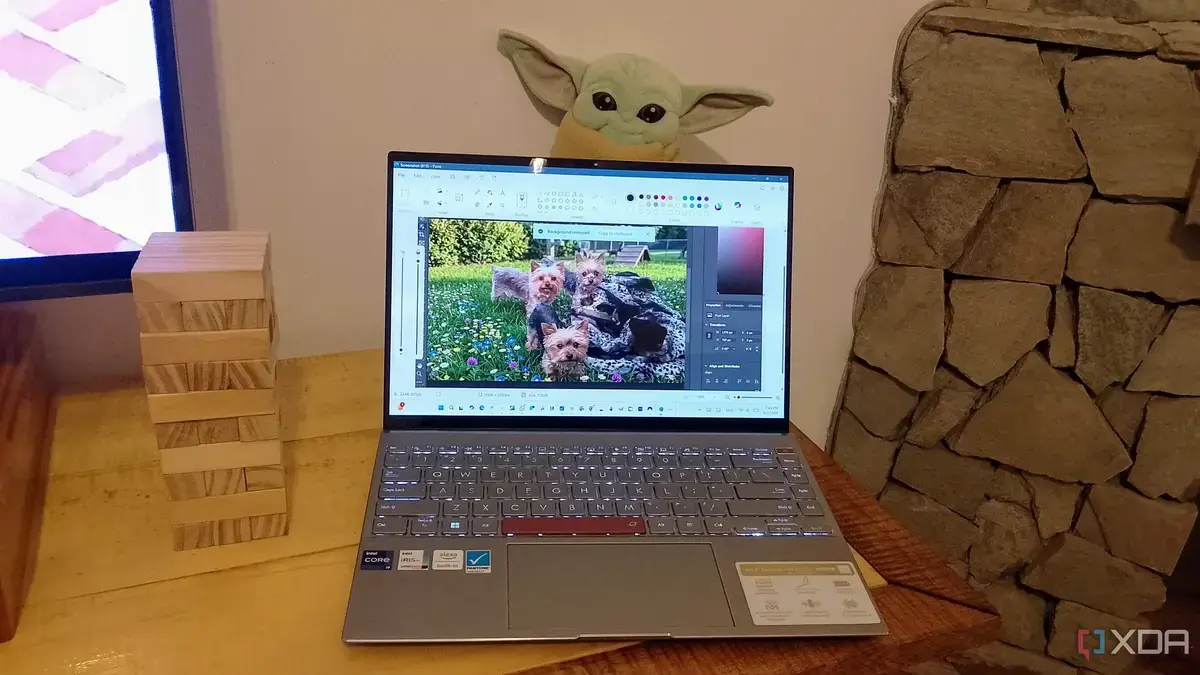
How the AI Action menu streamlines editing
Microsoft added AI‑driven photo options to the Windows 11 right‑click menu in the June 2026 update. The new tools let users crop, rotate, brighten, and remove backgrounds without opening heavyweight applications like Photoshop. Early adopters report faster workflows and fewer interruptions.
Latest news
 Anker Unveils Playful 45W Charger With Animated Face Display
 Google Docs Web Version Still Missing Native Dark Mode
 Anthropic-Linked Vulnerability Exploited From China, Targets US and Japan
 Text‑Based AI Agents: Your New Digital Assistants
The AI Action feature taps a cloud‑based model that analyzes an image the moment a user selects „Edit with AI.” Within seconds the program suggests edits, applies filters, or isolates subjects. By handling routine adjustments directly in File Explorer, the tool reduces the time spent launching and learning complex software. Microsoft says the service is integrated with the Photos app and works on any image file stored locally or on OneDrive. Users can also save edited versions back to the original folder, keeping their file structure intact.
When a user right‑clicks a picture, a new „AI Edit” entry appears alongside standard options. Selecting it opens a lightweight overlay where the AI proposes three quick fixes: a one‑tap background removal, an automatic exposure boost, or a smart crop to improve composition. The overlay runs on the device’s GPU, but most heavy lifting occurs on Microsoft’s servers, keeping local performance smooth. Early feedback from power users highlights a 40 percent reduction in time spent on minor edits. „I used to launch Photoshop for a simple brightness tweak,” said one tester. „Now I get the same result in a couple of clicks, and my workflow stays uninterrupted.” The feature also respects privacy settings, allowing users to opt out of cloud processing if desired.
Can these AI tools replace Photoshop for everyday tweaks?
For casual users, the answer appears to be yes. The AI menu covers the majority of routine tasks—cropping, rotating, background removal, and basic color correction. However, professional designers still need Photoshop’s deep layer controls, advanced masking, and plug‑in ecosystem. Microsoft acknowledges the limitation, positioning the AI Action as a complement rather than a full replacement. Industry analysts predict that such built‑in utilities will push premium editors to focus on high‑end features that cannot be automated. As AI models improve, the gap may narrow, but for now the tools serve as a convenient bridge for quick fixes, freeing up creative time for more complex projects.
The rollout signals a broader shift toward integrated AI across operating systems. Users can expect more context‑aware utilities to appear in everyday menus, reducing reliance on third‑party software for simple tasks. If adoption remains strong, Microsoft may expand the AI suite to include video trimming, document summarization, and other productivity boosters, reshaping how people interact with their PCs.
Frequently Asked Questions
What image formats does the AI Action support? The feature works with common formats such as JPEG, PNG, BMP, and HEIC. Unsupported files will prompt the user to convert them first.
Is the AI processing done locally or in the cloud? Initial analysis runs locally, but the heavy‑weight AI model processes the image on Microsoft’s servers. Users can disable cloud processing in the settings.
Can I revert edits made by the AI? Yes. The overlay saves a copy of the original file, allowing users to undo changes or restore the untouched version at any time.
Comments
Leave a comment