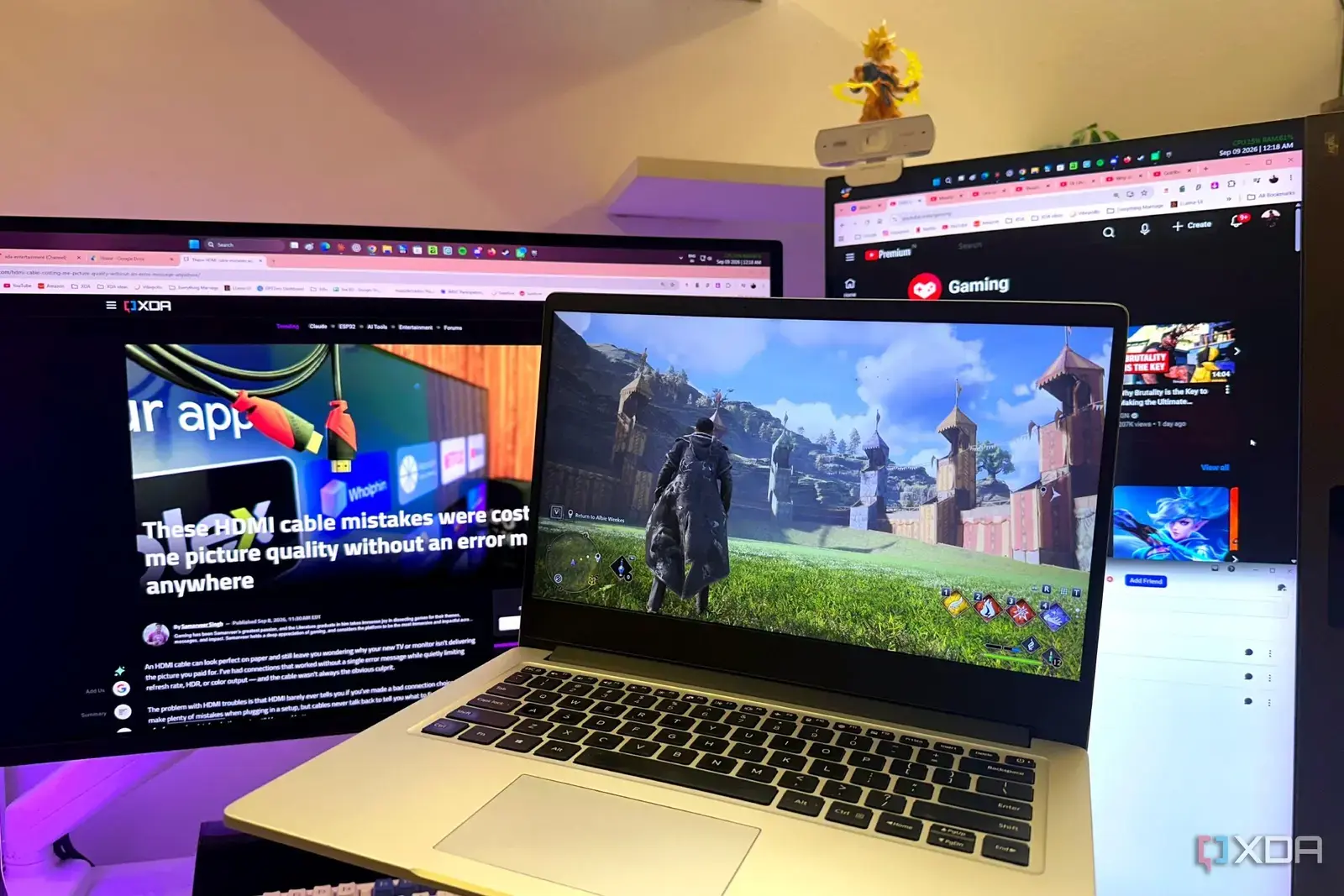
How Sunshine Enables a Virtual Display Setup
A simple software trick has solved a frustrating problem for gamers who stream or record gameplay: using a virtual display prevents game streams from taking over the primary monitor. Instead of relying on a physical dummy HDMI plug to trick the system into thinking a second screen is connected, the user configured Sunshine, a game streaming tool, to create a virtual display. This allowed the game to render on the virtual screen while the main monitor remained free for other tasks. The solution emerged after repeated interruptions during streaming sessions, where full-screen game captures would unexpectedly seize control of the primary display, disrupting chat, browsing, or secondary applications. By shifting the game output to a virtual environment, the user regained full control over their workflow without purchasing additional hardware.
Latest news
 Minisforum Unveils High‑End Ryzen AI Max+ PRO 495 Workstation
 NASA Eyes Revival of SR‑71 Blackbird
 My Home Wi‑Fi Was Crowded by 14 Neighbors—A Free App Helped Me Find a Clear Channel
 YouTube is tightening rules for low-effort Shorts
Sunshine, an open-source game streaming host similar to Moonlight, typically captures gameplay from a physical GPU output and encodes it for remote devices. In this case, the user configured Sunshine to target a virtual display adapter created through software, effectively simulating a second monitor that only the streaming process can see. This isolation means the game renders exclusively on the virtual screen, leaving the primary display untouched by full-screen captures or focus-stealing behaviors. The setup requires no extra cables, adapters, or cost beyond the software itself, which is free and lightweight. According to the user, the virtual display behaves identically to a real one in the eyes of the operating system and games, ensuring compatibility without performance loss. The change was implemented in under ten minutes and has remained stable across multiple gaming sessions and driver updates.
Why This Beats Buying a Dummy HDMI Plug
Physical dummy plugs, often sold for under $10, serve a similar purpose by providing a fake EDID signal to convince the GPU a display is attached. However, they occupy a physical port, can cause confusion in multi-monitor setups, and offer no flexibility—once plugged in, they’re always active. The virtual approach, by contrast, is dynamic: it can be enabled or disabled on demand, adjusted per application, and leaves hardware ports free for actual use. The user noted that they no longer need to fumble with cables or worry about the plug being dislodged during desk adjustments. Additionally, the virtual method avoids potential issues with HDMI handshakes or resolution mismatches that sometimes plague dummy plugs. For streamers who frequently switch between solo play, recording, and broadcasting, the software solution offers greater adaptability and cleaner desk management.
While effective for most use cases, the virtual display method does have minor constraints. Some games or anti-cheat systems may detect unusual display configurations and flag them, though the user reported no such issues across a variety of titles, including competitive and DRM-protected games. Performance impact is negligible since the virtual display uses the same GPU resources as a physical one, with encoding overhead unchanged. The setup does require familiarity with Sunshine’s configuration files or frontend tools, which may pose a slight learning curve for beginners. However, extensive community guides and preset profiles now simplify the process. The user emphasized that the benefit—regaining monitor autonomy—far outweighs these minimal drawbacks, especially for those who stream regularly or use their PC for multitasking during gameplay.
What Are the Limitations of This Method?
Does using a virtual display affect game performance or input lag? No, there is no measurable difference in performance or input lag compared to using a physical monitor, as the game still renders directly on the GPU and only the output routing changes.
Frequently Asked Questions
Can this setup work with other streaming tools besides Sunshine? Yes, similar virtual display techniques can be applied with alternatives like OBS-NVEnc or Parsec, provided they support capturing from a specific display or adapter.
Is a virtual display safe to use with all games, including those with anti-cheat? In practice, most games treat a virtual display like any other monitor, and the user has not encountered anti-cheat triggers; however, results may vary depending on the game’s specific protections.
Comments
Leave a comment