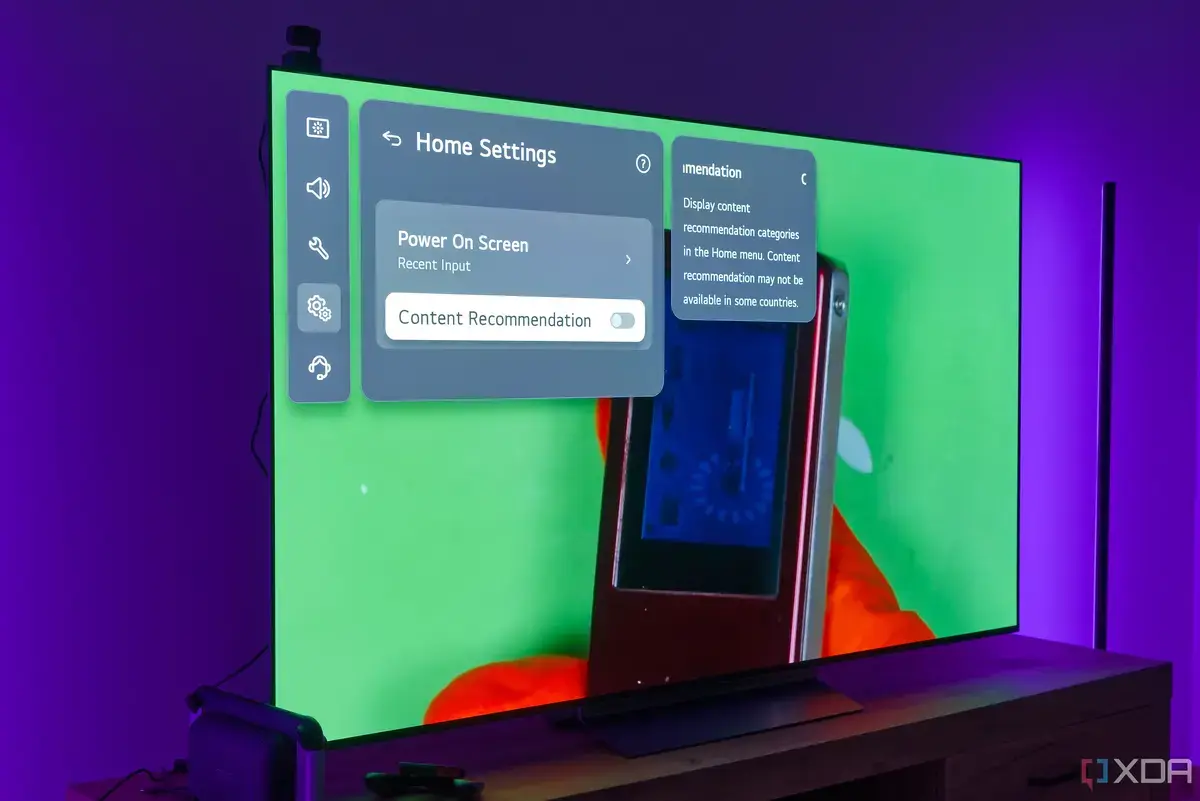
Essential Adjustments for Superior Picture
Many new LG OLED TV owners might find their picture quality can be significantly improved with a few simple adjustments. While these televisions are known for their stunning visuals, some factory settings can hinder the optimal viewing experience. Tech enthusiasts are sharing key changes that can elevate picture performance.
Latest news
 Anker Unveils Playful 45W Charger With Animated Face Display
 Google Docs Web Version Still Missing Native Dark Mode
 Anthropic-Linked Vulnerability Exploited From China, Targets US and Japan
 Text‑Based AI Agents: Your New Digital Assistants
These adjustments are often hidden within the TV's menu system. They address issues like motion smoothing and color accuracy. Making these changes can result in a more natural and immersive picture.
One crucial step involves disabling energy-saving features. While environmentally conscious, these settings can dim the screen and alter colors. Turning them off allows the TV to display its full brightness and vibrancy. Another common recommendation is to switch to ' Filmmaker Mode' or a similar cinema preset. These modes are designed to present content as the creators intended. They bypass artificial enhancements that can distort the original image. This includes reducing or eliminating motion interpolation, often called the soap opera effect. Why Are These Settings Not Default?
Manufacturers often prioritize certain features for broad appeal. Energy efficiency is a common default. Motion smoothing can also be perceived as an upgrade by some viewers. However, for those seeking the most accurate picture, these defaults are not ideal. Adjusting these settings empowers viewers to customize their experience. It ensures the TV delivers its best possible performance.
Frequently Asked Questions
By taking a few minutes to navigate the settings menu, LG OLED TV owners can unlock a superior visual experience. These small changes make a big difference in picture quality. They allow the TV to truly shine.
What is the soap opera effectand how can I fix it? The soap opera effectis an overly smooth motion in movies and TV shows, caused by motion interpolation. You can fix it by disabling motion smoothing settings, often found under TruMotionor similar names in your TV's picture options.
Why should I turn off energy-saving features on my new TV? Energy-saving features can reduce your TV's brightness and alter color accuracy to consume less power. Disabling them allows your TV to display its full potential in terms of brightness and color, leading to a more vibrant picture.
Comments
Leave a comment