
Identifying the Real Cause of Lag
When faced with sluggish app performance, several quick fixes can help. Restarting the Roku device is a simple first step. This action can clear temporary glitches and improve responsiveness. Additionally, checking for software updates is crucial, as outdated software may hinder performance.
Latest news
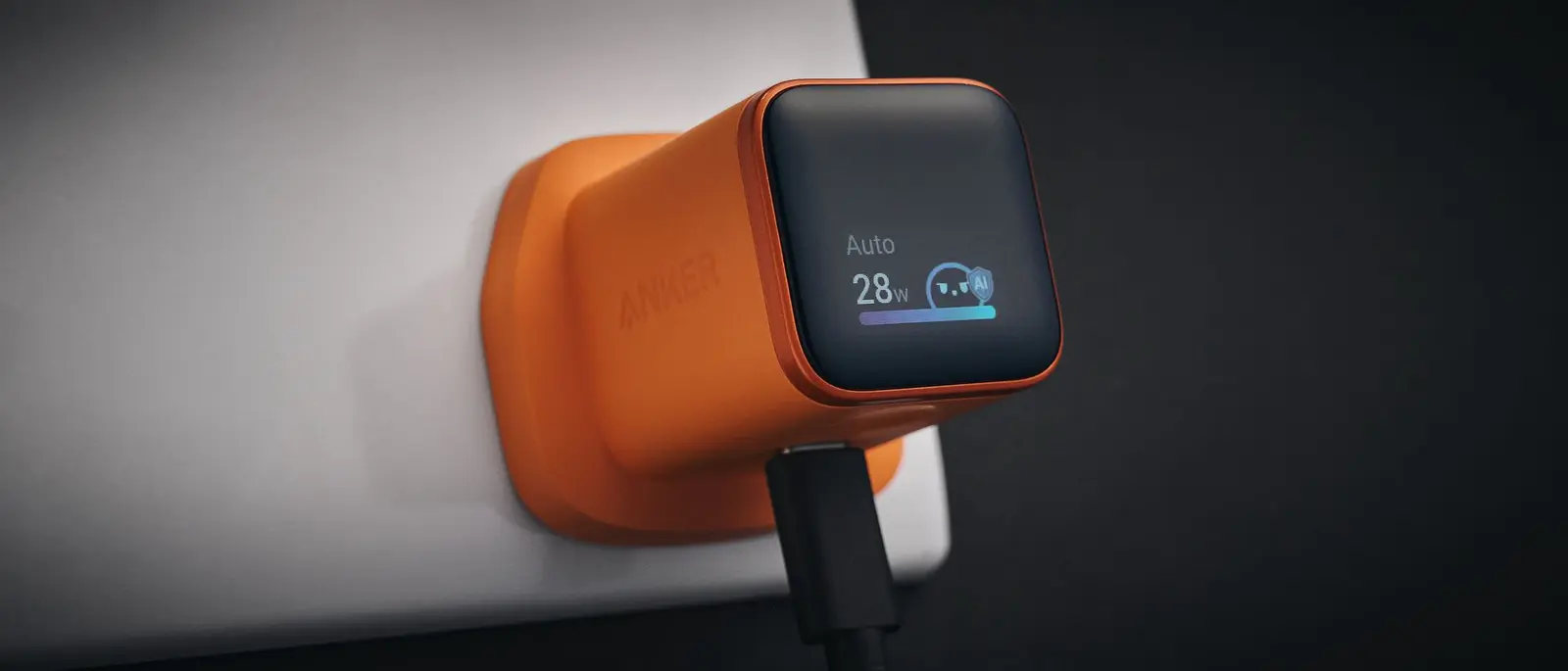 Anker Unveils Playful 45W Charger With Animated Face Display
 Google Docs Web Version Still Missing Native Dark Mode
 Anthropic-Linked Vulnerability Exploited From China, Targets US and Japan
 Text‑Based AI Agents: Your New Digital Assistants
Another aspect to consider is the number of apps running simultaneously. Closing unused applications can free up system resources, allowing the remaining apps to run more smoothly. Furthermore, ensuring that the Roku device is not too far from the Wi-Fi router can enhance connection stability.
Is Your Internet Speed Sufficient for Streaming?
While Wi-Fi issues can contribute to slow performance, it’s important to assess your internet speed. Streaming services often require a stable connection with adequate bandwidth. Testing your internet speed can help determine if the connection is the real issue. If speeds are consistently low, it may be time to contact your internet service provider.
Additionally, interference from other devices can affect Wi-Fi performance. Microwaves, cordless phones, and Bluetooth devices can disrupt signals. Keeping the Roku device away from such electronics can help maintain a strong connection.
In conclusion, while slow Roku apps can be frustrating, they are not always a result of poor Wi-Fi. By considering various troubleshooting methods and assessing internet speed, users can often restore their streaming experience to optimal levels.
Frequently Asked Questions
What should I do first if my Roku apps are slow? Start by restarting your Roku device. This simple step can often resolve minor glitches and improve performance.
How can I check if my internet speed is adequate for streaming? You can use online speed tests to measure your internet speed. Compare the results to the recommended speeds for your streaming services to determine if your connection is sufficient.
Comments
Leave a comment