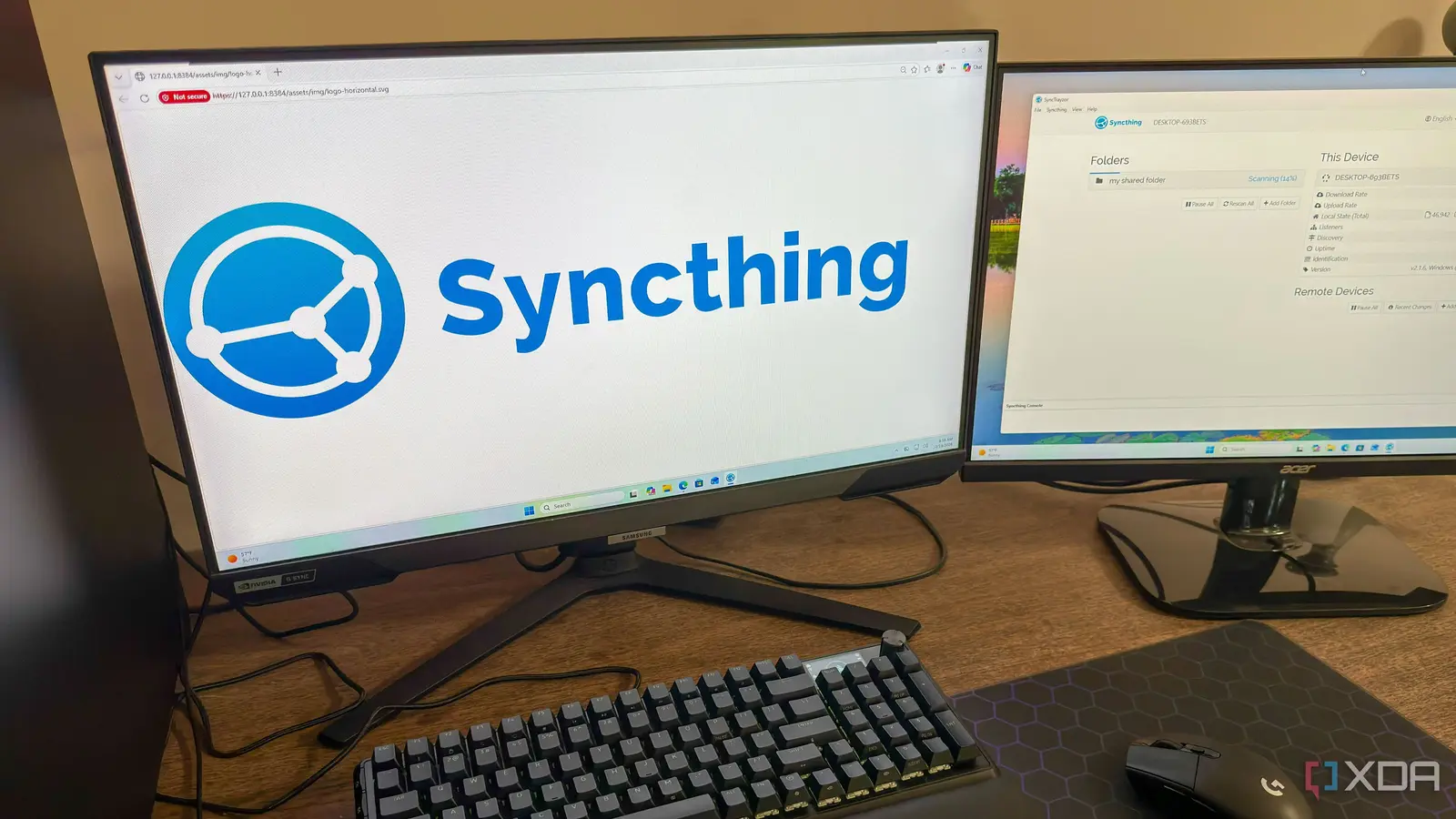
How Syncthing Works Behind the Scenes
A quiet, background application has quietly maintained data consistency across four devices for a year. The software, Syncthing, was set up once and now operates automatically, moving files without user intervention.
Latest news
 Smart TVs frequently lose their Wi-Fi connection, leaving viewers staring at a spinning loading icon
 Why Ignoring Car Software Updates Is Risky
 Apple's foldable iPhone Duo introduces dual-display multitasking capabilities
 FCC Weighs Reciprocal Limits on Foreign Satellite Firms
The author installed Syncthing on several personal devices, including a laptop, desktop, and two mobile phones, about a year ago. Since the initial configuration, the program has run continuously, handling file transfers without requiring any further adjustments. The user reports that they never open the application, yet it reliably keeps the same files available on every device.
Why Automatic Sync Matters for Everyday Users
Syncthing is an open‑source peer‑to‑peer file synchronization tool. It establishes encrypted connections between devices, ensuring that any changes made in a shared folder are automatically propagated to all other devices in the network. The software uses a distributed hash table to track file versions and resolve conflicts, eliminating the need for manual uploads or cloud storage. Because it operates locally, data never leaves the user’s own devices, which can be a significant advantage for privacy‑conscious users.
The author praised the simplicity of the initial setup. After installing the application on each device, they only needed to exchange a short QR code or a key string to link the devices together. Once connected, Syncthing continuously monitors the designated folders for changes. When a file is added, modified, or deleted, the program calculates a hash and sends the delta to the other devices. The process is seamless, and the user can continue working without noticing any lag or interruption.
For many people, managing data across multiple devices can be a hassle. Cloud services often require manual uploads or rely on internet connectivity, while local solutions can be complex to configure. Syncthing offers a middle ground: it automates the entire process, yet it remains transparent to the user. The author’s experience illustrates that a well‑designed sync tool can become invisible, reducing cognitive load and freeing time for other tasks.
Can Syncthing Replace Cloud Storage?
The reliability of the software is also noteworthy. Over the past year, the user has not experienced any data loss or corruption, even when switching between devices or updating operating systems. This stability suggests that Syncthing can serve as a dependable backup mechanism, especially for users who prefer to keep their data offline.
Many readers wonder whether a local sync tool can truly substitute cloud platforms like Dropbox or Google Drive. The answer depends on the user’s needs. Syncthing excels when the primary goal is to keep files consistent across personal devices without exposing them to third‑party servers. However, it does not offer the same level of remote access from any device, nor does it provide advanced collaboration features such as real‑time document editing. For users who require those capabilities, a hybrid approach—using Syncthing for local sync and a cloud service for shared access—might be the best solution.
The Future of Seamless Data Synchronization
As devices become more interconnected, the demand for effortless synchronization will grow. Tools like Syncthing demonstrate that it is possible to maintain data integrity without constant user attention. The open‑source nature of the software also means that it can evolve with community contributions, potentially adding new features such as selective sync or mobile‑specific optimizations.
In the coming years, we may see a shift toward decentralized storage solutions that prioritize privacy and autonomy. Syncthing’s success over the past year indicates that users are ready for such changes, provided the tools remain simple and reliable.
What operating systems does Syncthing support? Syncthing runs on Windows, macOS, Linux, Android, and FreeBSD, making it highly versatile across devices.
Frequently Asked Questions
Does Syncthing require an internet connection? No. It syncs directly between devices over local networks or the internet, but all traffic is encrypted and does not rely on a central server.
Can I use Syncthing for large files or media libraries? Yes, Syncthing efficiently handles large files by transferring only changed parts, though performance may depend on network speed and device resources.
Comments
Leave a comment