Why Unified Networks Cause Smart Device Problems
A homeowner's smart plugs and security cameras kept losing connection until they separated their router's 2.4GHz and 5GHz bands into distinct network names. The simple change eliminated frequent offline periods that had plagued their smart home setup for months.
Latest news
 Major AI firms recorded peak lobbying expenses last summer
 Apple Magic Keyboards for iPad Drop to Half Price at Woot
 Microsoft Provides Fix for Broken Exchange Online Apps
 Security Breach at AI Aggregator Exposes 18 Million Files and Private Chats
Many modern routers broadcast a single network name across multiple frequency bands, promising seamless connectivity. But this convenience often backfires with older or simpler smart devices that struggle to roam between frequencies properly.
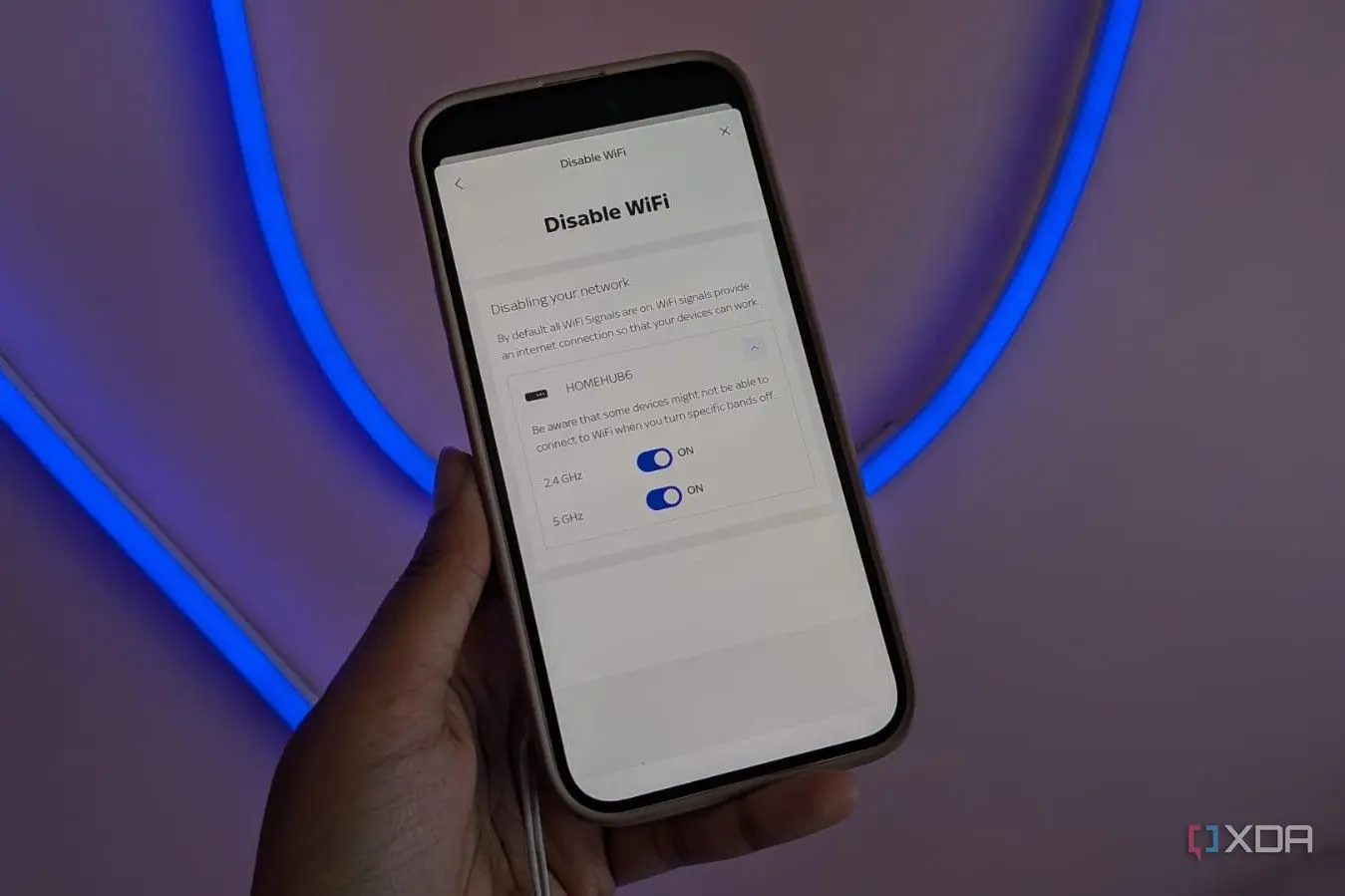
How to Split Your Wi-Fi Network
Smart plugs, cameras, and bulbs typically operate only on 2.4GHz networks. When a router uses one SSID for all bands, these devices may attempt to connect to 5GHz or 6GHz signals they cannot properly use. This mismatch causes connection instability, frequent timeouts, and devices appearing offline in apps.
The issue worsens with Wi-Fi 6 and Wi-Fi 7 routers that aggressively manage band steering. These systems try to push devices to faster frequencies, but static smart home gadgets lack the intelligence to handle constant switching.
Most routers allow creating separate network names through their web interface or mobile app. Users can disable band steering and assign unique SSIDs to each frequency band. Smart devices then connect specifically to the 2.4GHz network where they perform reliably.
What Devices Benefit Most
This approach requires manually selecting networks during device setup, but prevents the automatic band-hopping that causes disconnections.
Security cameras streaming continuously, smart plugs controlling lights, and IoT sensors all see improved reliability. These gadgets rarely need high bandwidth but require stable connections. Separating them onto dedicated 2.4GHz networks eliminates interference from faster devices competing for airtime.
Will splitting networks reduce internet speed? No, each device connects to its optimal frequency band. High-demand devices like laptops can still use 5GHz for maximum performance.
Frequently Asked Questions
How do I know which devices use 2.4GHz? Check device specifications or router admin panels showing connected clients and their frequency bands. Most smart home gadgets only support 2.4GHz.
Is this solution permanent? Yes, once configured properly, separated networks provide lasting stability for smart home ecosystems.
Comments
Leave a comment