Choosing the Right Operating System for Low‑Power Hardware
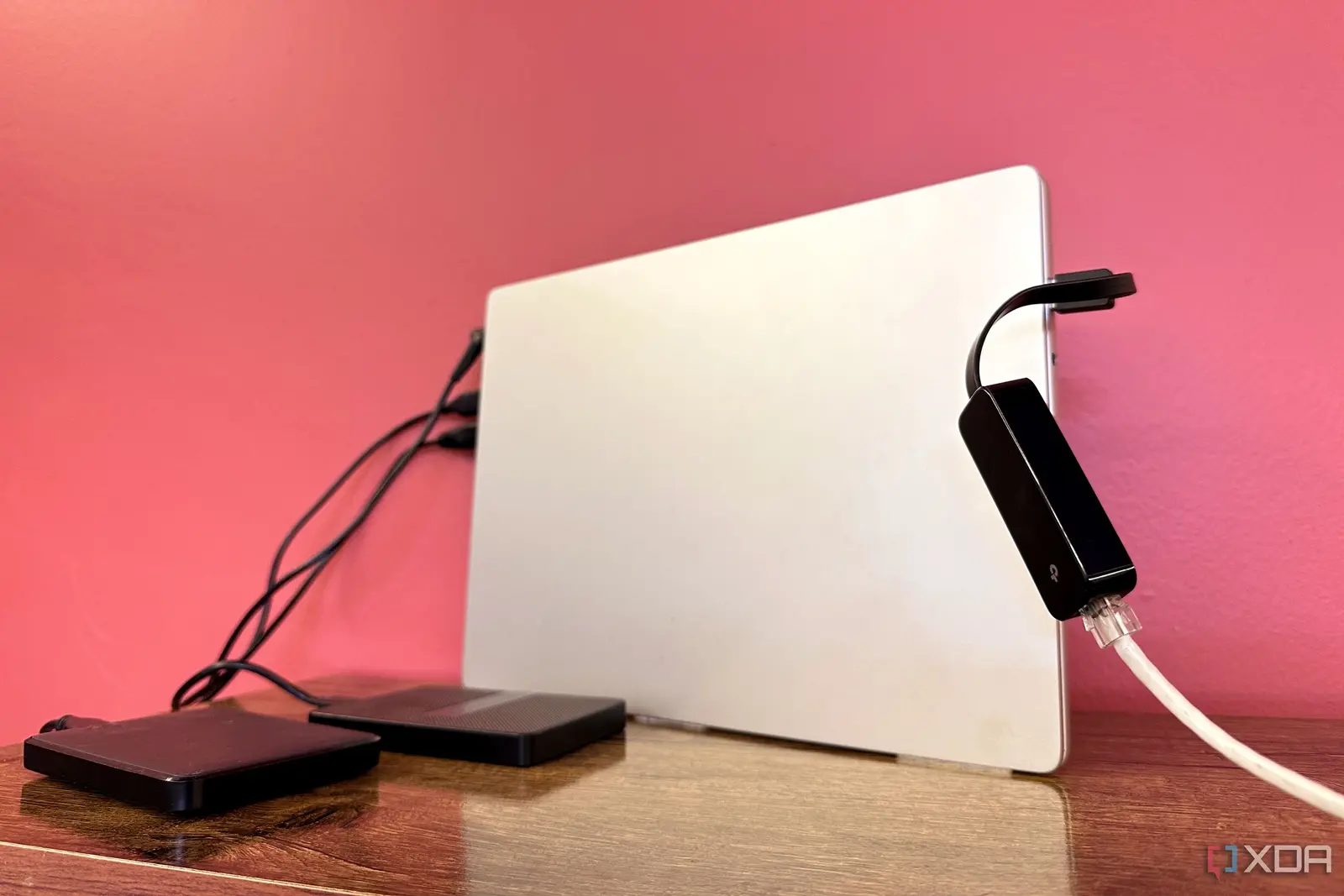
For the past year, a tech enthusiast has transformed a discarded laptop into a fully functional home server. The project, driven by a desire to avoid electronic waste, demonstrates how repurposing aging hardware can be both rewarding and practical.
Latest news
 Smart TVs frequently lose their Wi-Fi connection, leaving viewers staring at a spinning loading icon
 Why Ignoring Car Software Updates Is Risky
 Apple's foldable iPhone Duo introduces dual-display multitasking capabilities
 FCC Weighs Reciprocal Limits on Foreign Satellite Firms
The journey began when the laptop, no longer suitable for everyday tasks, was repurposed to host personal applications, media libraries, and backup solutions. The owner experimented with various operating systems and server configurations, ultimately settling on a lightweight Linux distribution that maximized performance while minimizing resource consumption.
Is a Laptop a Viable Long‑Term Server Solution?
Selecting an operating system suited to the laptop’s limited CPU and memory was crucial. A minimal Linux distro was chosen for its small footprint and stability. The system required only a fraction of the RAM that a modern desktop OS would consume, allowing the laptop to run continuously without overheating or excessive power draw.
The installation process involved partitioning the internal drive, setting up SSH for remote management, and configuring automatic updates. By keeping the software stack lean, the server maintained quick boot times and reliable uptime, essential for a home network appliance.
What Benefits Does a Home Server Provide?
While laptops offer convenience, they are not designed for constant, 24/7 operation. Heat buildup and fan wear can reduce lifespan. However, with proper cooling—such as placing the laptop on a heat‑sinking stand—and monitoring temperature, many users report stable performance for months. The trade‑off is a smaller storage capacity compared to external drives, but this can be mitigated by attaching USB or network‑attached storage.
The owner noted that the laptop’s battery life was irrelevant, as the unit remained plugged in. Power consumption stayed below 30 watts, making it an energy‑efficient alternative to dedicated servers.
A home server centralizes data storage, media streaming, and remote access. The owner set up a personal cloud service, enabling file synchronization across devices. Additionally, a self‑hosted media server allowed streaming to smart TVs and smartphones without relying on third‑party services. Backup routines were automated, protecting important documents and photos.
Frequently Asked Questions
Beyond convenience, the project offered educational value. Managing network services, configuring firewalls, and troubleshooting hardware issues provided hands‑on experience in systems administration—skills increasingly valuable in today’s tech landscape.
The long‑term outlook is positive. As the laptop continues to serve its role, the owner plans to expand services, possibly adding a VPN and home automation control. The experience underscores that repurposing old hardware can be both eco‑friendly and technically enriching.
Comments
Leave a comment