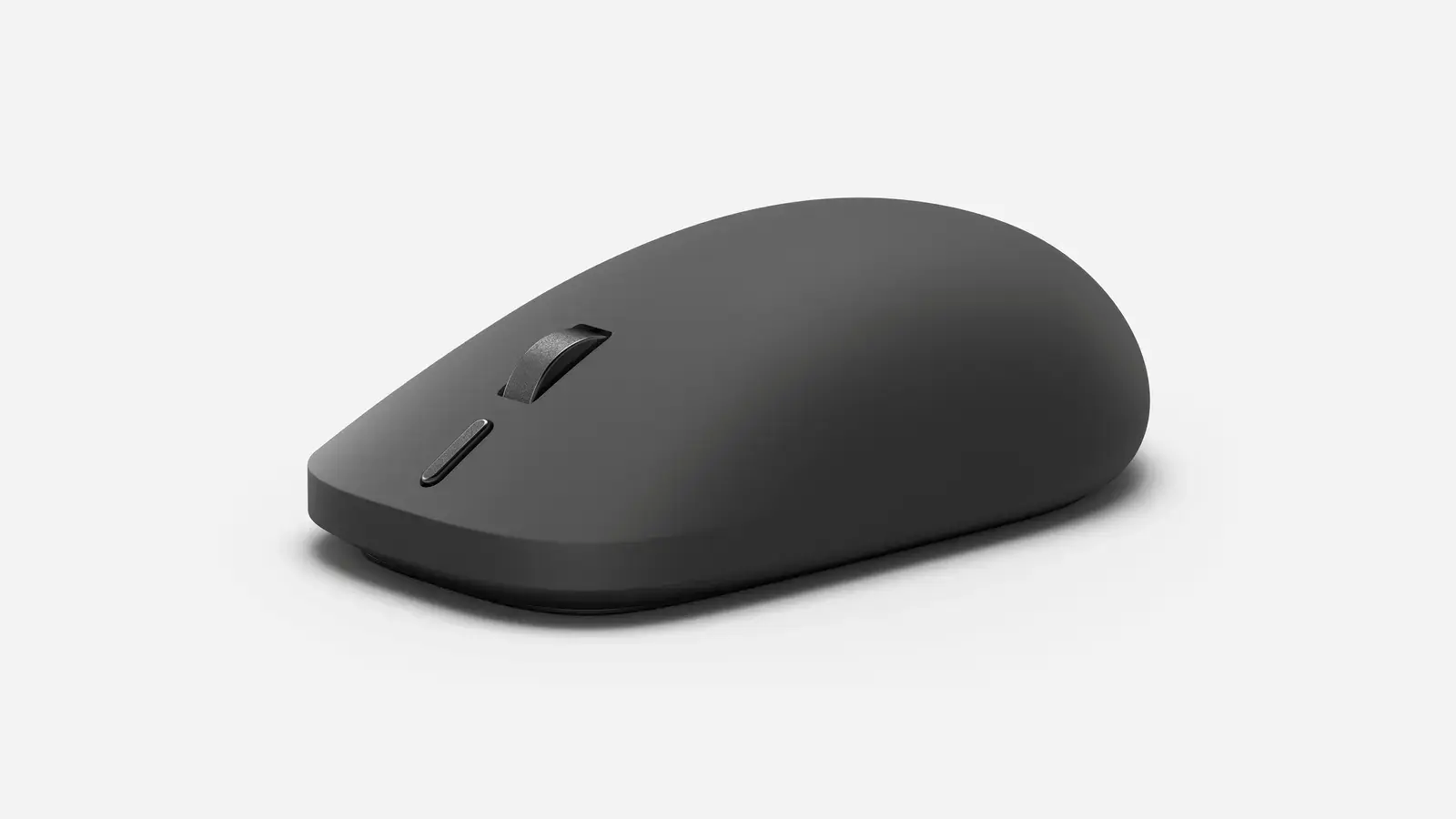
The device connects via Bluetooth and offers improved battery life
Microsoft is set to release the second generation of its Surface Mouse next month, featuring haptic feedback and a programmable action button. The updated peripheral is designed to enhance user interaction with Windows devices through tactile responses and personalized controls. It will be available globally through Microsoft’s official channels and major retailers. The new Surface Mouse builds on the original’s sleek design by integrating precision haptics that simulate physical clicks and scrolling sensations without moving parts. A standout feature is the customizable side button, which users can assign to launch apps, trigger shortcuts, or execute specific functions via Microsoft Mouse and Keyboard Center.
Latest news
 Anker Unveils Playful 45W Charger With Animated Face Display
 Google Docs Web Version Still Missing Native Dark Mode
 Anthropic-Linked Vulnerability Exploited From China, Targets US and Japan
 Text‑Based AI Agents: Your New Digital Assistants
The device connects via Bluetooth and offers improved battery life, addressing feedback from professionals who rely on seamless productivity tools. How Haptic Feedback Changes Daily Use Unlike traditional mechanical mice, the haptic system in the new Surface Mouse uses actuators to create nuanced vibrations that mimic resistance and texture. This allows for more intuitive feedback during tasks like dragging files or adjusting sliders in creative software. Microsoft states the technology aims to reduce finger strain over long sessions by providing clearer tactile cues. Early testers have noted the sensation feels more responsive than standard click mechanisms, particularly when working with precision-oriented applications. Can Users Trust the Customization to Stick? The programmable button relies on software integration, meaning its functions depend on the Mouse and Keyboard Center running in the background.
While Microsoft confirms settings persist across devices when signed in with a
While Microsoft confirms settings persist across devices when signed in with a Microsoft account, some users may worry about reliability if the app crashes or is disabled. The company emphasizes that default functionality remains intact even without the software, ensuring the mouse remains usable as a standard input device. Battery life is rated for up to 12 months on a single AA cell, supporting extended use without frequent replacements. Frequently Asked Questions Is the haptic feedback adjustable in intensity? Yes, users can modify the strength of haptic responses through the Mouse and Keyboard Center settings to suit personal preference or task requirements. Does the customizable button work with third-party apps? The button can be programmed to trigger keyboard shortcuts, which may function within third-party applications depending on how those apps respond to input commands. Will the new Surface Mouse be compatible with older Surface devices?
Yes, the mouse connects via Bluetooth 5.0 and is compatible with any Windows 10 or 11 device that supports Bluetooth, including previous-generation Surface tablets and laptops.
Comments
Leave a comment