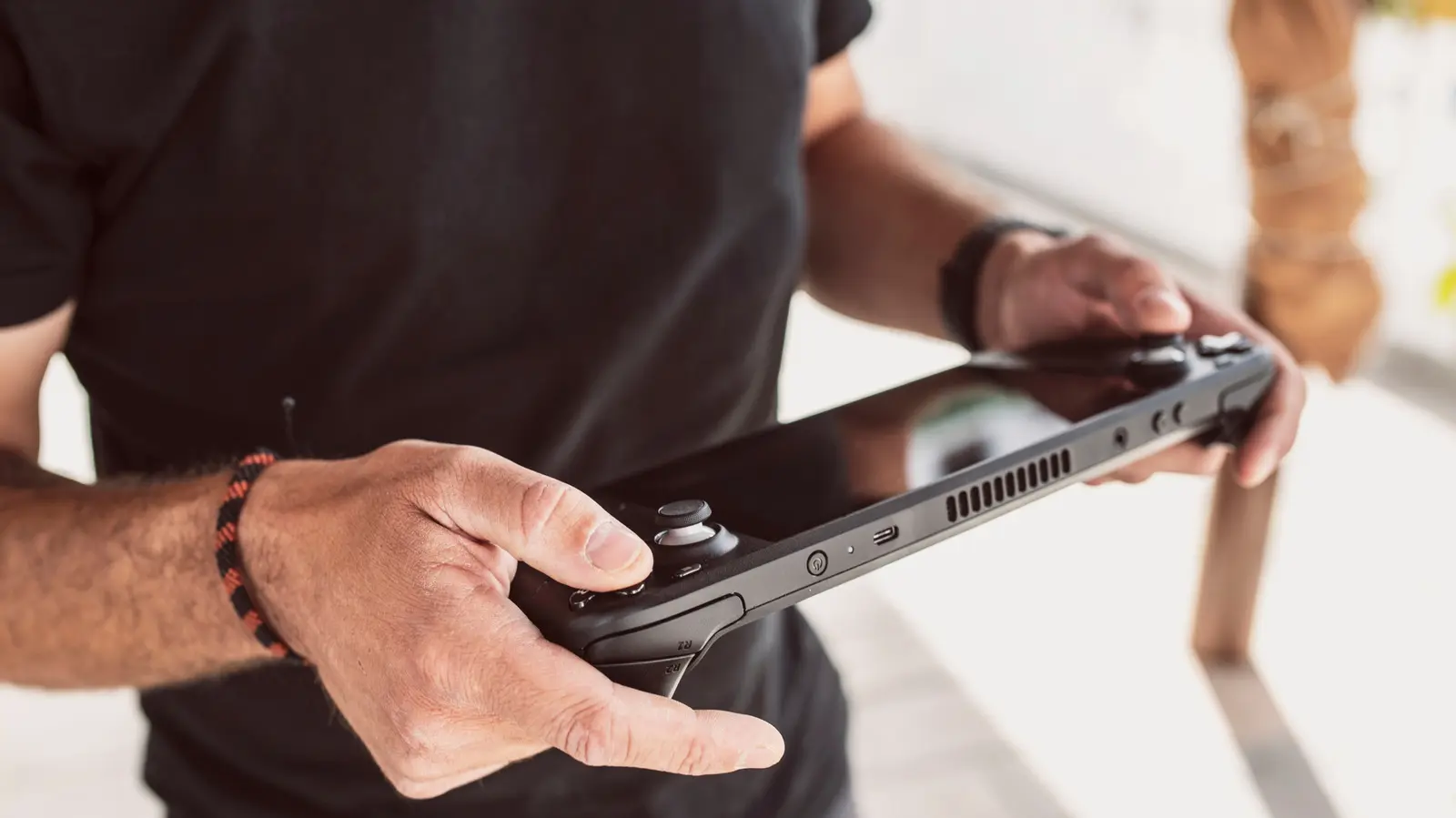
How Often Should You Restart Your Device?
Restarting your gaming handheld device such as a Steam Deck, Nintendo Switch, or ASUS ROG Ally can provide measurable performance improvements. This simple action clears temporary memory, closes background processes, and resets system resources that may accumulate during extended use. Experts suggest doing this periodically, especially after long gaming sessions or when noticing slowdowns, to maintain optimal responsiveness and stability.
Latest news
 Why the Rumored iPhone Duo Excites Android Foldable Fans
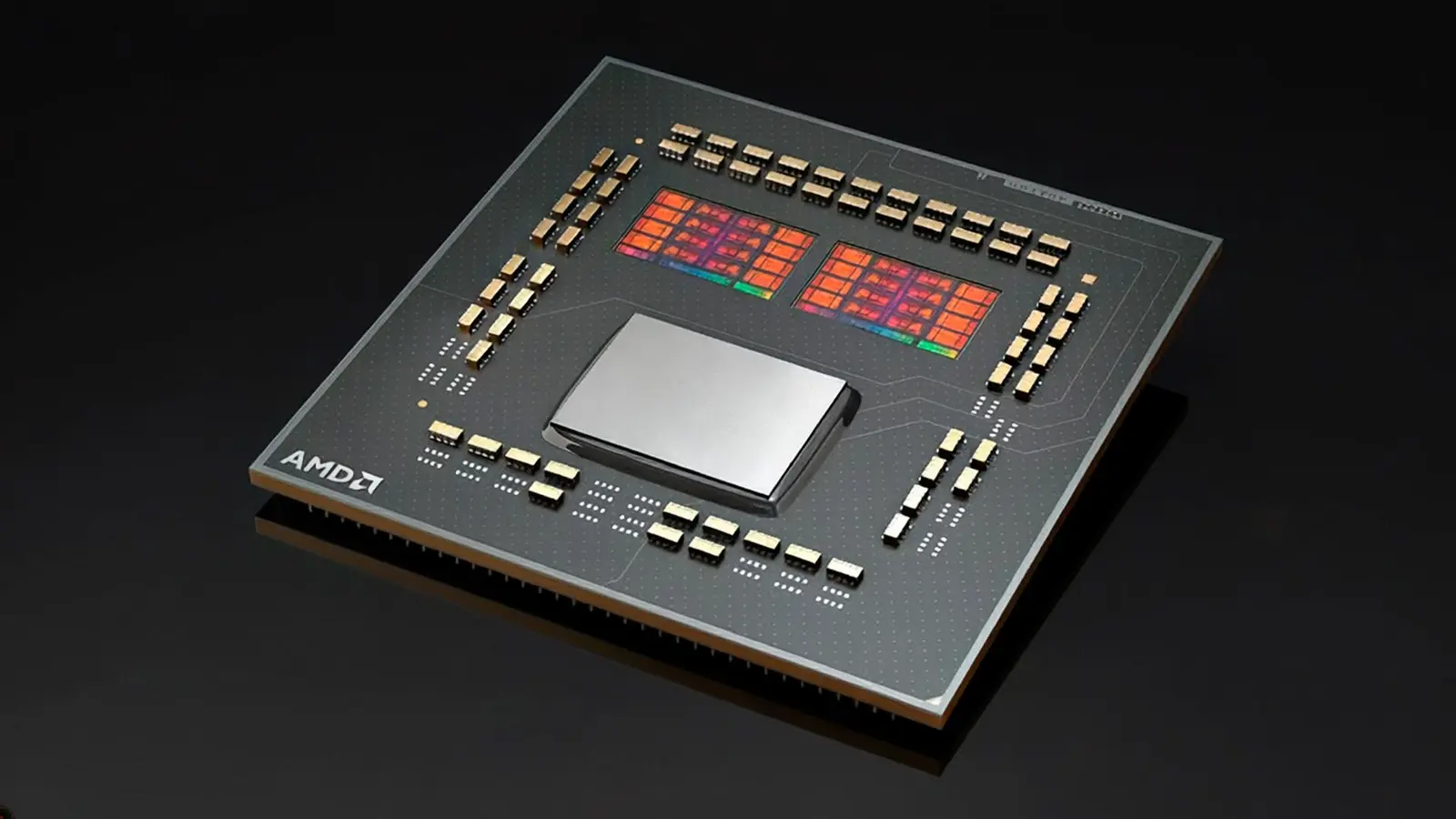 AMD's Canceled Ryzen 9 5900X3D Leaks Online
 California Subpoenas OpenAI Over Autonomous AI Hacking Risks
 Nvidia-Backed UK Supercomputer Faces Multi-Year Power Delay
Regular restarts help prevent memory leaks and reduce the likelihood of software glitches that can interfere with gameplay. Over time, applications and system services may not release memory properly, leading to decreased performance. A restart ensures a clean state, allowing the operating system and games to run more efficiently. This is particularly beneficial for handhelds running demanding titles or multiple apps simultaneously.
Can Restarting Improve Battery Life?
There is no fixed schedule, but many users find restarting every few days or after intensive use helps maintain smooth operation. If you notice longer load times, frame rate drops, or unresponsive controls, a restart often resolves these issues quickly. It is a low-effort troubleshooting step that can save time compared to more complex fixes. Some users incorporate it into their routine, such as restarting before bed or after finishing a gaming session.
While not a direct battery saver, restarting can indirectly support better battery performance by stopping unnecessary background processes that drain power. When apps or services run unchecked, they consume energy even when not in use. Clearing these through a restart may result in slightly longer playtime between charges. However, the primary benefit remains system stability and responsiveness rather than significant battery extension.
Does restarting delete my game progress or saves? No, restarting your handheld does not affect saved game data or progress. It only clears temporary system memory and closes active applications, leaving your storage and save files intact.
Frequently Asked Questions
Is it safe to restart my device frequently? Yes, restarting your gaming handheld regularly is completely safe and poses no risk to the hardware or software. It is a standard practice recommended by manufacturers to maintain device health.
Will restarting fix all performance issues? While restarting resolves many temporary glitches and slowdowns, it may not fix problems caused by outdated software, corrupted files, or hardware limitations. For persistent issues, updating the system or checking for game-specific patches may be necessary.
Comments
Leave a comment