Software Support and Longevity
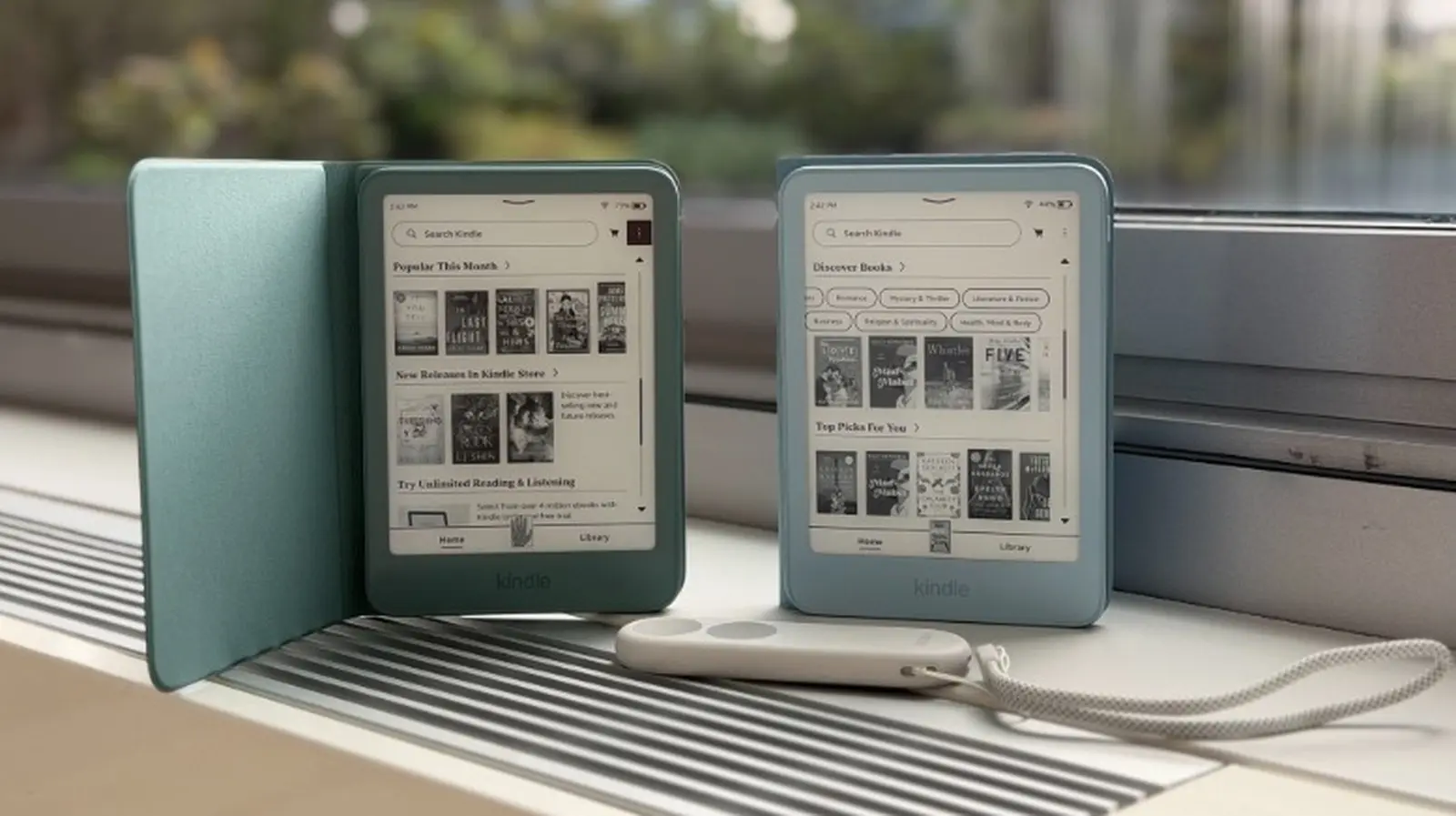
Amazon guarantees security updates for a minimum of four years, but the company frequently extends this period. For example, the 2024 Kindle Paperwhite and the first‑generation Kindle Color are slated to receive updates through the end of 2030—about six years from launch. In practice, users often keep their Kindles well beyond the official support window. A 2013 Paperwhite still operates smoothly even though its support ended in 2019. Although lacking recent patches can be a concern, Kindles contain little personal data, so the risk of a targeted attack is low. Most updates address jailbreak exploits. Users who prefer maximum security can keep their device offline and transfer DRM‑free books via USB.
Latest news
 Major AI firms recorded peak lobbying expenses last summer
 Apple Magic Keyboards for iPad Drop to Half Price at Woot
 Microsoft Provides Fix for Broken Exchange Online Apps
 Security Breach at AI Aggregator Exposes 18 Million Files and Private Chats
When Amazon Cuts Off Support
Sometimes Amazon stops support entirely. Earlier this year, models released as late as 2012, including the original 2007 Kindle, could no longer download, purchase, or borrow new books. They still read the titles already stored on the device. This abrupt cutoff highlights that older devices may lose functionality even if the hardware remains intact.
Battery Life as a Limiting Factor
Battery capacity is the most critical factor for older Kindles. A new battery can last between six and twelve weeks on a single charge if you read for about thirty minutes each day. Over time, battery performance declines, and replacing it can extend the device’s useful life. Even without software updates, a Kindle can still serve as a reliable e‑reader for many years.
Practical Tips for Long‑Term Use
To maximize your Kindle’s lifespan, keep the device charged regularly, avoid exposing it to extreme temperatures, and replace the battery when its capacity drops significantly. If you’re concerned about security, keep the device offline and use USB transfers for DRM‑free books. By following these practices, you can enjoy your Kindle for a decade or more, even after official support ends.
Comments
Leave a comment