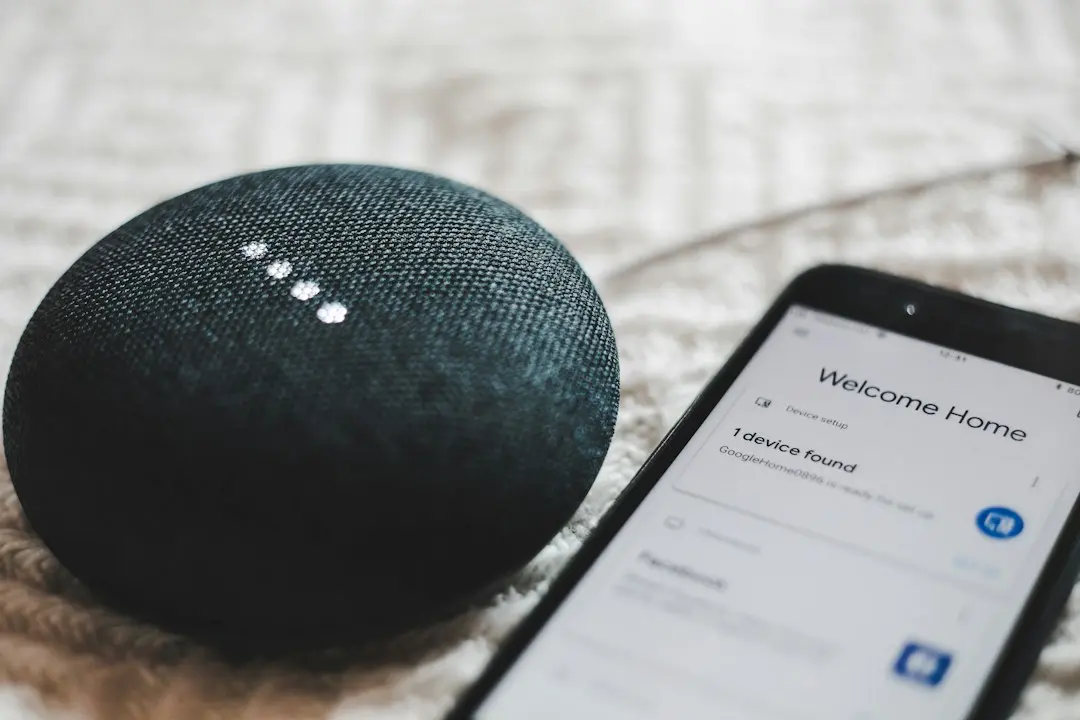
Smarter Home Control Through AI
Google has confirmed a broad set of new features for its smart home platform. The updates include a faster Gemini-powered assistant, improved home key management, and three specific upgrades for the Nest Thermostat. These changes are currently rolling out to users across various regions. The company highlighted these improvements in a recent announcement.
Latest news
 Smart TVs frequently lose their Wi-Fi connection, leaving viewers staring at a spinning loading icon
 Why Ignoring Car Software Updates Is Risky
 Apple's foldable iPhone Duo introduces dual-display multitasking capabilities
 FCC Weighs Reciprocal Limits on Foreign Satellite Firms
The Gemini integration now processes voice commands more quickly. This reduces the delay between speaking and receiving a response. The home key feature allows users to grant temporary digital access to their residences. This is useful for guests, contractors, or family members. The Nest Thermostat receives software enhancements that improve its efficiency and user interface.
What Does This Mean for Smart Home Users?
The core of this update focuses on making the home feel more responsive. By leveraging Gemini, the system can understand complex, multi-step requests. For example, a user can ask to adjust the thermostat, lock the doors, and turn off the lights in a single command. The platform also introduces better scheduling capabilities. Users can set routines that adapt to their daily habits. This reduces the need for manual adjustments throughout the day.
These upgrades aim to make smart home technology more intuitive. The faster response time makes the assistant feel less like a tool and more like a helpful resident. The thermostat improvements focus on energy efficiency and comfort. Users can expect lower utility bills and a more comfortable living environment. The home keys feature adds a layer of security and convenience. It allows for flexible access without handing out physical keys.
Does the new Gemini feature work with all Google Home devices? Yes, the faster Gemini experience is rolling out to compatible devices. Users should check their app settings to ensure their devices are updated.
Frequently Asked Questions
How do I enable the new home keys feature? Open the Google Home app and navigate to the security section. Select Home Keysto create and manage digital access codes for your residence.
Will the Nest Thermostat upgrades require a new hardware purchase? No, these are software updates. The improvements are delivered automatically via over-the-air updates to existing Nest Thermostat models.
Comments
Leave a comment