If the drive shows as Unallocatedor has a different file system like NTFS on a
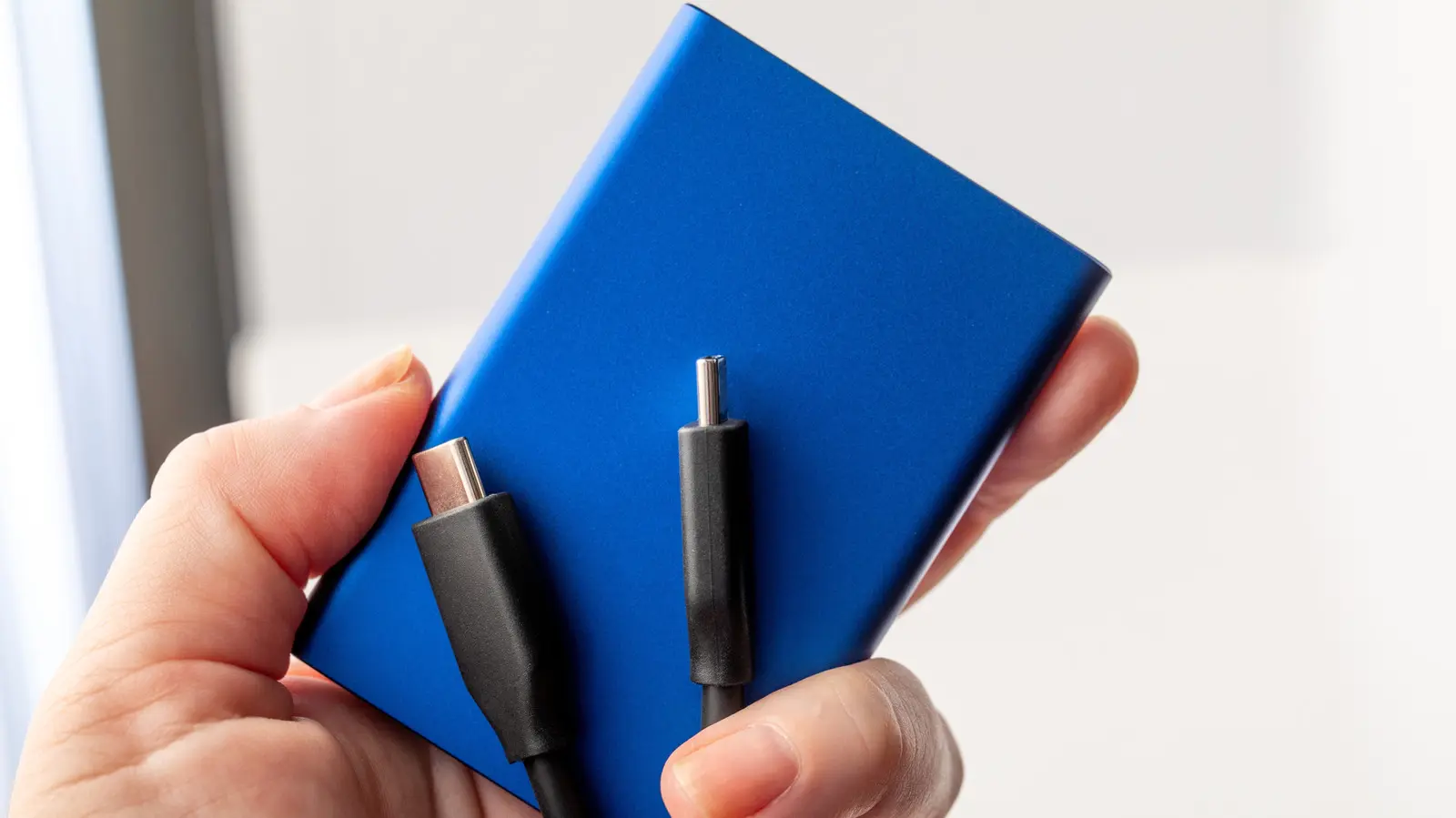
When a PC or Mac fails to read an external hard drive, the problem is rarely catastrophic. Most failures stem from simple hardware issues or software conflicts. Users can often resolve the issue within minutes without professional help. The first step is to verify the physical connection. Swap the USB cable for a known-good one. Try a different USB port on the computer. If the drive spins but remains invisible, the issue is likely software-related. Check Your Disk Management Tools Open the operating system's disk utility. On Windows, search for Disk Managementin the Start menu. On Mac, launch Disk Utility from the Applications folder. These tools reveal whether the computer detects the drive at all. If it appears but is unmounted, right-click and select Mountor First Aid.
Latest news
 Smart TVs frequently lose their Wi-Fi connection, leaving viewers staring at a spinning loading icon
 Why Ignoring Car Software Updates Is Risky
 Apple's foldable iPhone Duo introduces dual-display multitasking capabilities
 FCC Weighs Reciprocal Limits on Foreign Satellite Firms
If the drive shows as Unallocatedor has a different file system like NTFS on a Mac, the computer may need a driver or a third-party tool to read it. Is It a Cable, Port, or Driver Problem? Test the drive on another computer. If it works elsewhere, the original machine has a port or driver issue. Update USB drivers through Device Manager on Windows or System Preferences on Mac. Reboot the computer after updating. If the drive makes a clicking or grinding noise, stop using it immediately. That sound signals mechanical failure. Do not keep powering it on. Frequently Asked Questions Why does my Mac not see my external hard drive? The drive may be formatted in a file system macOS does not natively support, such as NTFS. Install a compatible driver or reformat the drive to APFS or exFAT. Can I recover data from a clicking hard drive?
A clicking drive has likely suffered mechanical damage. Power it off and take it to a data recovery specialist. Continuing to use it risks total data loss.
Comments
Leave a comment