Decoding Your Signal Quality
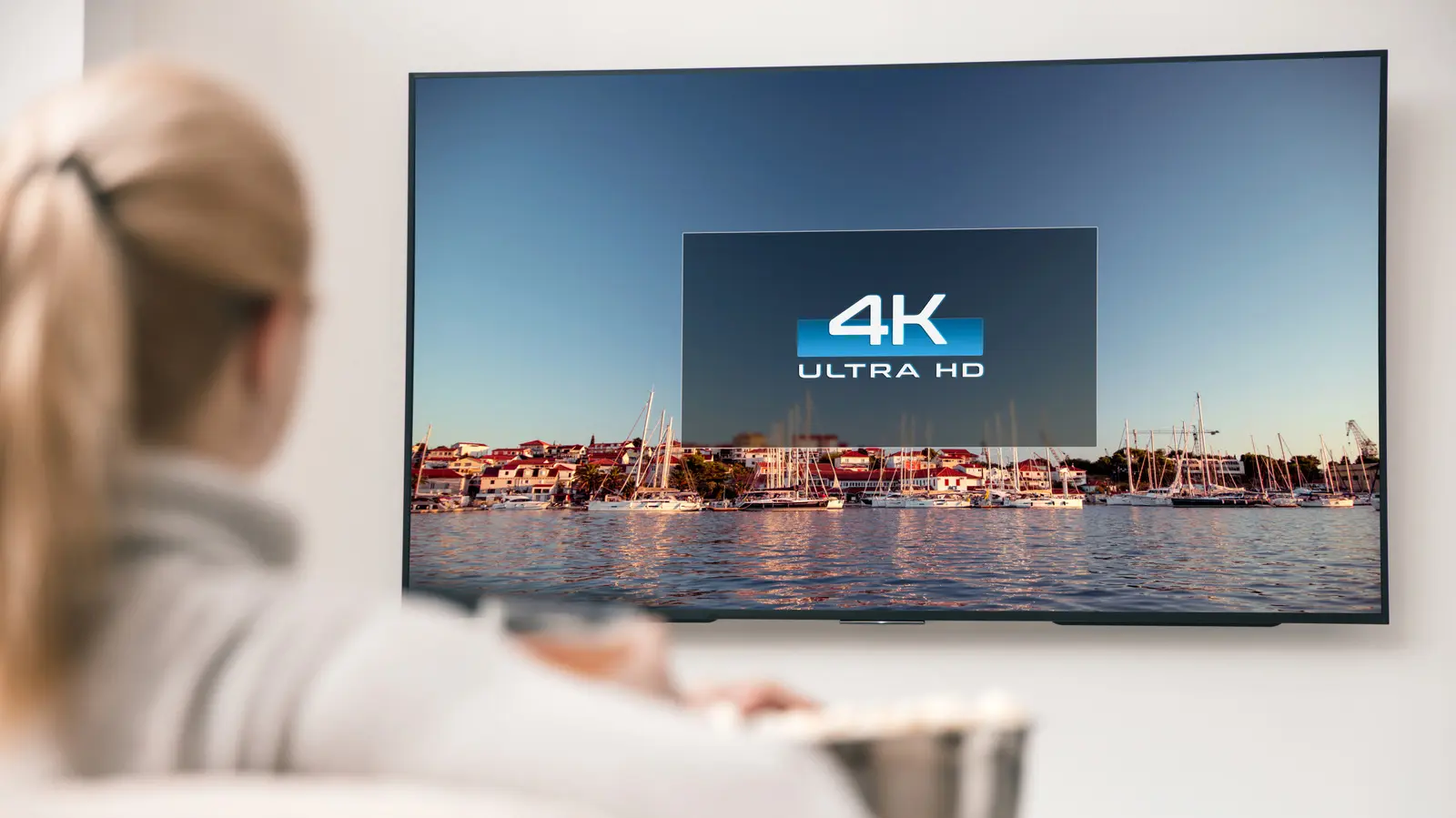
Many viewers assume that owning a 4K television guarantees every program appears in Ultra HD quality. However, the reality is far more complex. Even with a high-end screen, the actual resolution depends on your content source, internet bandwidth, and hardware settings. Understanding these variables is essential to ensure you are getting the visual fidelity you paid for.
Latest news
 Anker Unveils Playful 45W Charger With Animated Face Display
 Google Docs Web Version Still Missing Native Dark Mode
 Anthropic-Linked Vulnerability Exploited From China, Targets US and Japan
 Text‑Based AI Agents: Your New Digital Assistants
To verify your current resolution, start by checking the settings menu on your streaming device or smart TV interface. Most modern platforms include an „infoor ”displaybutton on the remote control. Pressing this often overlays technical data on the screen, showing the current output resolution, such as 3840 x 2160 pixels.
Streaming services often adjust video quality dynamically based on your internet connection speed. If your network fluctuates, the app may automatically drop the resolution to 1080p or lower to prevent buffering. Always run a speed test if you suspect your picture looks soft or lacks the expected sharpness.
Is Your Hardware Holding You Back?
Furthermore, ensure your HDMI cables are rated for high-speed data transmission. Older cables might struggle to carry the massive bandwidth required for 4K signals at high frame rates. Using certified cables ensures that the handshake between your player and the display remains stable and capable of full resolution.
Many users overlook the settings within their streaming boxes, such as Apple TV, Roku, or game consoles. These devices often default to a lower resolution to maintain compatibility with older screens. Navigate to your device's video output settings and manually set the resolution to „4 Kor ”Autoto force the best possible output.
If you are watching via a cable box or satellite receiver, check if your subscription tier actually includes 4K channels. Many providers offer high-definition packages that cap out at 1080p. Upgrading your service plan or switching to a dedicated streaming app may be necessary to unlock the full potential of your hardware.
Frequently Asked Questions
Ultimately, failing to verify these settings means you are likely watching upscaled content rather than true Ultra HD. While upscaling technology is impressive, it cannot replicate the detail of a native 4K signal. Taking a few minutes to configure your setup ensures your entertainment looks as crisp as intended.
Does a 4K TV always show 4K images? No, the TV only displays 4K if the source material, the connection, and the device settings all support that resolution. If any part of the chain is limited, the TV will upscale lower-quality footage instead.
How can I tell if my internet is fast enough for 4K? Most streaming services recommend a stable connection of at least 25 Mbps for 4K content. If your speed drops below this, the app will likely downgrade the video quality to maintain playback.
Comments
Leave a comment