Why FreeBSD Deserves a Second Look in Cloud Desktops
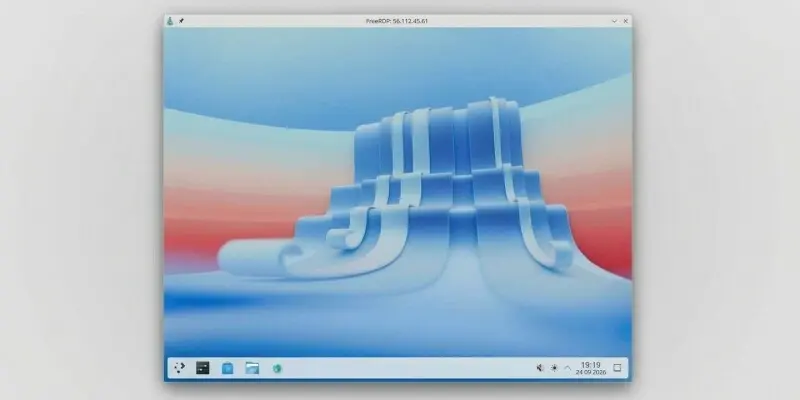
In September 2026, Amazon Web Services launched new desktop Amazon Machine Images (AMIs) featuring FreeBSD, designed to closely mimic the Windows user experience for easier adoption. These AMIs are now available as an on-ramp for new users transitioning to Unix-like systems within the AWS cloud environment. The release targets developers and enterprises seeking familiar interfaces while leveraging FreeBSD’s stability and performance. AWS aims to lower the barrier to entry for those accustomed to Windows but interested in exploring open-source alternatives.
Latest news
 Anker Unveils Playful 45W Charger With Animated Face Display
 Google Docs Web Version Still Missing Native Dark Mode
 Anthropic-Linked Vulnerability Exploited From China, Targets US and Japan
 Text‑Based AI Agents: Your New Digital Assistants
The desktop AMIs include pre-configured graphical environments, common productivity tools, and driver support optimized for virtualized desktops. AWS engineers emphasized that the interface replicates Windows-like taskbars, start menus, and window management to reduce learning curves. According to internal testing, user onboarding time decreased by nearly 40% compared to standard FreeBSD setups. The initiative reflects a broader strategy to diversify operating system options on AWS WorkSpaces and AppStream 2.0. By aligning FreeBSD’s functionality with user expectations from proprietary systems, AWS hopes to attract users hesitant to abandon familiar workflows.
Can a Unix-like System Truly Feel Like Windows?
FreeBSD offers advanced networking, robust security features, and efficient resource handling, making it ideal for cloud-native workloads. Unlike Linux distributions, it maintains a unified source tree, simplifying updates and patch management. Enterprises in finance and telecommunications have long valued its reliability for servers, and now AWS extends that strength to desktop use cases. Licensing under the permissive BSD model also appeals to organizations avoiding GPL constraints. Early adopters report smoother integration with existing Active Directory environments through Samba and SSSD tools. The move signals AWS’s recognition of niche but growing demand for BSD-based solutions in virtual desktop infrastructure.
While the visual layout mirrors Windows, underlying differences remain in file systems, permissions, and software compatibility. AWS provides compatibility layers and virtualization tweaks to ease the transition, but native Windows applications still require emulation or remote access. Users gain access to FreeBSD ports and packages, enabling installation of open-source alternatives to common Windows apps. Feedback from beta testers indicates satisfaction with daily tasks like web browsing, document editing, and terminal use, though some miss specific enterprise software. AWS continues to refine the experience based on user input, focusing on narrowing gaps in usability without compromising system integrity. The goal is not perfect replication, but sufficient familiarity to encourage exploration.
Are these FreeBSD desktop AMIs available in all AWS regions? Initially, the AMIs are rolled out in select regions including US East (N. Virginia), US West (Oregon), and Europe (Ireland), with plans for broader expansion based on demand.
Frequently Asked Questions
Do I need a separate license to use FreeBSD on AWS? No, FreeBSD is free and open-source; users only pay for standard AWS compute and storage resources consumed by the desktop instances.
Can I run Windows applications directly on these FreeBSD desktops? Not natively, but users can access Windows apps via remote desktop protocols or compatibility tools like Wine, depending on the application and setup.
Comments
Leave a comment