Managing Your Captured Data Footprint
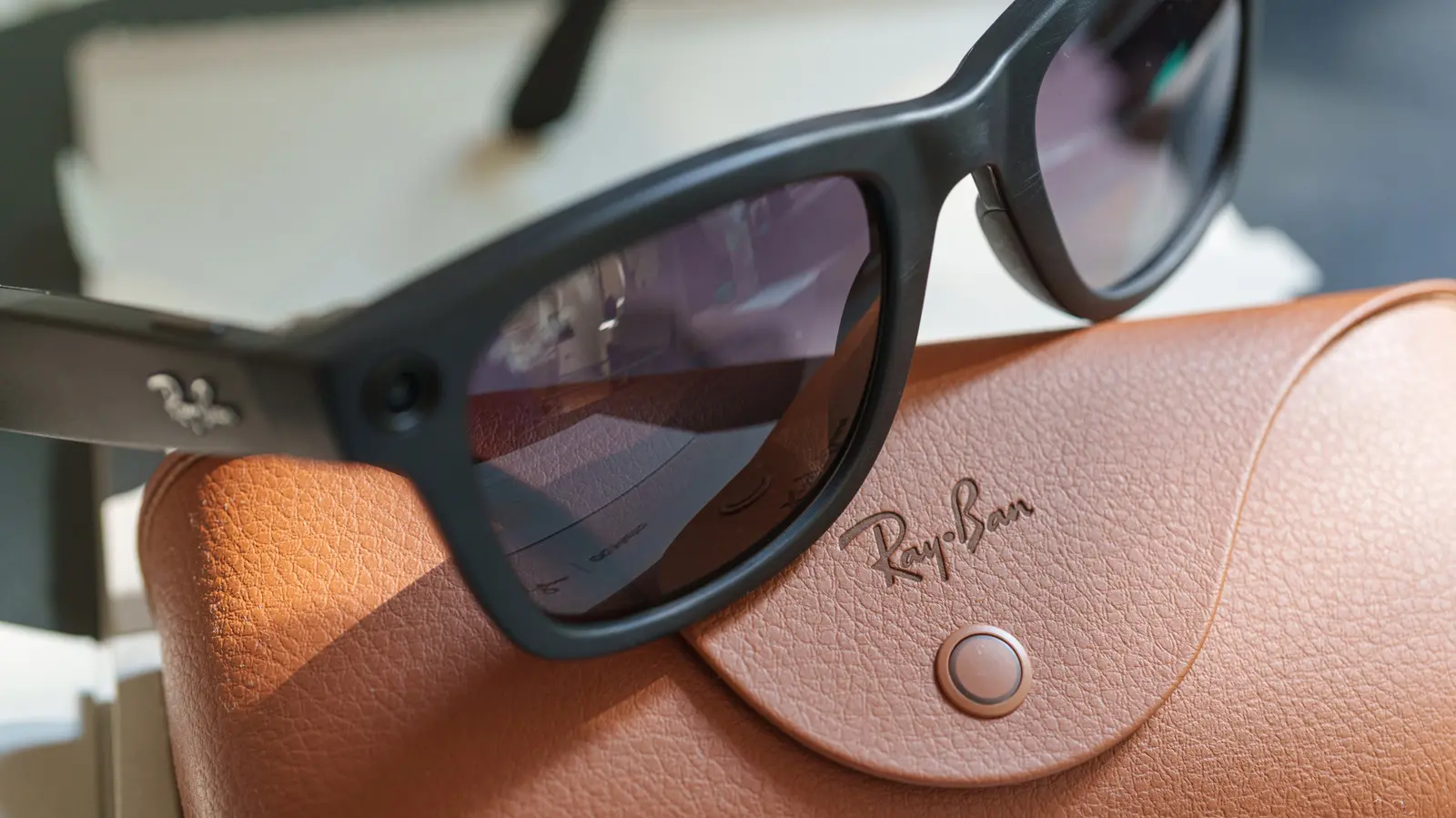
Ray-Ban Meta smart glasses offer convenient hands-free photography and AI integration, but they also raise significant data privacy concerns. Users who wear these devices in public should proactively manage their settings. By adjusting specific configurations within the companion app, owners can better control how their personal information and captured media are processed.
Latest news
 Smart TVs frequently lose their Wi-Fi connection, leaving viewers staring at a spinning loading icon
 Why Ignoring Car Software Updates Is Risky
 Apple's foldable iPhone Duo introduces dual-display multitasking capabilities
 FCC Weighs Reciprocal Limits on Foreign Satellite Firms
The glasses utilize built-in cameras and microphones to gather data, which is then transmitted to Meta’s servers. While the hardware provides seamless functionality, it creates a potential trail of personal information. Users often overlook the default settings that allow the company to store voice recordings and images for training purposes. Taking charge of these permissions is crucial for maintaining digital boundaries.
The primary concern involves how Meta handles the photos and voice commands recorded by the frames. Within the device settings, you can opt out of allowing your voice interactions to be used for AI training.
Are Your AI Interactions Truly Private?
You should also review the storage settings for your media gallery. By default, some features may sync data automatically to cloud servers. Disabling unnecessary cloud backups ensures that your images remain local to your device. This simple step significantly reduces the amount of personal data stored on corporate servers.
Many users are unaware that their interactions with the built-in AI assistant are logged by default. You can navigate to the privacy menu to clear your history and disable future logging. This prevents the AI from building a detailed profile based on your daily questions and commands.
Frequently Asked Questions
Restricting these permissions does not disable the glasses, but it does limit the data flow to the manufacturer. Without these adjustments, the device acts as a continuous data collection tool. Being mindful of these settings allows you to enjoy the technology without sacrificing your personal privacy.
Does disabling data collection affect the glasses' performance? No, the core features like taking photos and using the AI assistant will continue to function normally. You are simply preventing the company from storing your personal data for training purposes.
How often should I review these privacy settings? It is a good practice to check your privacy dashboard every few months. Software updates can sometimes reset preferences or introduce new features that require your manual consent.
Comments
Leave a comment