
Deciphering Your Phone's Internal Workings
A recent analysis of an Android phone's diagnostic file revealed a wealth of information about daily device activity. This hidden dumpstatelog, present on Pixel, Samsung, and Motorola devices, offers users a free way to understand their phone's performance. The findings, published on August 5, 2026, shed light on system diagnostics.
Latest news
 California Imposes Penalties for Robotaxis Obstructing Emergency Services
 Meta’s AI Agent Muse Builds Comprehensive Dossiers on Close Contacts
 The State of Cybersecurity in 2026: Key Segments, Insights, and Innovations
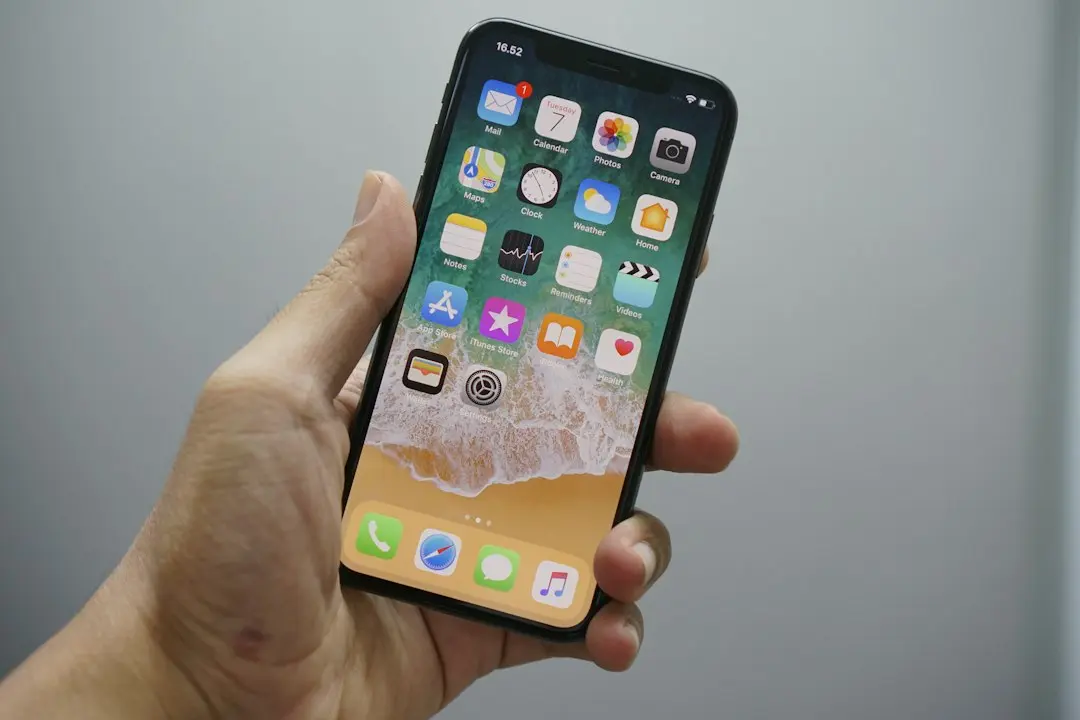 Why the Rumored iPhone Duo Excites Android Foldable Fans
This detailed log captures everything your smartphone records each day. It can be a powerful tool for troubleshooting and understanding how your device operates. Users can access this data without needing special software or technical expertise.
The dumpstate file provides a comprehensive overview of your phone's health. It logs system events, app crashes, and battery usage patterns. This information helps identify rogue applications or hardware issues. Understanding these logs can save users time and money on repairs.
How Can You Access These Diagnostics?
The analysis highlighted several key areas. These included network connectivity issues, application performance bottlenecks, and unusual power drains. Each entry in the log offers clues to potential problems.
Accessing the dumpstate file is straightforward for most Android users. The process typically involves enabling developer options on your device. From there, a specific menu option allows you to generate and share the diagnostic report. This report can then be viewed using a simple text editor.
The report's sheer volume of data might seem daunting at first. However, focusing on specific timestamps or error messages can quickly pinpoint problems. This self-service diagnostic approach empowers users to become their own tech support. It offers a transparent look into the complex operations of a modern smartphone.
Frequently Asked Questions
What is a dumpstate file? A dumpstate file is a comprehensive log generated by Android devices. It contains detailed system information, error reports, and performance data. This file helps diagnose issues with the phone's software and hardware.
Can anyone access this diagnostic file? Yes, any Android user can access their device's dumpstate file. It typically requires enabling developer options in the phone's settings. The file can then be generated and viewed using standard tools.
What kind of information does the dumpstate file provide? The file provides insights into app crashes, battery consumption, network activity, and system processes. It can help identify software bugs, hardware malfunctions, or applications causing performance problems.
Comments
Leave a comment