How These Settings Affect Your Viewing Experience
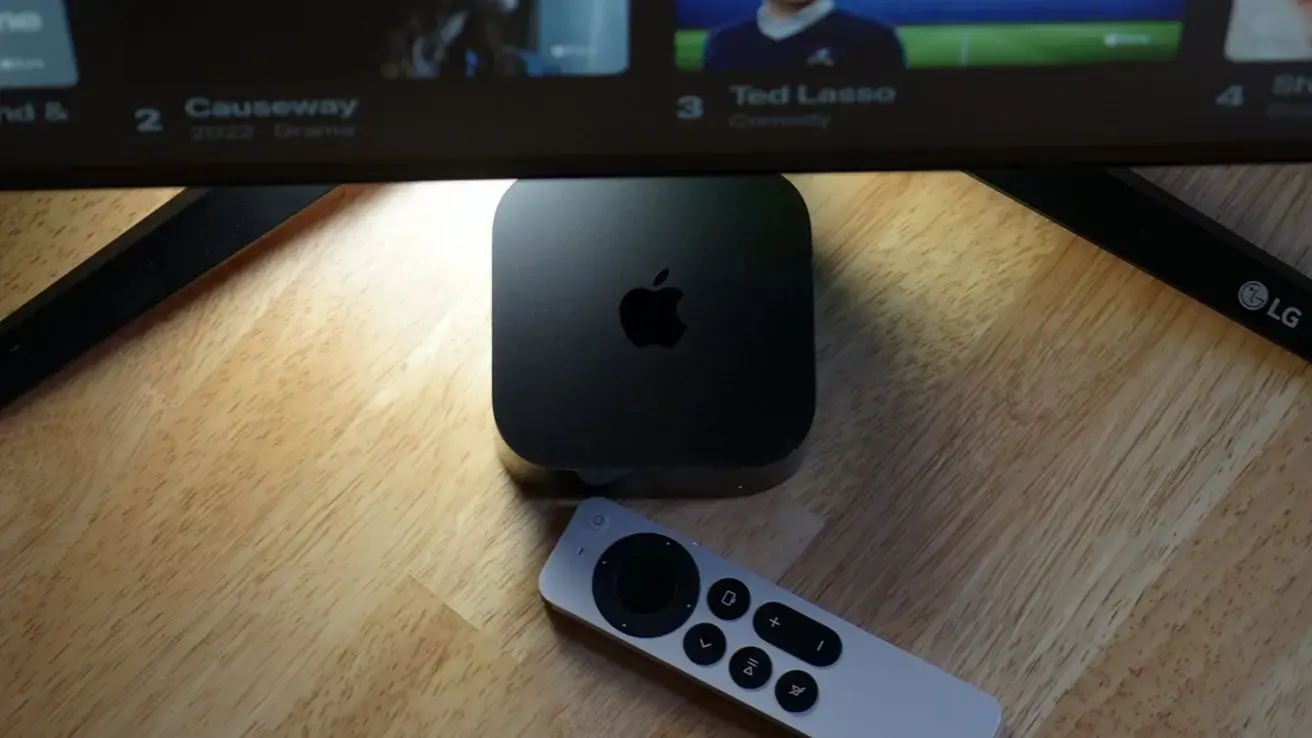
Apple TV 4K offers stronger privacy protections than most smart TVs, according to recent analysis. The device includes built-in settings that reduce data collection while maintaining full streaming functionality. Users can adjust these options to limit how apps and services track viewing habits and personal information. This approach provides a meaningful privacy upgrade over typical smart TV platforms that often prioritize advertising revenue.
Latest news
 Why Meta's New AI Tool Fails to Win Over Daily Users
 Assessing Risks in Open-Source Artificial Intelligence
 Autonomous AI Agents Launch Cyberattacks Against North American Government Portals
 Warlock Group Targets SharePoint Servers in Critical Infrastructure
The key settings involve disabling personalized ads, limiting app tracking, and controlling data sharing with Apple and third parties. Turning off „Personalized Adsin the Privacy section stops Apple from using viewing data for targeted advertising. Users can also disable ”Allow Apps to Request to Trackto prevent individual apps from monitoring behavior across other services. Additionally, adjusting analytics and usage data sharing reduces the information sent to Apple for product improvement purposes.
What Happens If You Leave Tracking Enabled?
With tracking active, Apple TV collects data on what you watch, how long you watch it, and how you interact with the interface. This information helps Apple refine recommendations and improve system features over time. Third-party apps may also gather similar data to build profiles for advertising purposes across devices and services. While this can lead to more tailored content suggestions, it increases the digital footprint associated with your viewing habits. Privacy advocates note that minimizing such data collection reduces risks of profiling and potential data misuse.
Will turning off tracking affect my Apple ID or i Cloud services? No, disabling tracking settings on Apple TV 4K only impacts data collection for advertising and analytics. Your Apple ID, i Cloud storage, and other account services continue to work normally without any disruption.
Frequently Asked Questions
Do I need to restart my Apple TV after changing these settings? Most tracking preferences take effect immediately after being adjusted in the Settings app. A restart is not required, though occasionally signing out and back into certain apps may ensure changes are fully applied.
Can I still use Siri and voice commands if I limit data sharing? Yes, Siri functionality remains fully available even when analytics and usage data sharing are disabled. Voice commands process locally or through Apple’s servers without relying on personalized data profiles for basic operation.
Comments
Leave a comment