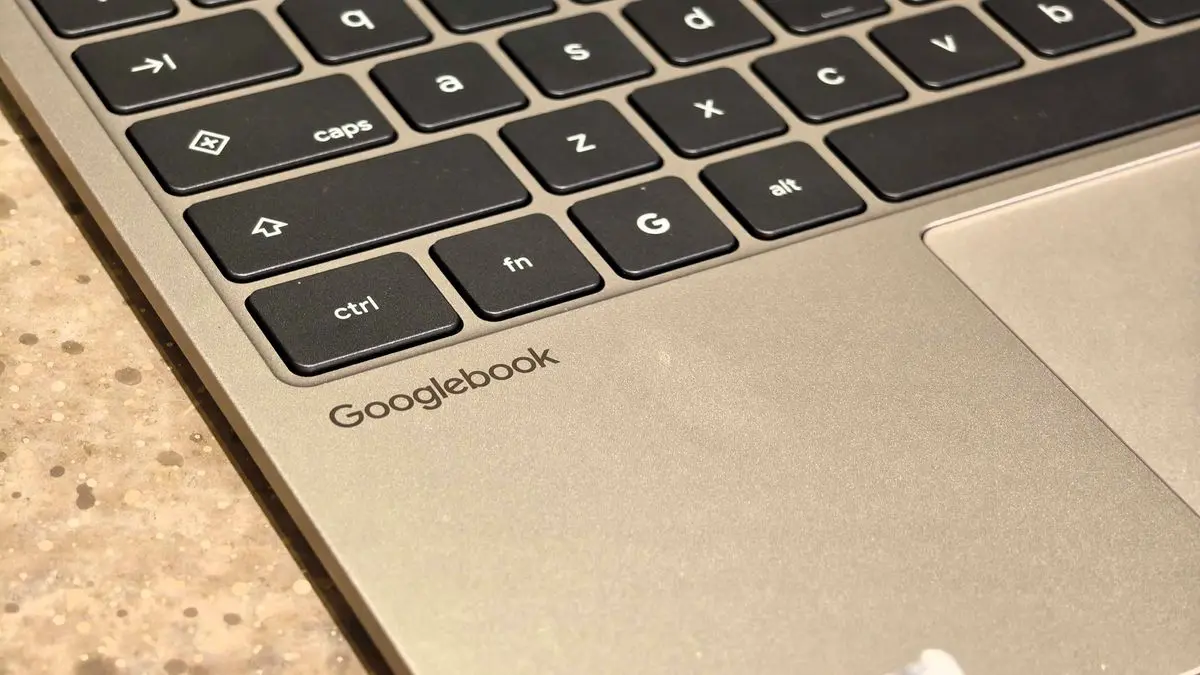
How Samsung’s Integration Improves the Reading Experience
Samsung’s latest flagship models have finally added full support for Google Books’ cross‑device functionality, allowing users to stream reading apps and receive notifications across smartphones, tablets, and laptops. The update, rolled out in early October, addresses a major flaw that plagued the service’s initial launch, where many Android devices could not sync reading progress or receive push alerts.
Latest news
 Major AI firms recorded peak lobbying expenses last summer
 Apple Magic Keyboards for iPad Drop to Half Price at Woot
 Microsoft Provides Fix for Broken Exchange Online Apps
 Security Breach at AI Aggregator Exposes 18 Million Files and Private Chats
The new feature works by integrating Google Books’ cloud‑based sync engine directly into Samsung’s One UI. When a user opens a book on one device, the app automatically updates the reading position on all connected devices. Push notifications for new releases or personalized recommendations are now delivered reliably to Samsung smartphones and tablets. However, Google has warned that some older laptops, especially those running Windows 10, may still experience compatibility issues due to outdated browser engines.
Are Laptops Really the Problem?
Samsung’s engineers collaborated closely with Google to embed the Books API into the operating system’s background services. This means users no longer need to manually log in on each device; the system handles authentication behind the scenes. The update also optimizes battery usage by reducing background data traffic. Early testers report that reading progress syncs within seconds, even when switching from a Galaxy S24 to a Galaxy Tab S9.
„By bringing Google Books deeper into One UI, we’re giving our customers a frictionless reading journey,” said a Samsung spokesperson. The company also added a new „Reading Mode” in the settings menu, which automatically adjusts font size and screen brightness based on ambient lighting.
What This Means for Readers and Developers
Google has identified that certain laptops may struggle with the new sync because their default browsers do not support the latest WebSocket protocols required for real‑time notifications. The company recommends updating to the latest Chrome or Edge versions, or using the dedicated Google Books app, which bypasses browser limitations. Users who experience delays can also clear the app’s cache or reinstall the software to resolve minor glitches.
Samsung has issued a firmware update for its Galaxy Book series, which includes an updated version of the Books app that works natively with the new sync features. Early reviews from tech blogs suggest that the update reduces lag by up to 70 percent compared to the previous version.
Frequently Asked Questions
For avid readers, the seamless sync eliminates the need to switch devices manually, making it easier to pick up a book on a phone and finish it on a laptop. The feature also opens new opportunities for publishers to push targeted content across multiple platforms. Developers of third‑party reading apps can now leverage Samsung’s API to offer richer cross‑device experiences, potentially increasing user engagement.
The rollout signals a broader trend of device ecosystems converging around cloud‑based services. While Samsung’s move positions it as a leader in integrated reading solutions, the lingering laptop compatibility issue highlights the challenges of keeping legacy hardware in sync with modern cloud standards.
Comments
Leave a comment