Physical Swelling and Digital Metrics
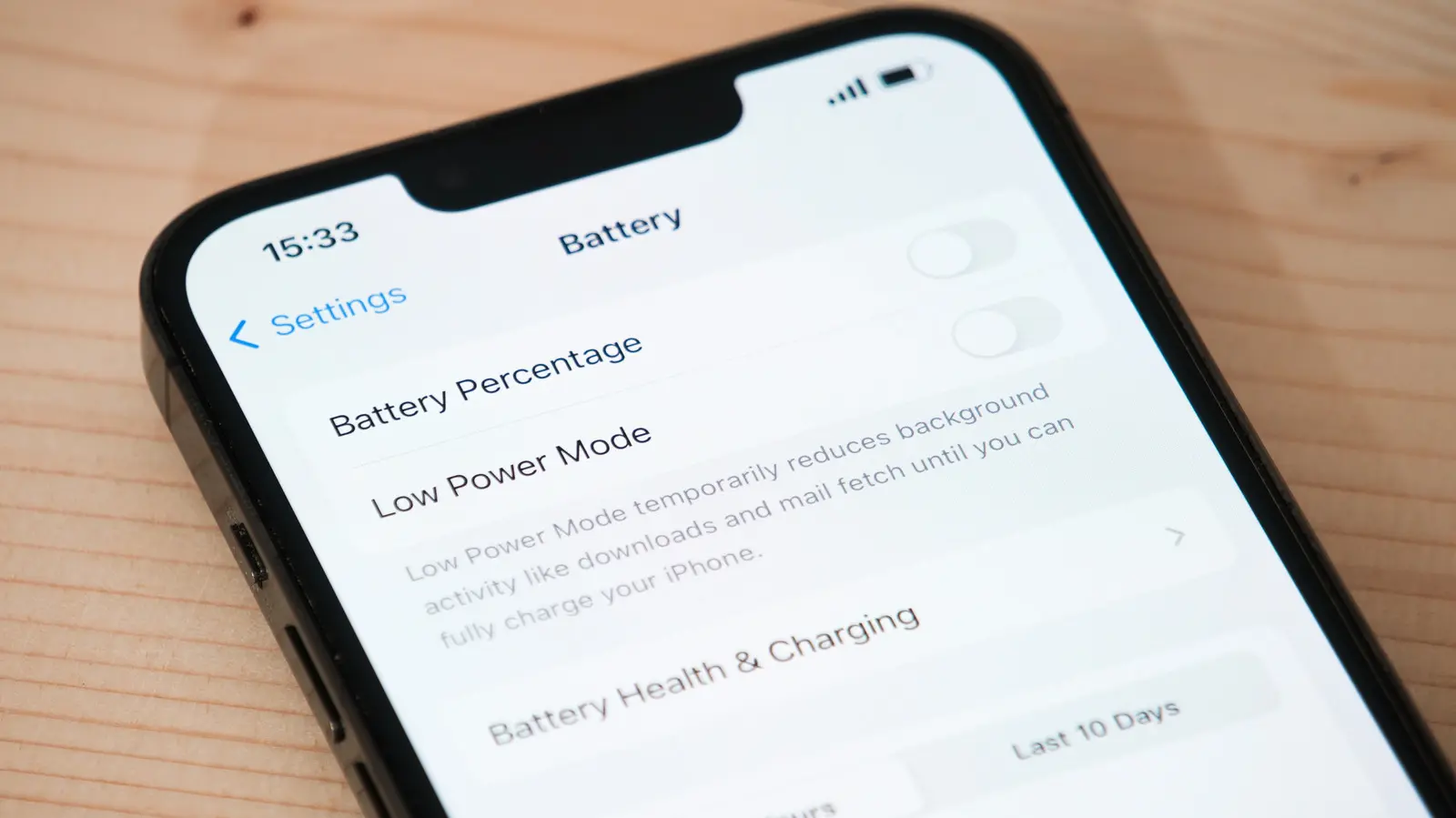
Apple’s mobile devices do not possess eternal power sources. The internal lithium-ion cells degrade steadily with age and usage cycles. Users often notice performance shifts before total failure occurs. Identifying these early indicators helps owners plan for maintenance. This process prevents unexpected shutdowns during critical moments. Awareness of battery health is essential for modern smartphone users who rely on their devices daily.
Latest news
 Why the Rumored iPhone Duo Excites Android Foldable Fans
 AMD's Canceled Ryzen 9 5900X3D Leaks Online
 California Subpoenas OpenAI Over Autonomous AI Hacking Risks
 Nvidia-Backed UK Supercomputer Faces Multi-Year Power Delay
The physical and digital symptoms of a failing battery are distinct. A swollen back panel is a primary visual cue. The device may feel thicker or push against the screen. Digital indicators appear within the settings menu. Apple provides a maximum capacity percentage that reflects wear. When this figure drops below eighty percent, efficiency suffers. The phone holds charge for shorter periods between plugs. Sudden drops from full to low power indicate instability. These patterns signal that the chemical structure inside the cell is breaking down.
Physical changes offer immediate evidence of distress. The rear glass or metal casing may bow outward. This happens when gas builds up inside the battery pack. Pressure increases until the housing cannot contain it. Users should inspect the device regularly for this bulge. If the screen lifts slightly, the battery is likely compromised. Beyond physical signs, software tracks the condition accurately. Navigate to the battery health section in settings. The maximum capacity number shows current potential versus new state. A value under eighty percent suggests significant degradation. Apple recommends service when this threshold is crossed. Performance management may also activate automatically. The system throttles speed to prevent random shutdowns. This feature preserves stability but reduces responsiveness.
How To Verify Battery Health Status
Checking the internal status requires simple steps. Open the settings application on the device. Select the battery option from the main list. Tap the battery health and diagnostics entry. The screen displays the current maximum capacity. Compare this number against the one hundred percent baseline. Also check the recommended service toggle. If enabled, the phone has flagged itself for attention. Users can also monitor peak performance. A sudden drop in gaming or video editing speed hints at issues. Regular updates ensure the diagnostic tools remain accurate. Keeping the operating system current helps track these metrics reliably.
Ignoring these warnings leads to operational problems. The phone may shut off unexpectedly during calls. Data loss becomes a risk if the power cuts abruptly. In severe cases, swelling damages other internal components. Replacing the battery restores original performance levels. It extends the usable life of the hardware significantly. Owners should address these signs promptly. Proactive maintenance saves money compared to buying a new device. Monitoring both physical shape and digital reports ensures safety.
Frequently Asked Questions
What does a low maximum capacity percentage mean? This metric indicates how much charge the battery holds compared to when it was new. A lower percentage means the battery is worn out and drains faster.
Can a swollen battery be fixed without replacement? No, swelling is a structural issue caused by gas buildup. The battery must be replaced to relieve pressure and prevent further damage.
How often should I check battery health? Users should review this setting every few months. This routine check helps identify gradual degradation before it causes major performance drops.
Comments
Leave a comment