From Calls to Conversations
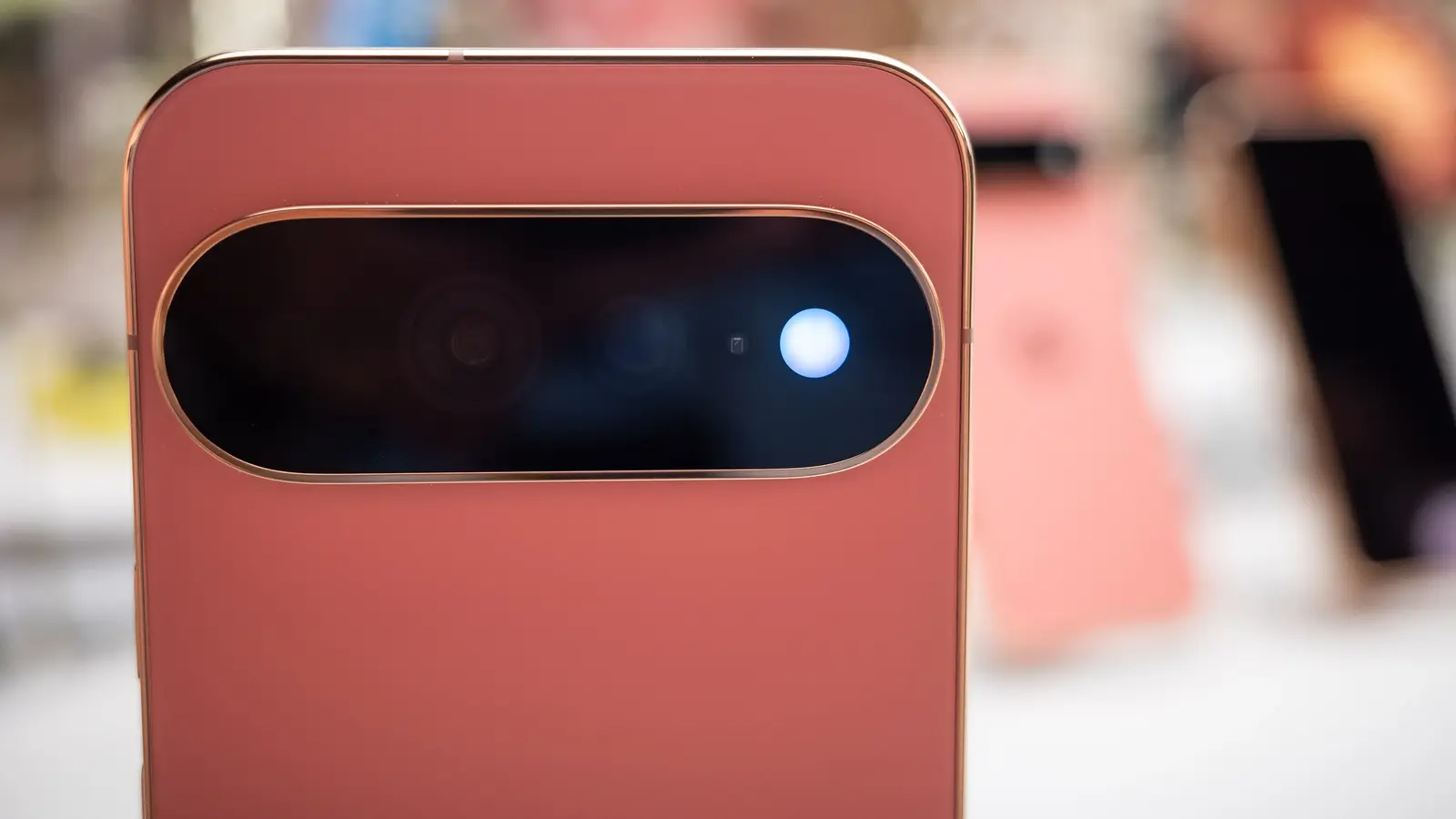
Google has expanded the HiLight LED feature on its latest flagship devices. The multicolored light now activates when specific contacts send texts through Google Messages. This update arrived via a Pixel Drop release announced on Tuesday. The change applies to the Pixel 11 Pro, Pro XL, and Pro Fold models.
Latest news
 Smart TVs frequently lose their Wi-Fi connection, leaving viewers staring at a spinning loading icon
 Why Ignoring Car Software Updates Is Risky
 Apple's foldable iPhone Duo introduces dual-display multitasking capabilities
 FCC Weighs Reciprocal Limits on Foreign Satellite Firms
The system uses a color-coded system to help users identify incoming communications at a glance. Previously, the light only responded to phone calls and Gemini interactions. Now, it recognizes your preferred contacts, or „besties,”and flashes the corresponding color when they text you. This allows for instant visual identification without unlocking the phone or checking the screen.
Why This Matters for Daily Use
The expansion reflects Google's broader strategy to make the hardware more responsive to daily digital life. By tying the LED to personal contacts, the feature moves from a generic alert to a personalized notification system. Users can assign specific colors to their closest friends and family members. This reduces the need to check the screen for every incoming message. The update is part of a rolling software push that adds utility to the physical hardware.
This change addresses a common frustration: distinguishing important messages from noise. With the new feature, a specific color flash signals a text from a priority contact. This visual cue works even when the phone is face-down on a table. It bridges the gap between hardware indicators and software personalization. The update demonstrates how small hardware tweaks can significantly improve user experience.
Does this work on all Pixel 11 models? No, the feature is exclusive to the Pro, Pro XL, and Pro Fold. Standard Pixel 11 devices do not have the HiLight LED.
Frequently Asked Questions
Can I customize which contacts trigger the light? Yes, users can select their preferred contacts in the settings. Each chosen contact can be assigned a unique color for instant recognition.
Is this update free? Yes, the feature arrives through a standard Pixel Drop software update. No additional cost is required to access the new functionality.
Comments
Leave a comment