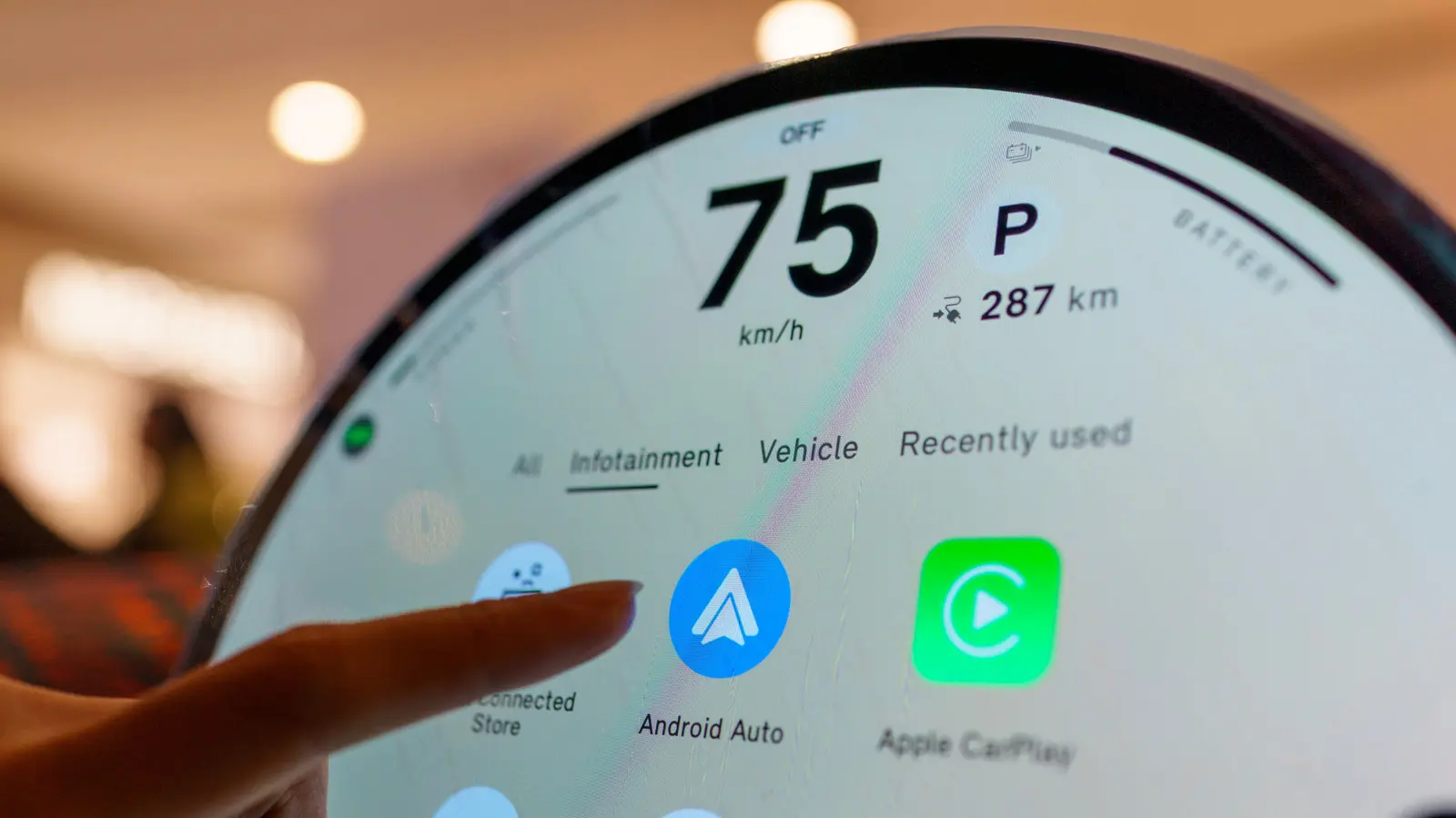
Why Car Software Updates Are Often Overlooked
When Android Auto starts malfunctioning, many users assume their smartphone is the culprit and begin troubleshooting the device itself. However, the issue may not lie with the phone at all, but rather with the vehicle's infotainment system, which also requires periodic updates to maintain compatibility. This oversight often leads to frustration as users repeatedly restart their phones or reinstall apps without resolving the underlying problem. The solution, in many cases, is as simple as checking for and installing the latest software update for the car's system.
Latest news
 Anker Unveils Playful 45W Charger With Animated Face Display
 Google Docs Web Version Still Missing Native Dark Mode
 Anthropic-Linked Vulnerability Exploited From China, Targets US and Japan
 Text‑Based AI Agents: Your New Digital Assistants
Android Auto relies on seamless communication between the smartphone and the car's head unit, meaning both ends of the connection must be running compatible software versions. While phone updates are frequently promoted and easy to install, automotive software updates are less visible and often ignored by drivers who assume their vehicle's system is static. Manufacturers periodically release updates to fix bugs, improve stability, and support newer versions of Android Auto, but these are not always pushed automatically. As a result, even a fully updated phone can fail to connect properly if the car's system is running outdated firmware.
How Can You Check If Your Car Needs an Update?
Unlike smartphones, which notify users of updates regularly and make installation straightforward, car infotainment systems typically require manual checks through settings menus or dealership visits. Many drivers are unaware that their vehicle's software can be updated at all, let alone that it might be necessary for optimal smartphone integration. This lack of awareness contributes to prolonged issues with Android Auto, including connection drops, unresponsive interfaces, or missing features. Dealerships may not proactively inform customers about available updates unless brought in for other service, leaving the responsibility squarely on the owner to seek out the information.
To determine whether your vehicle's software is current, begin by consulting the owner's manual or the manufacturer's website for instructions specific to your make and model. Some brands allow over-the-air updates via Wi-Fi, while others require a USB drive or a visit to a service center. Once you locate the update section in the system settings, compare the current version number with the latest available online. If an update is available, follow the prompts to install it, ensuring the vehicle remains powered throughout the process. After updating, reconnect your phone and test Android Auto to see if the issue persists.
How often should I check for updates to my car's infotainment system? It's a good practice to check for updates every few months or whenever you experience issues with smartphone integration like Android Auto or Apple CarPlay.
Frequently Asked Questions
Can updating my car's software void the warranty? No, installing official updates from the manufacturer does not void your vehicle's warranty and is often recommended to maintain system performance and security.
What if I can't find an update for my car's system? If no update is available through official channels, contact your dealership or the manufacturer's support team to confirm whether your model is eligible for recent software releases.
Comments
Leave a comment