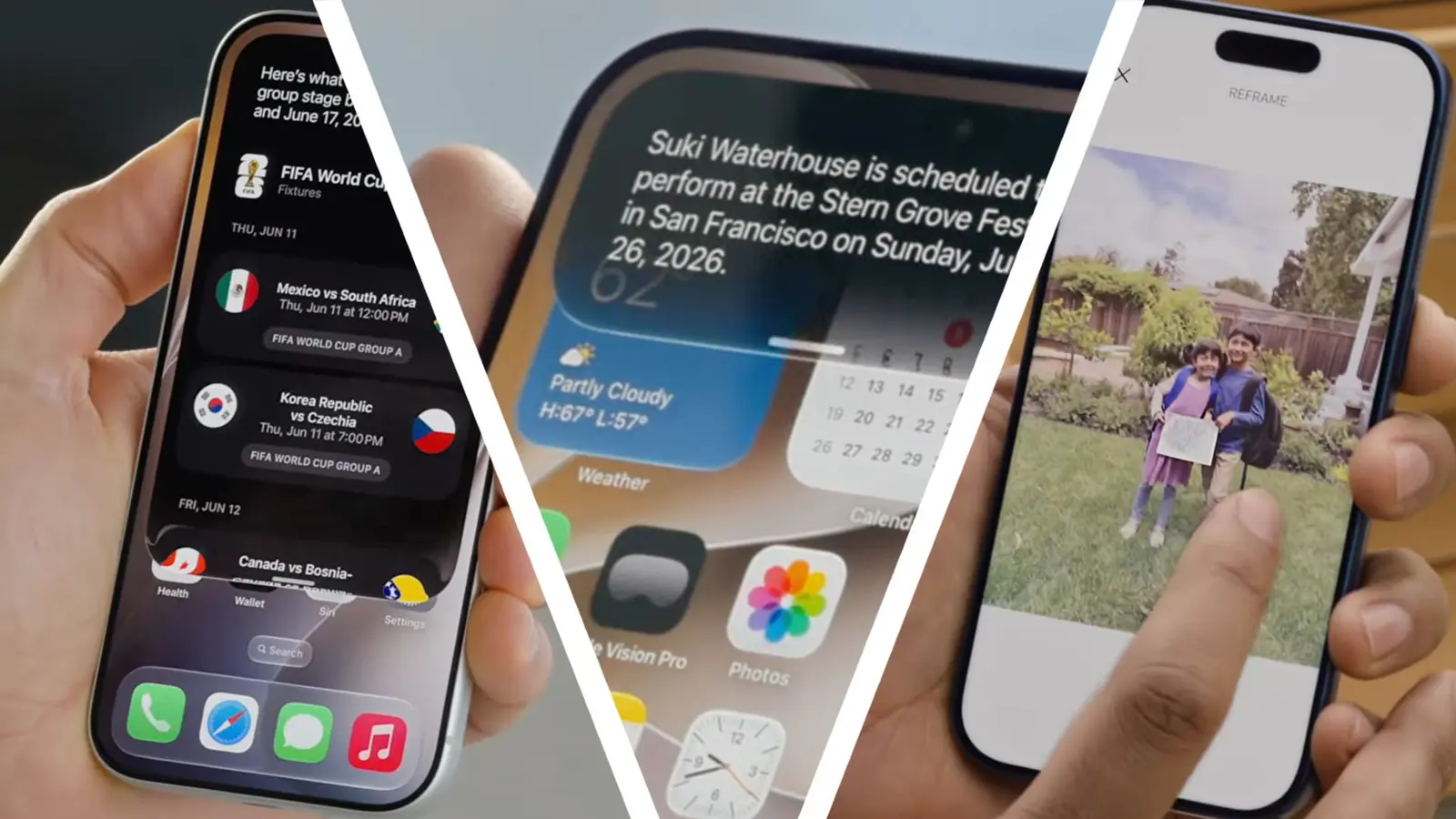
Early Adopters Face Frustrating Screen Lag and Unresponsiveness
Thousands of i Phone owners have reported significant touchscreen malfunctions following the rollout of iOS 27. The update, released in late September 2026, introduced numerous new features alongside unexpected bugs. Users across various models are experiencing unresponsive screens and laggy performance. These post-update issues have created frustration among early adopters who expected a smoother transition.
Latest news
 Anker Unveils Playful 45W Charger With Animated Face Display
 Google Docs Web Version Still Missing Native Dark Mode
 Anthropic-Linked Vulnerability Exploited From China, Targets US and Japan
 Text‑Based AI Agents: Your New Digital Assistants
The primary complaint involves the display failing to register touches accurately. Some users describe the screen becoming completely unresponsive for short periods. Others note that taps require multiple attempts to execute commands. This behavior disrupts daily tasks such as typing messages or navigating apps. Performance dips have also been observed, with apps taking longer to launch than usual.
Community forums and social media platforms are flooded with reports detailing these glitches. Many affected users state that restarting their devices temporarily resolves the issue. However, the problem often returns after a few hours of use. Developers are currently investigating the root cause of the instability. Apple has acknowledged the feedback and is working on a patch. The company aims to address the most critical bugs in an upcoming minor update.
Will Apple Release a Fix Soon?
Users who upgraded immediately during the first week of release seem most affected. Those who waited for the initial wave of fixes report fewer problems. This suggests that the core software code may contain timing errors. These errors likely interfere with how the operating system processes touch inputs. The hardware itself remains functional, confirming this is a software-level defect.
Apple typically releases point updates within days of major OS launches. Historically, these patches target the most visible user complaints. Given the volume of reports, a fix is expected soon. The company has not announced a specific timeline yet. Users can check for updates through the standard settings menu. Enabling automatic updates ensures they receive the patch as soon as it becomes available. For now, manual restarts serve as the best temporary workaround.
The situation highlights the common trade-off between early access and stability. While iOS 27 offers powerful new capabilities, the initial release carries inherent risks. Most experts advise patience, noting that such teething issues rarely persist long-term. The broader ecosystem, including third-party apps, is also being tested against the new framework. Future updates will likely refine these interactions further.
Frequently Asked Questions
Does restarting my i Phone permanently fix the touchscreen bug? No, restarting only provides a temporary solution. The glitch typically returns after several hours of normal usage. A software update from Apple is required for a permanent fix.
Which i Phone models are most affected by iOS 27 issues? Reports indicate that all recent i Phone models are experiencing these problems. There is no evidence that older devices are immune to the touchscreen lag.
Should I wait before updating to iOS 27? If you have not updated yet, waiting for the next minor patch is advisable. This allows Apple to resolve the initial batch of reported bugs first.
Comments
Leave a comment